yFiles Gallery Showcasing the flexibility, power, and beauty of network visualizations.
Below is a compilation of carefully selected visuals we've created over the years. Most highlight the capabilities of our yFiles libraries, while some are included simply because we love them!
Enjoy!
Check out some inspiring applications and demos that show the advanced layouting feature in real-time, on the demos page.


Thank you!
Your message has been sent.
We'll get back to you as soon as possible.
Automatic layout of networks and diagrams
The yFiles library embodies many advantages, including its ability to automatically draw networks and diagrams. yFiles layout algorithms enable you to create clear, robust and dynamic Flow Charts, UML Diagrams, Organization Charts, Sankey Diagrams, Family Trees, Business Process Diagrams, etc.
Below are some of the many layout styles offered by yFiles.
Hierarchical layout
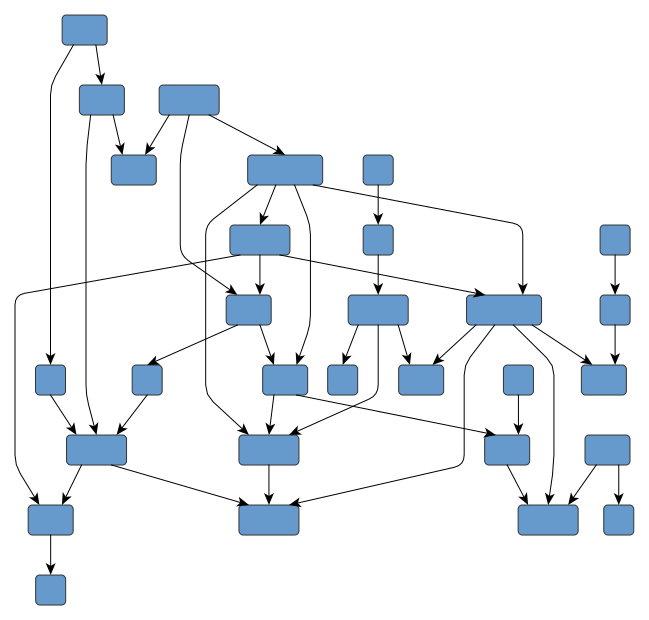
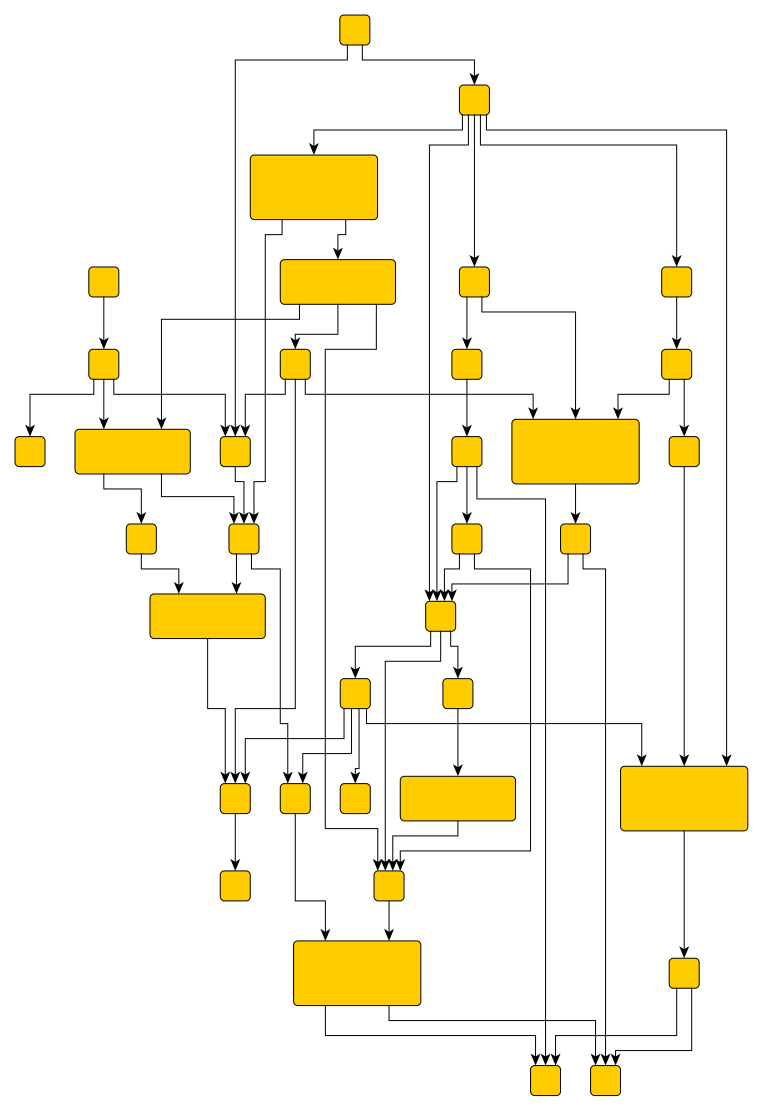
Emphasizes the direction of the main flow in diagrams and networks and also identifies hierarchy levels and dependencies. It supports orthogonal drawings and grouped diagrams.
Ideally suited for biochemical pathways, dependency analysis, workflow diagrams, flow charts, business process modeling, or UML diagrams.
Organic layout
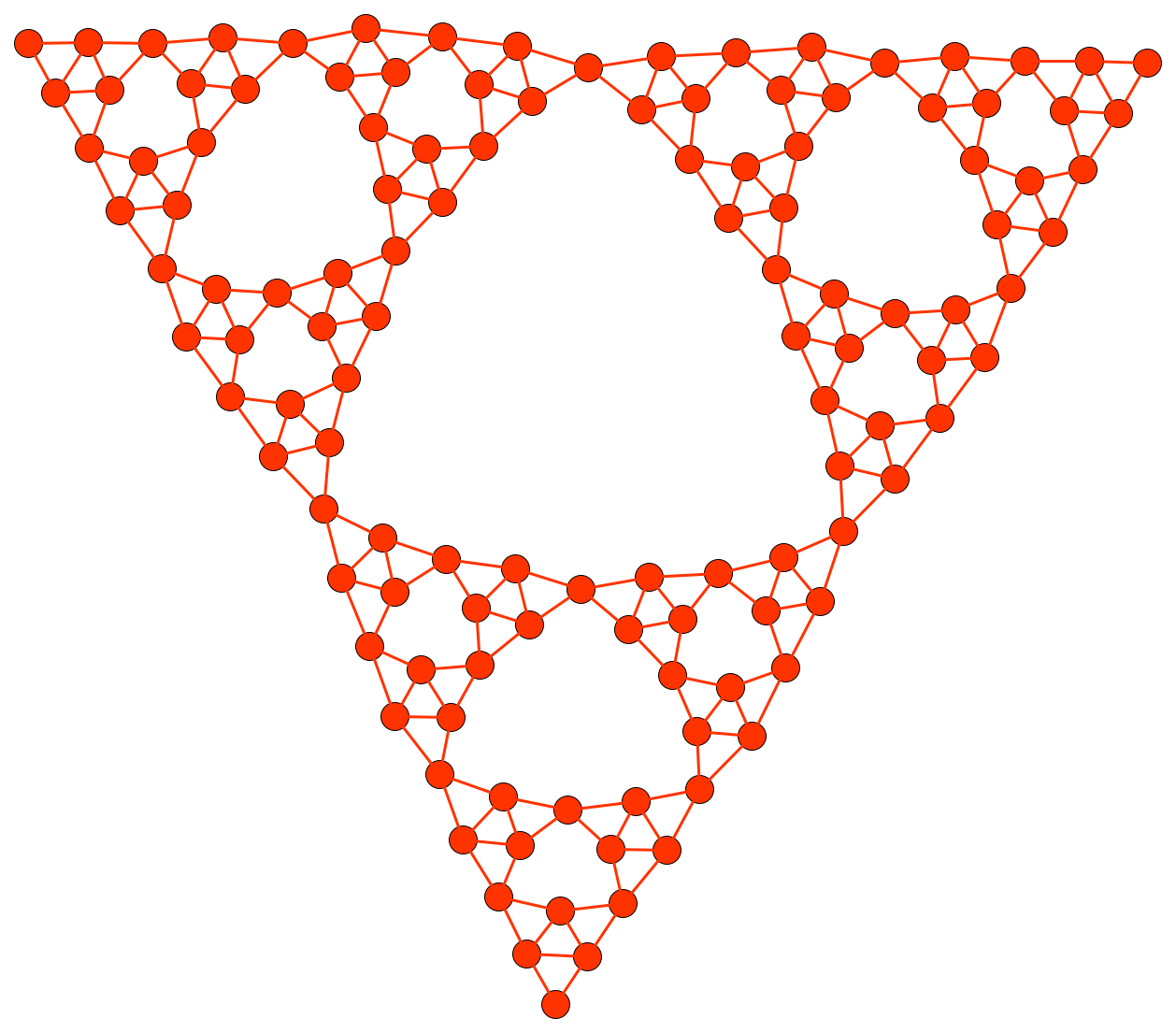
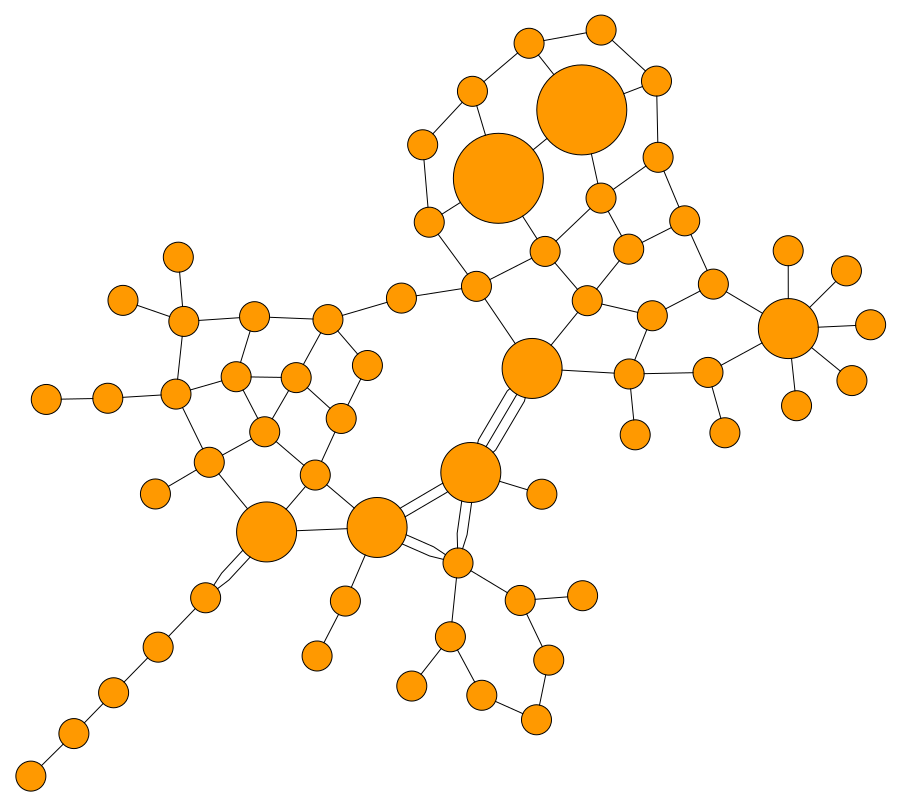
Emphasizes data-inherent groupings and symmetries and provides insight into the interconnectedness of large and complex structures. It supports grouped diagrams.
Ideally suited for semantic networks, biochemical reaction networks, or computer network structures.
Orthogonal layout
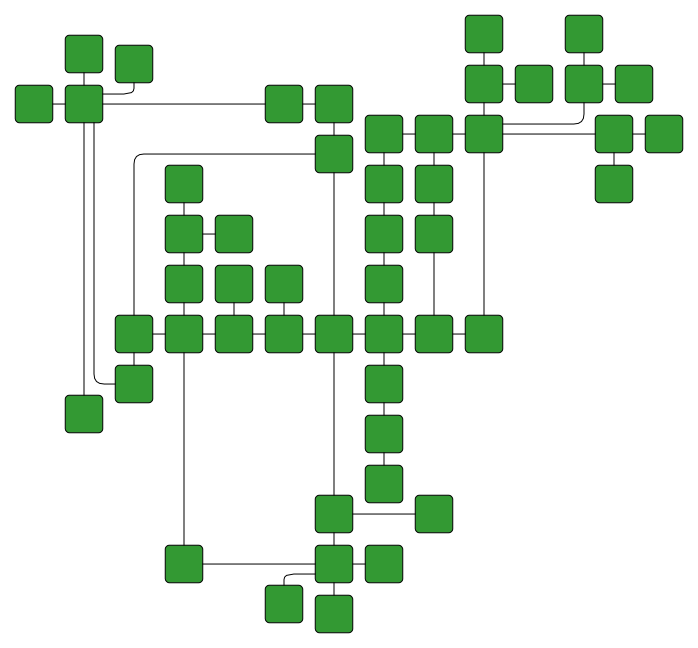
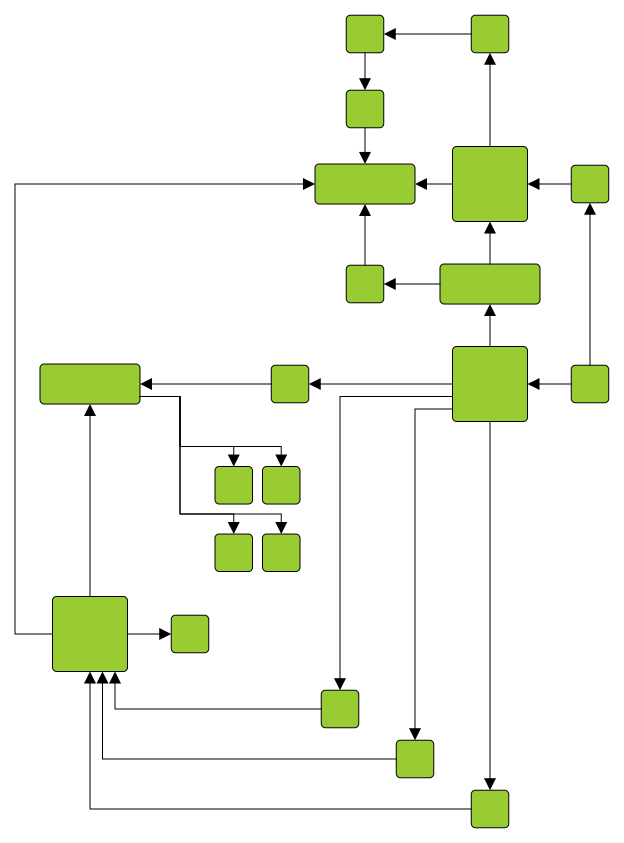
Produces clear diagrams featuring orthogonal connections exclusively, with connections routed to minimize crossings and bends. It supports grouped diagrams and exclusive routing of connections.
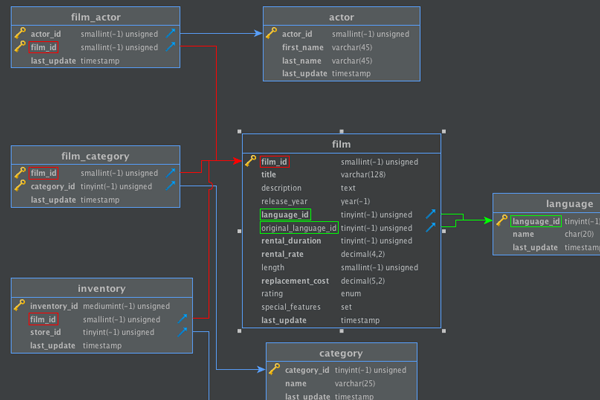
Ideally suited for database modeling, software engineering, or UML diagrams.
Tree layout
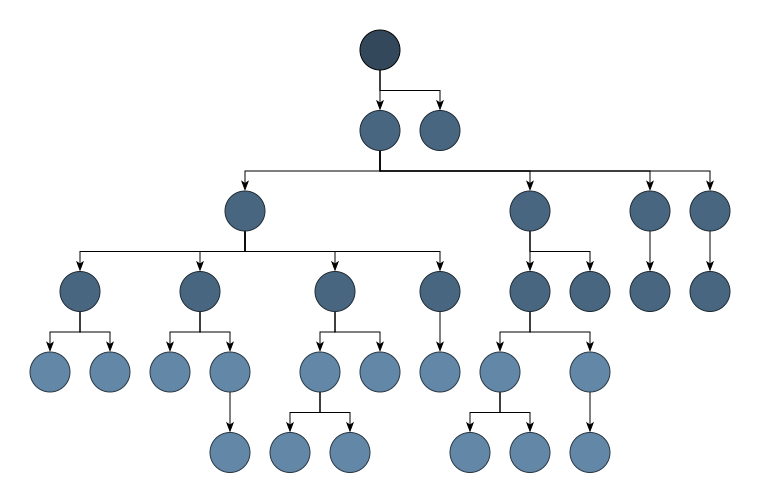
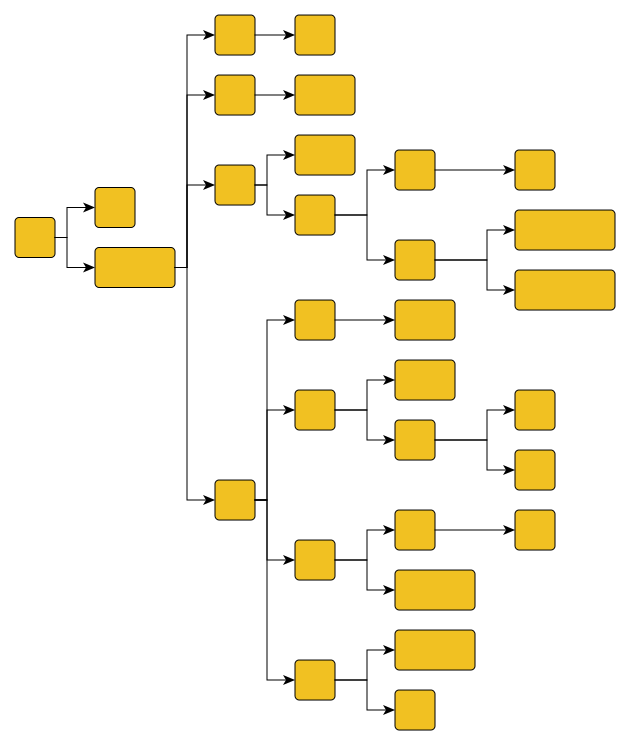
Optimally arranges tree-like structures. Offers directed as well as radial styles (see Radial tree layout) and supports compact arrangements.
Ideally suited for genealogies, directories, mind-mapping, or organization charts.
Radial layout
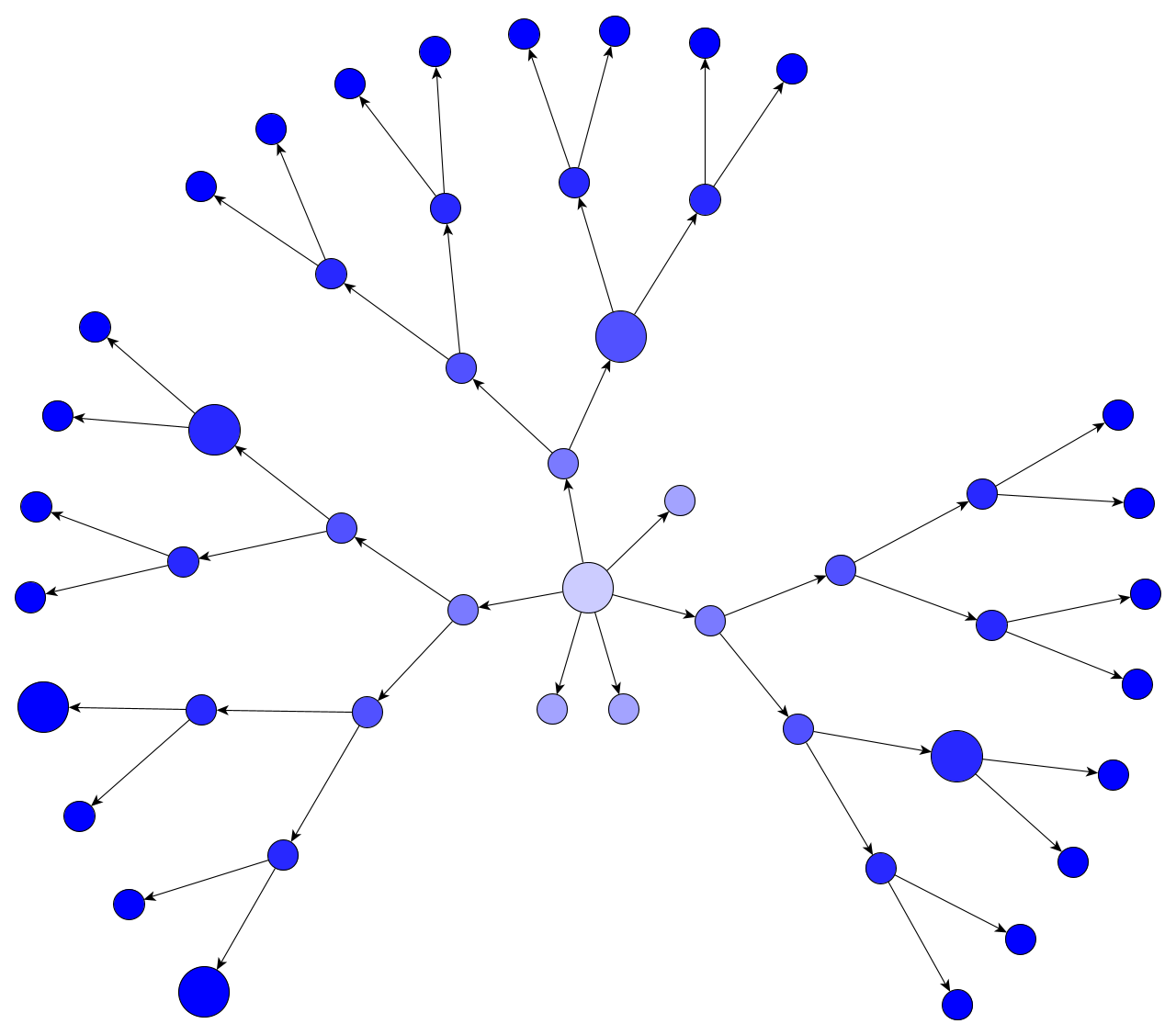
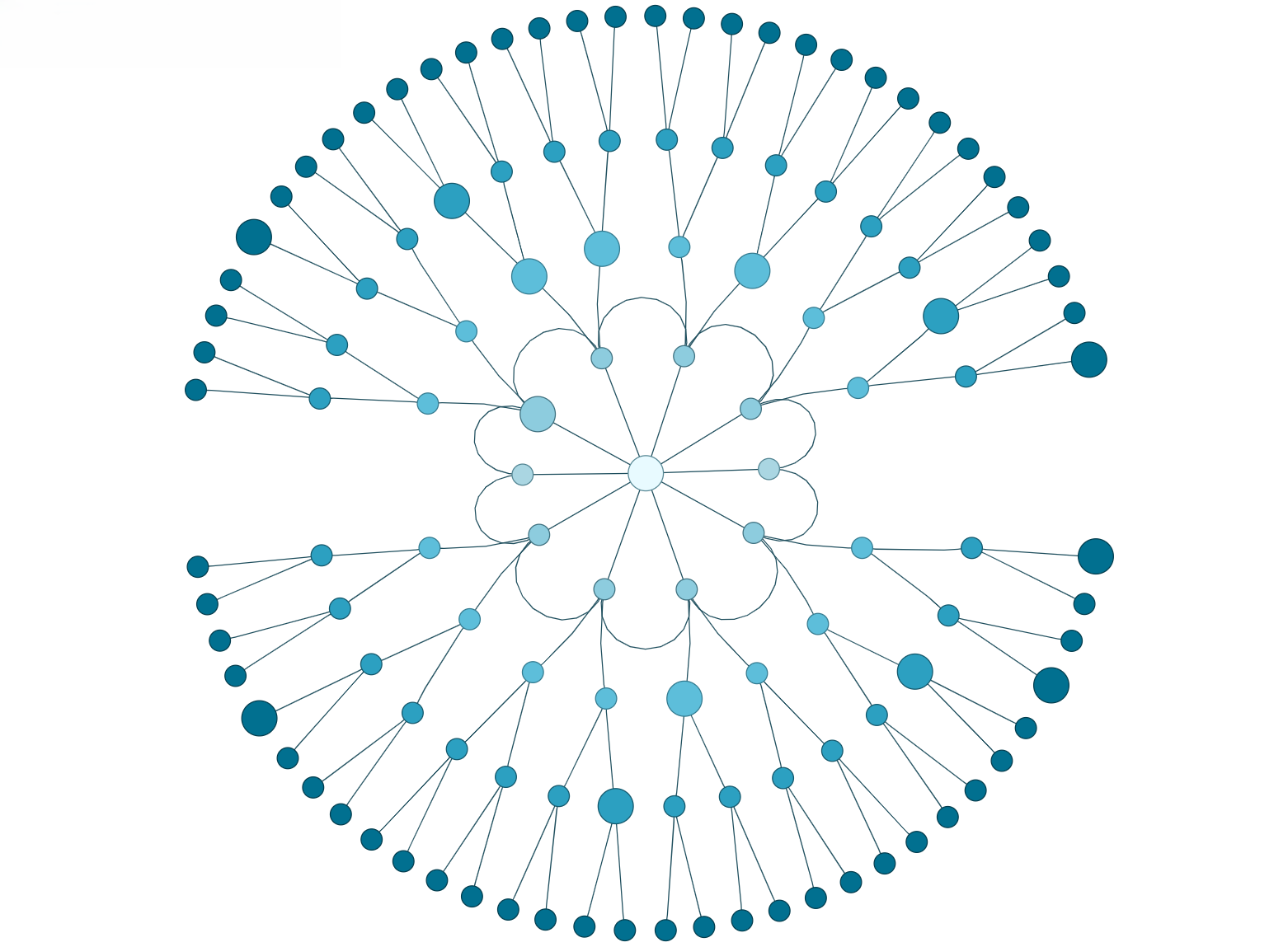
Arranges nodes concentrically around a center point, creating distinct layers or circles. It is especially suitable for visualizing social networks, cluster structures, and bioinformatics data.
Supports various layering strategies to clearly depict hierarchical and circular relationships. Ideal for applications in network analysis, data clustering, and hierarchical representations.
Radial tree layout
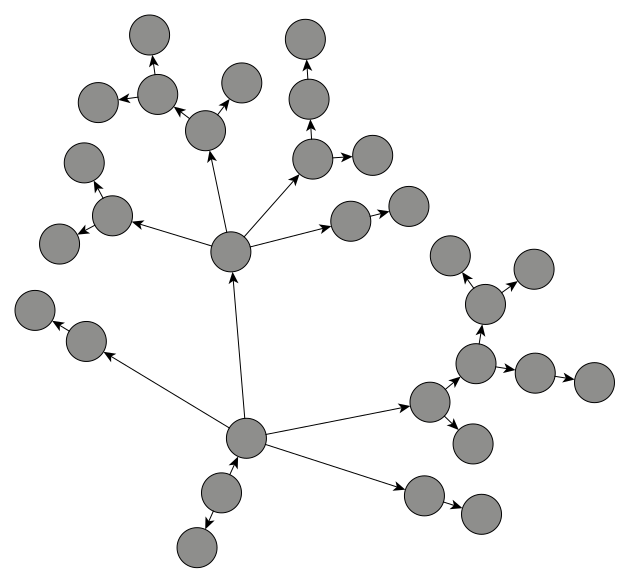
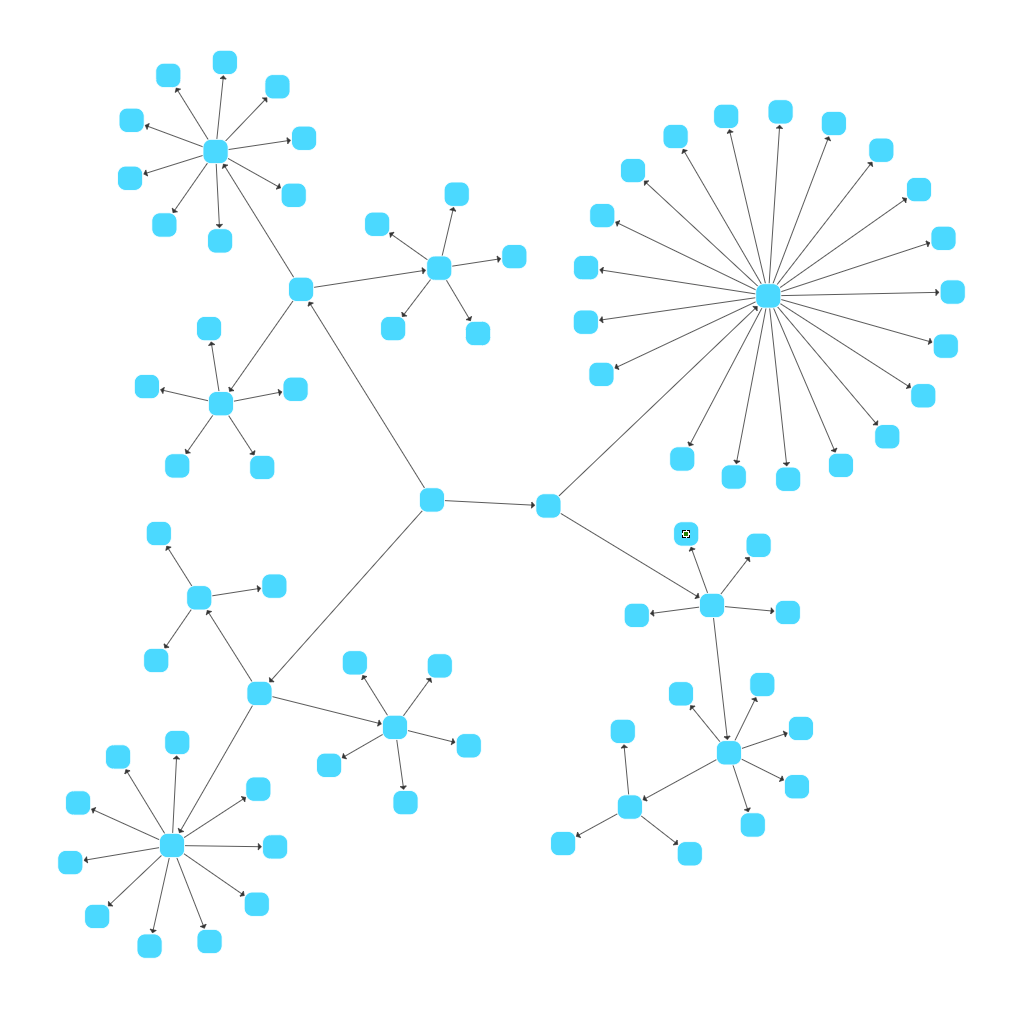
Positions tree structures in a radial fashion, spreading nodes evenly around a center point to highlight hierarchical relationships.
This layout is well suited for genealogies, organizational charts, and any diagram requiring a balanced radial representation of tree data.
Radial group layout
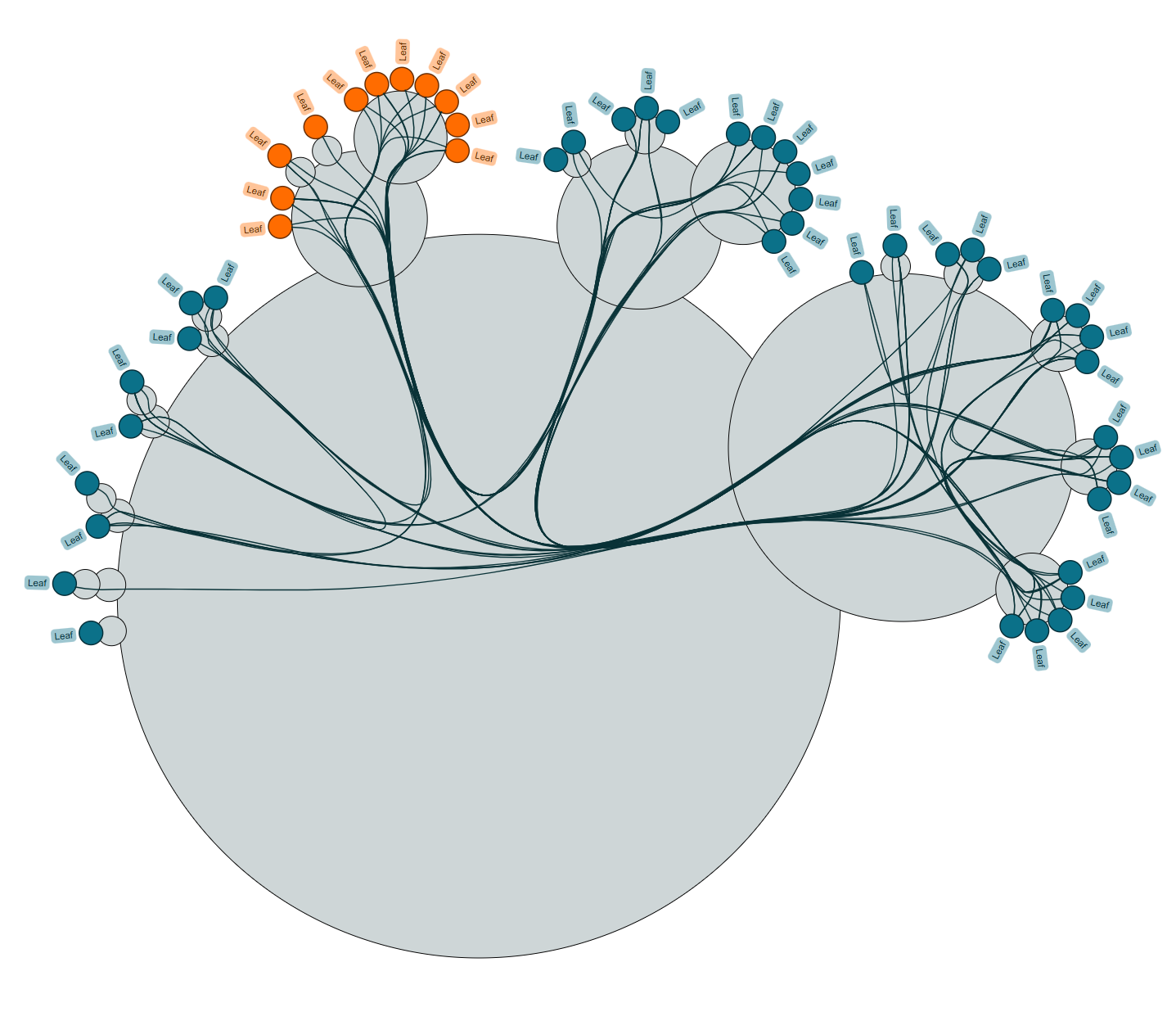
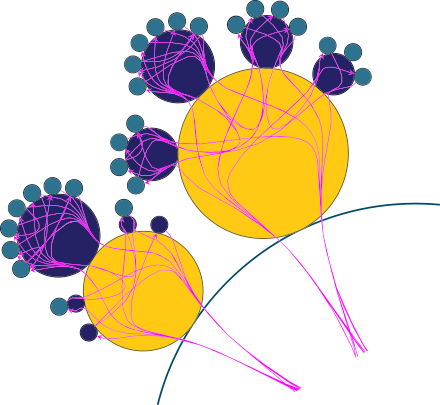
Arranges grouped graphs recursively in concentric circles, emphasizing the hierarchical and group structure within networks.
It supports flexible sizing policies for group nodes and layout customization, making it ideal for visualizing complex modular or clustered data.
Circular layout
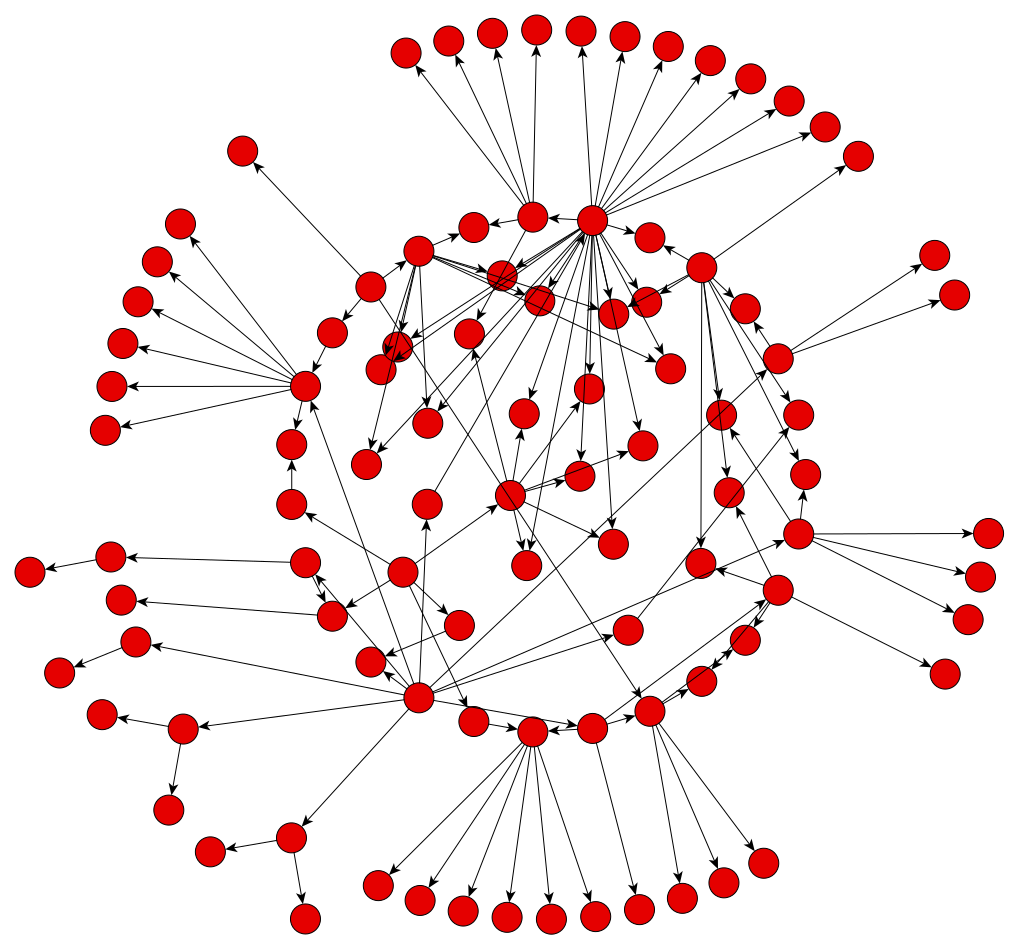
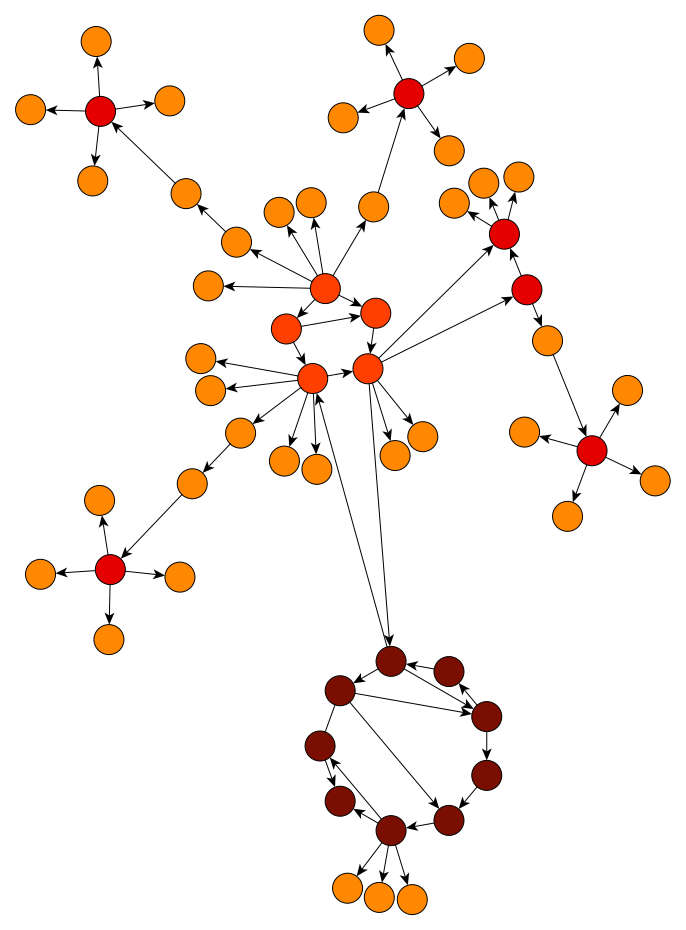
Emphasizes ring and star topologies in networks. Groups objects according to the network's structure and arranges them on circles or using radial tree structures.
Ideally suited for network management, web visualization, or social networks.
3D Organic layout
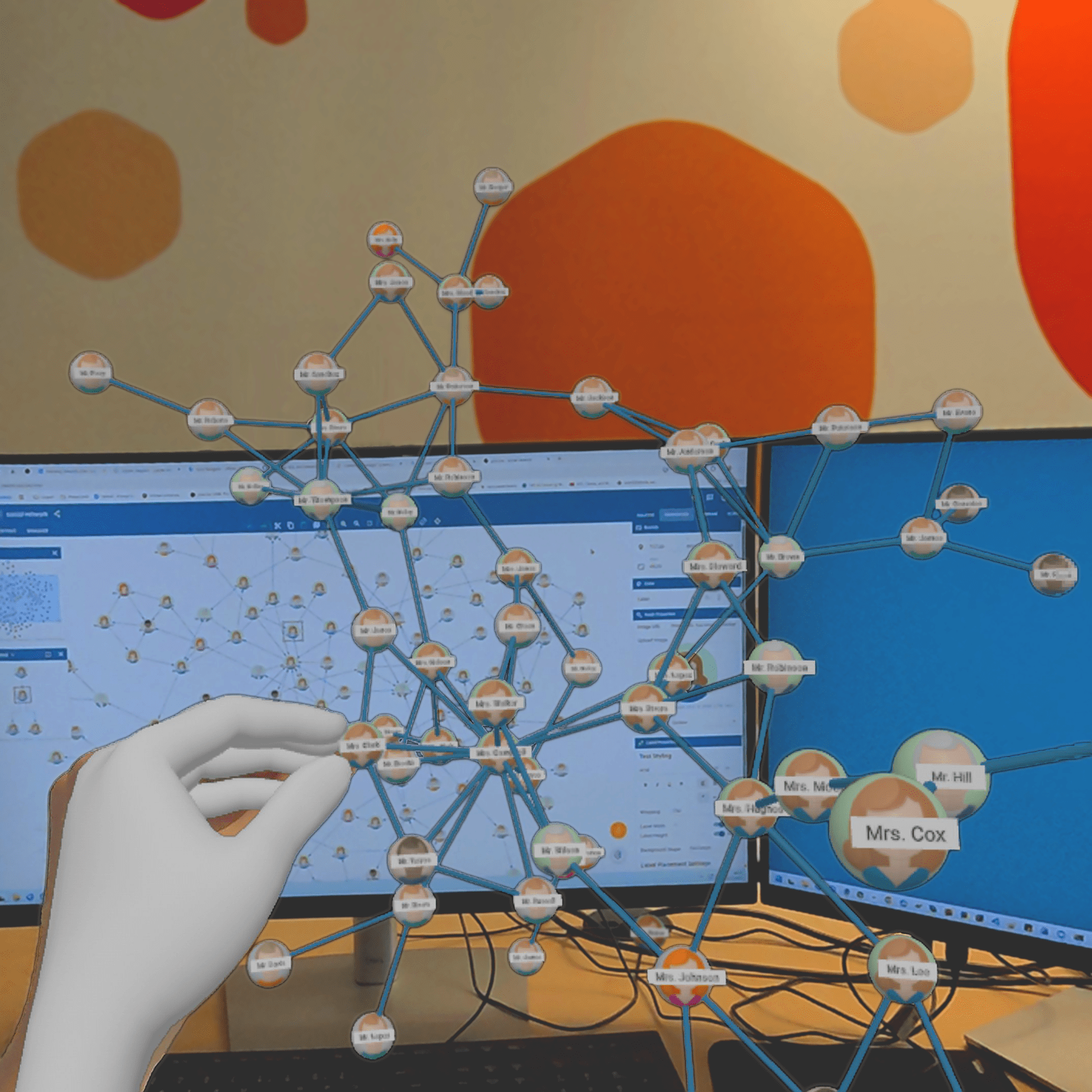
Explore this immersive 3D Organic layout rendered with yFiles and captured in AR on a Meta Quest 3. The scene demonstrates how a 3D force-directed (Organic) layout reduces edge crossings and reveals cluster structure that is difficult to spot in 2D views. Use yEd Live to open, grab, rotate and scale the graph in your space for interactive inspection—a workflow that improves data comprehension and supports better decision-making.
About yFiles — the engine behind stunning network visualizations

yFiles is your go-to SDK for crafting advanced graph visualizations, whether you're working with Web, Java, or .NET technologies. Its unmatched flexibility and scalability enable you to convert complex data into clear, actionable visuals, fitting for both enterprise and startup needs.
With yFiles, you're equipped for the future—supporting any data source while maintaining strong data security. Getting started is seamless, thanks to over 300 source-code demos, thorough documentation, and direct access to core developer support. These resources are available even during your free trial.
Backed by 25 years of graph drawing expertise, yFiles is trusted by top companies worldwide for their most critical visualization tasks.
UML diagramming
Creating UML diagrams automatically is challenging. Many existing UML tools lack comprehensive automatic layout support. yFiles on the other hand offers superior layout engines for UML diagram creation. Below are some UML diagrams made with yFiles.
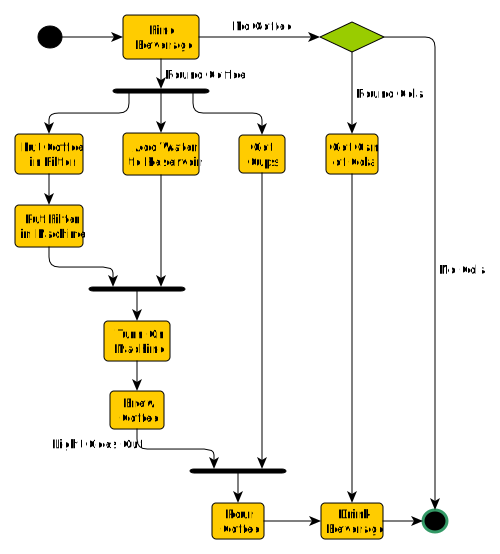
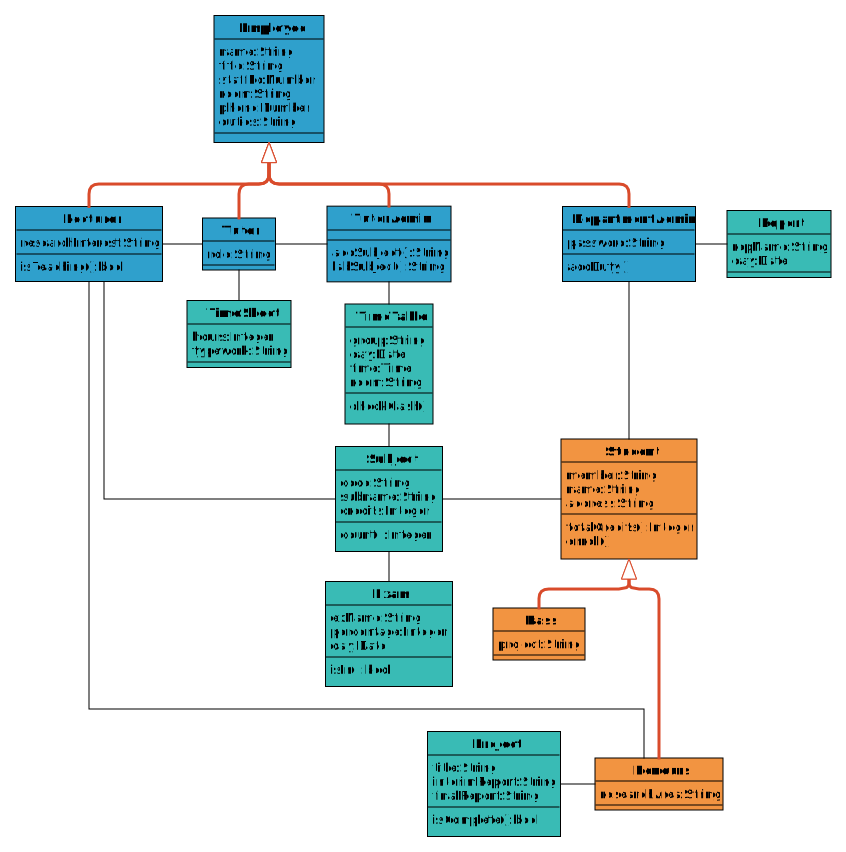
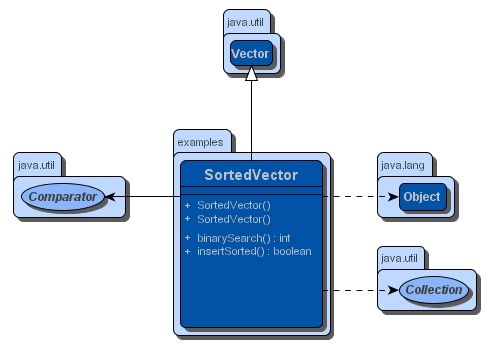
Examples of UML class diagram, activity diagram, and use case diagram. Selection of UML diagram types supported by yFiles layout algorithms.
Our Javadoc extension yWorks UML Doclet automatically generates high-quality UML diagrams and embeds them into your API documentation.
Flowcharts and swimlane diagrams
An automatic layout of swimlane diagrams presents a significant challenge. In a swimlane diagram, nodes belong to different graphically depicted lanes, and a layout algorithm needs to arrange them correspondingly.
Often, flowcharts are presented using a swimlane diagram, so that responsibilities are clearly visible.
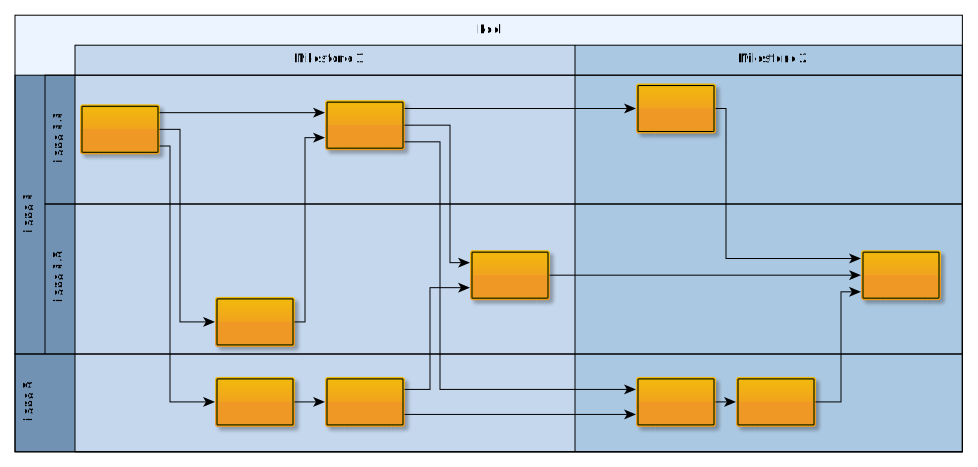
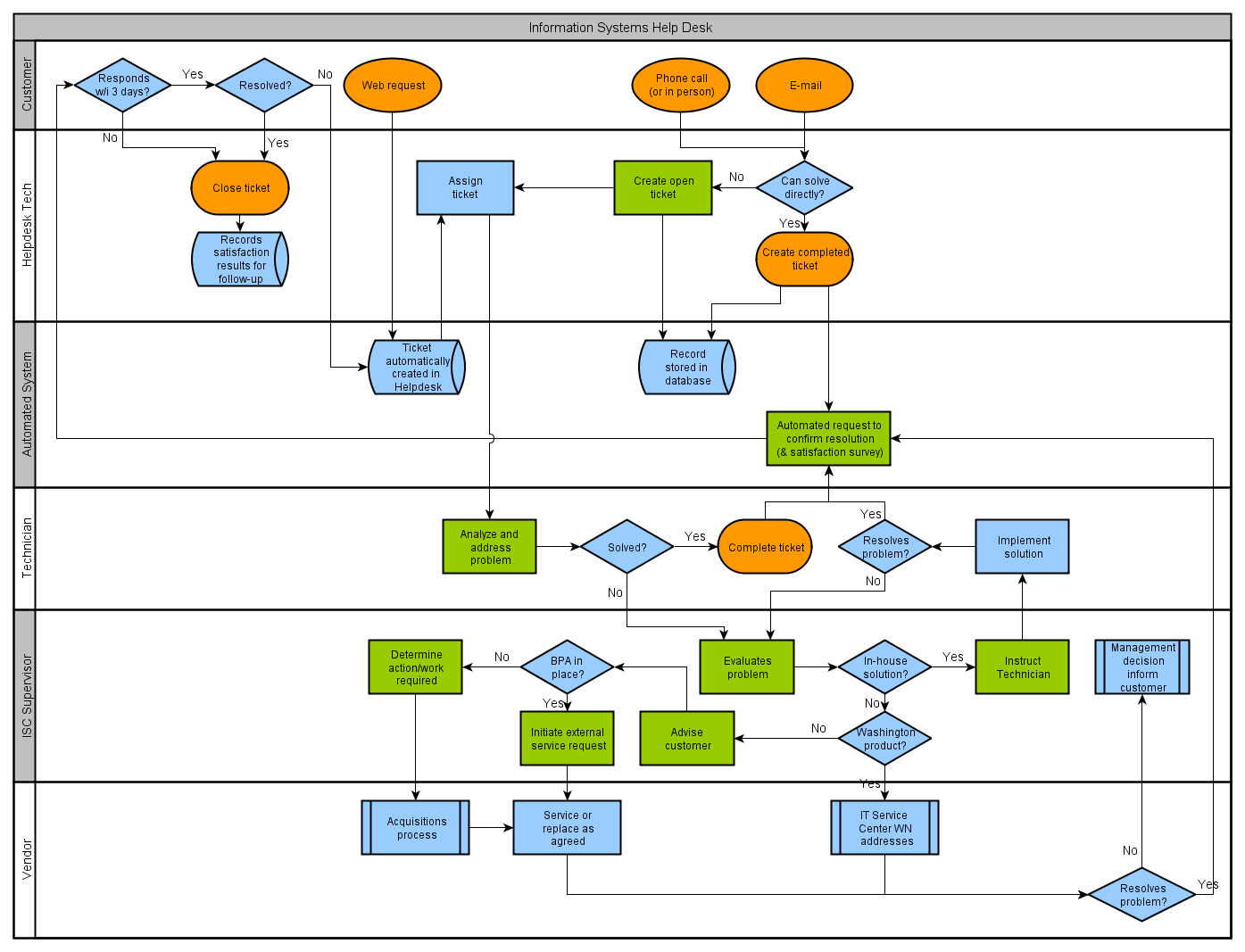
Examples of flowcharts, respectively swimlane diagrams. View our variant of the system flowchart example diagram from the Wikipedia "Flowchart" page .
Working with large graphs
Creating, editing, and visualizing large graphs with hundreds and thousands of elements is one of the strengths of our library. The following images prove that our library can handle these diagrams and networks easily.
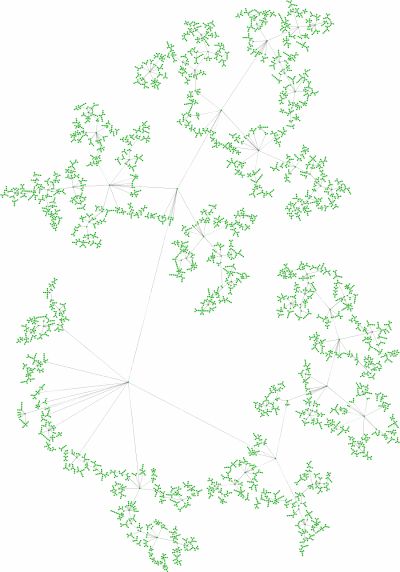
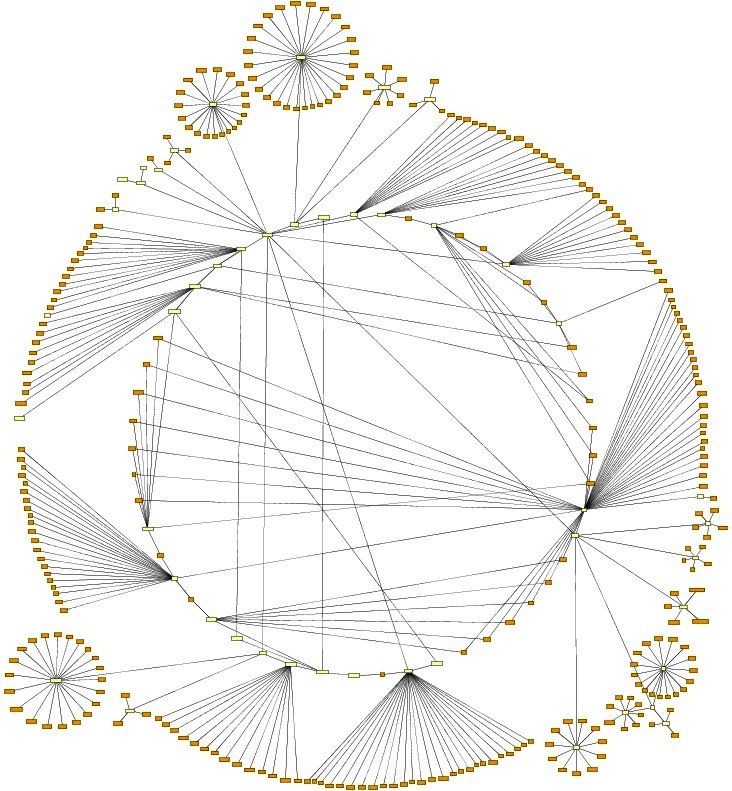
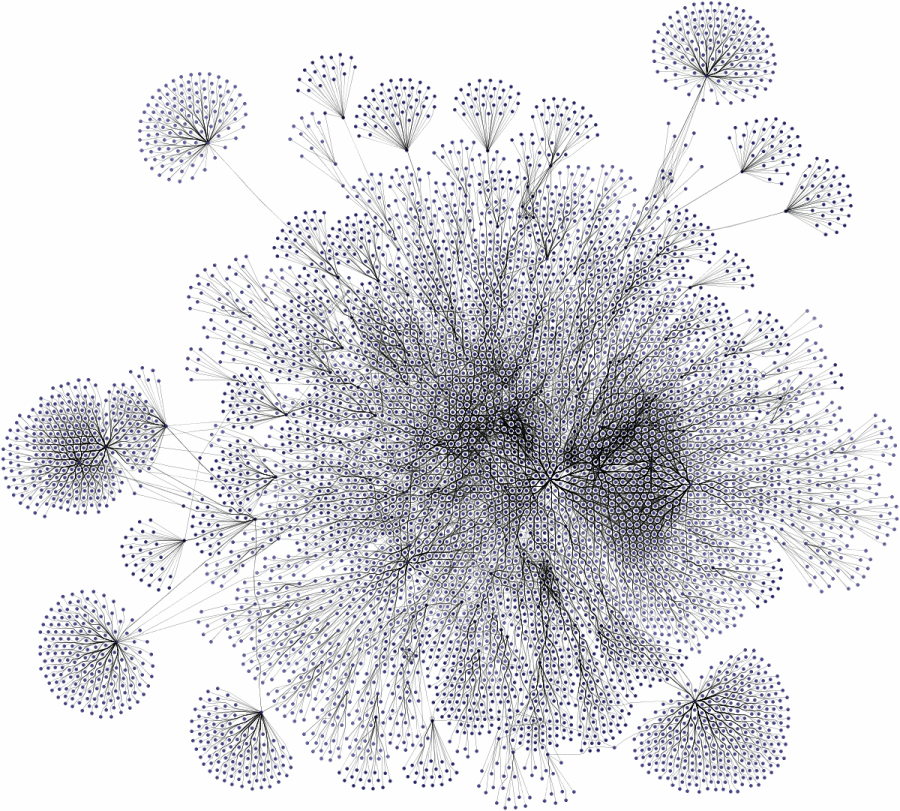
Tree, circular, and organic layout of graphs containing many nodes.
Nested graph hierarchies
The yFiles libraries support the notion of "nested graphs," i.e., the nodes of a graph may contain graphs themselves, which can be laid out like any other graph.
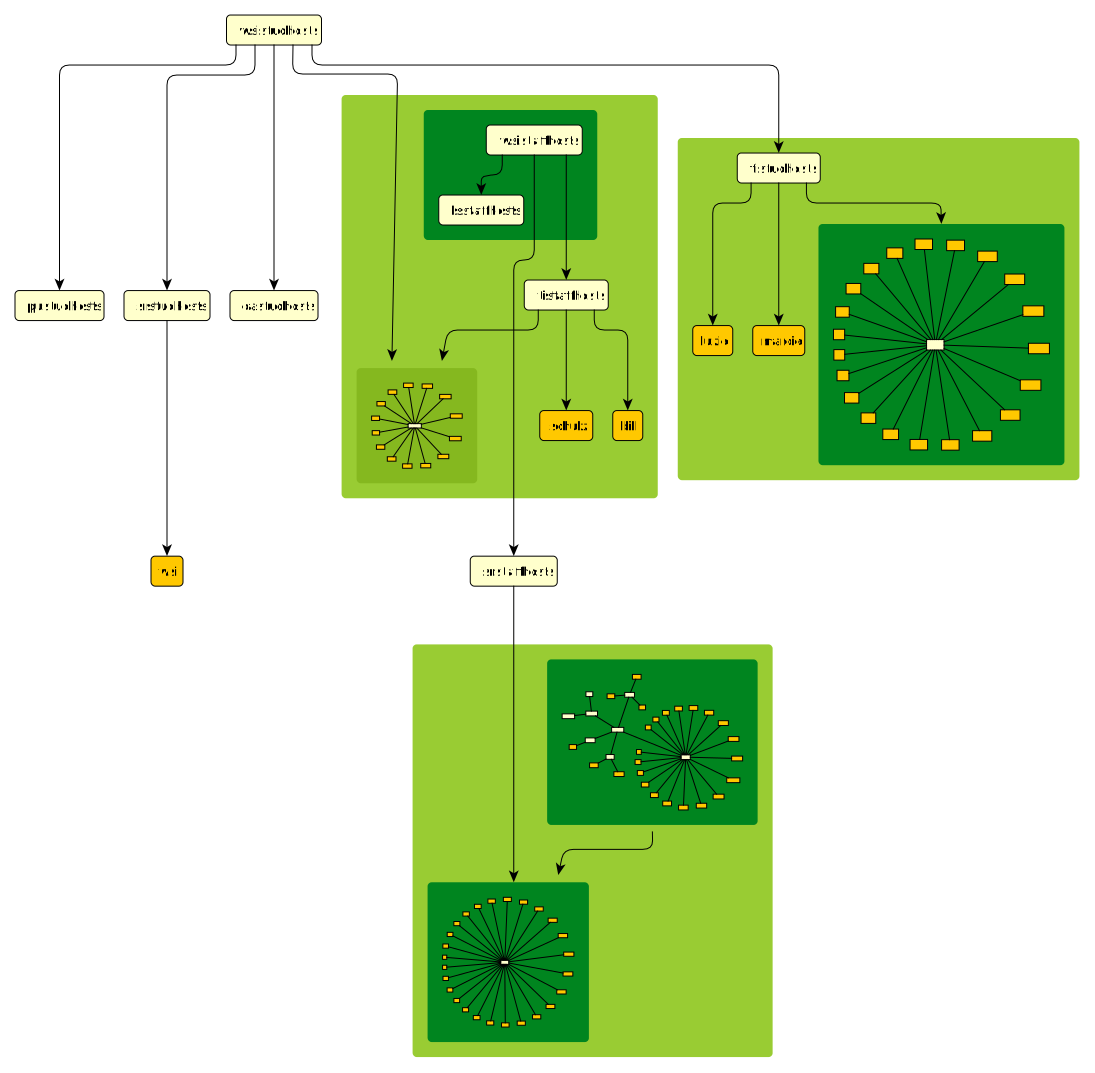
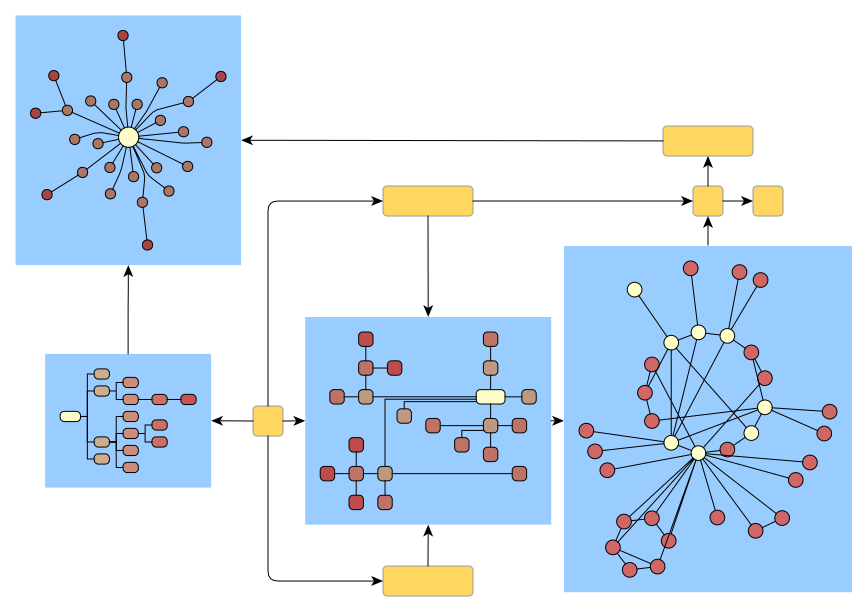
Nesting tremendously helps in organizing data more efficiently and can be done to nearly any arbitrary depth.
Visual styles and features
Our graph visualization libraries offer support for a wide range of visual styles. Below are examples of some visual styles created using yFiles.
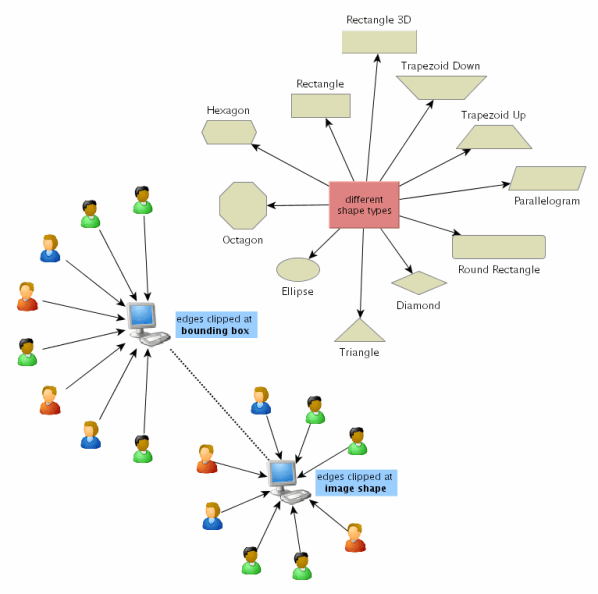
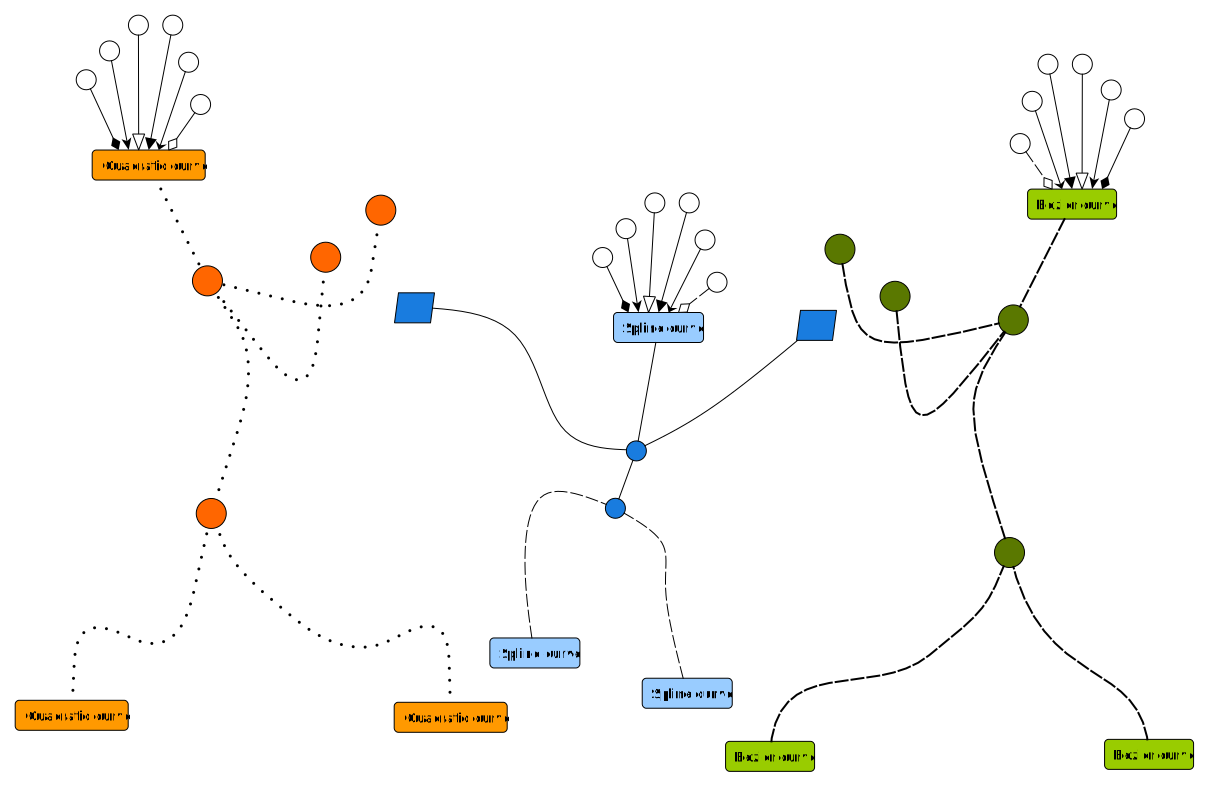
Predefined representation options for nodes and edges allow for easy customization of a diagram's appearance. Important information can be easily emphasized with minimal effort.
Layout Constraints
The yFiles graph layout algorithms provide advanced layout constraints when calculating a graph's layout.
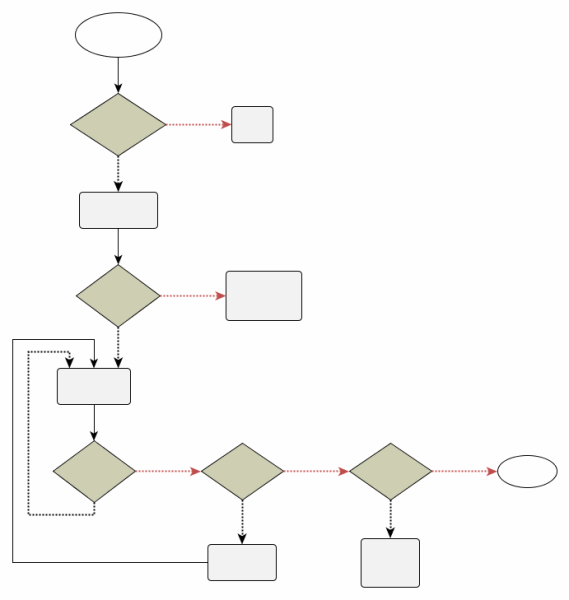
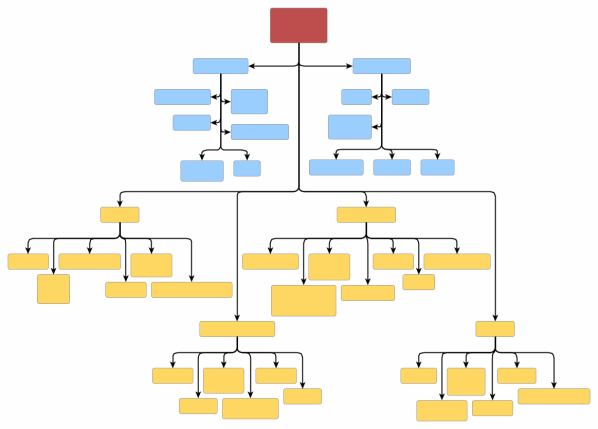
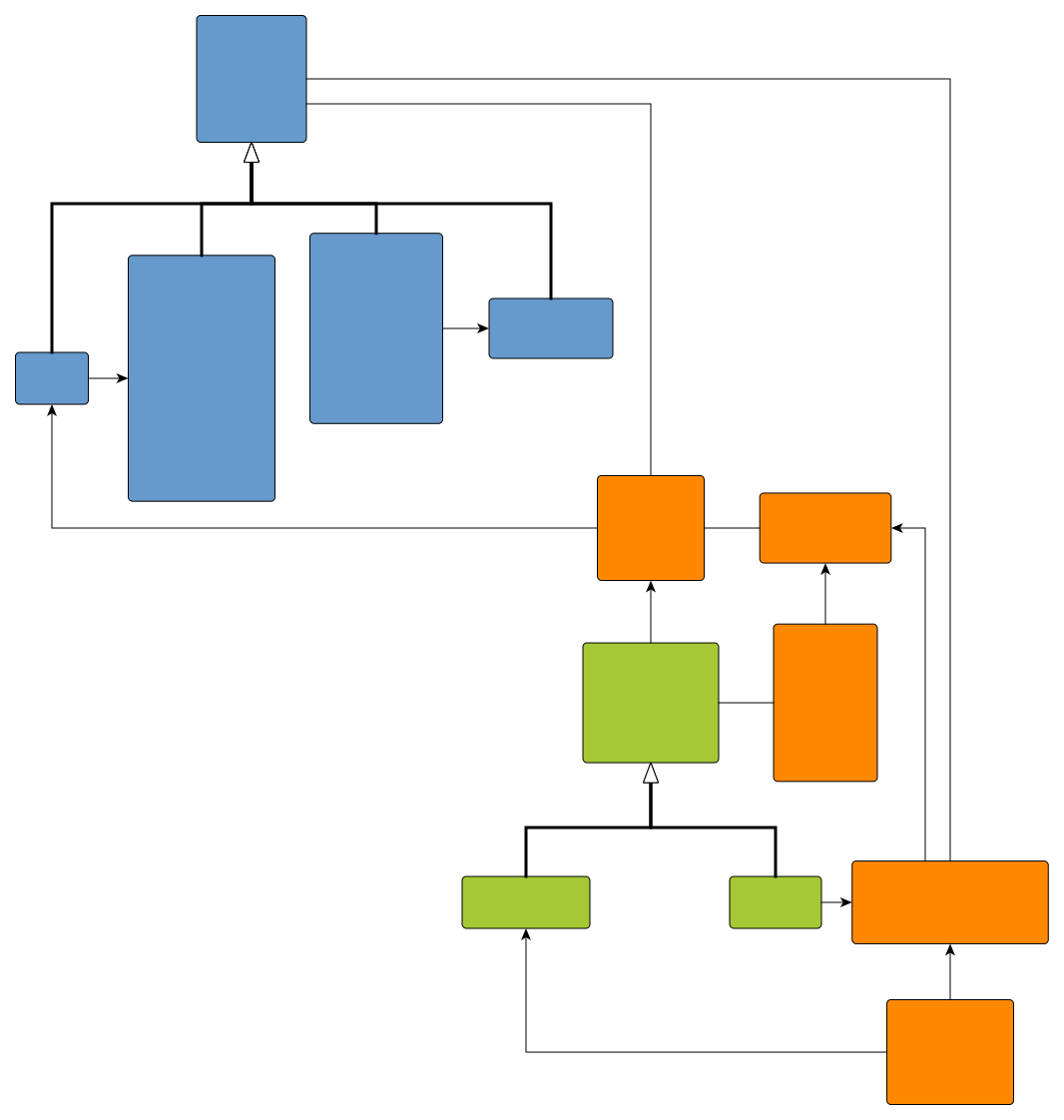
Constraints provide a flexible solution for meeting specific layout requirements tailored to different diagram types across various application domains.
For instance, they facilitate precise positioning of edge starting and ending points in flowcharts or decision diagrams, and they enable customized arrangement policies for specific nodes in organization charts.

Customer applications yFiles offers limitless layout options
This section displays screenshots of some of the different applications that our customers have built using the yFiles diagramming libraries.
Splotch
AI-driven visualization
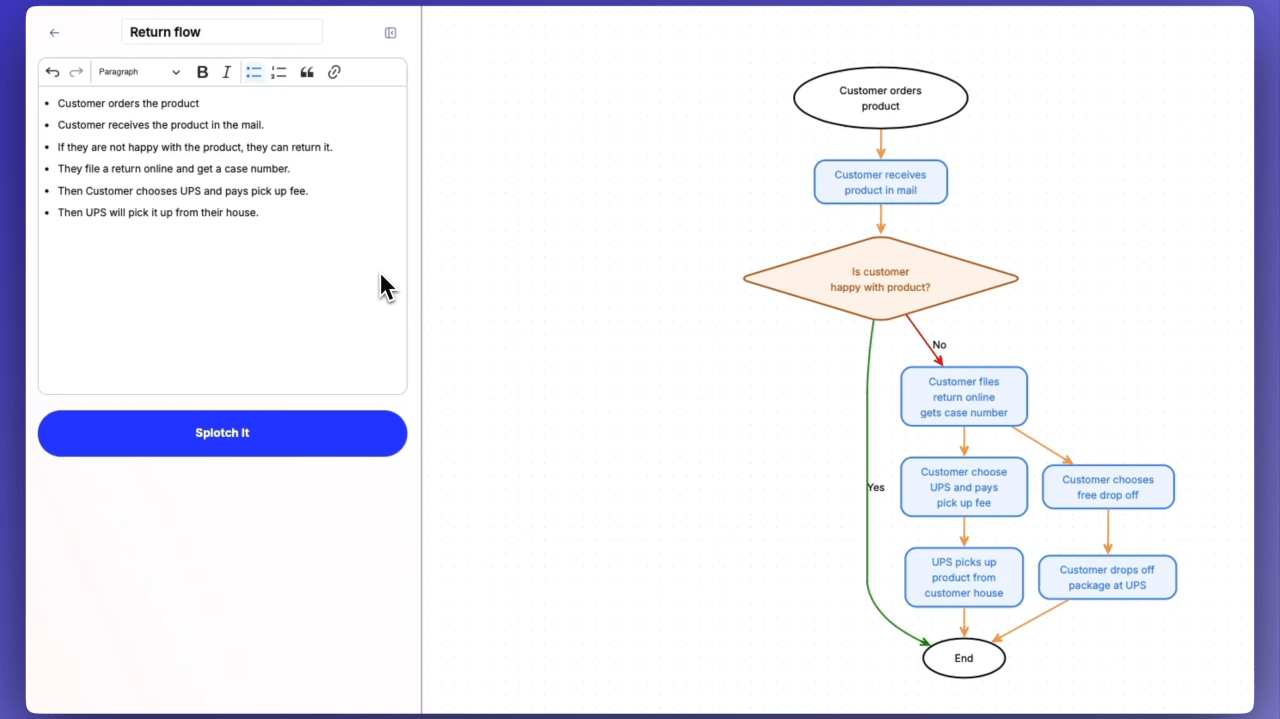
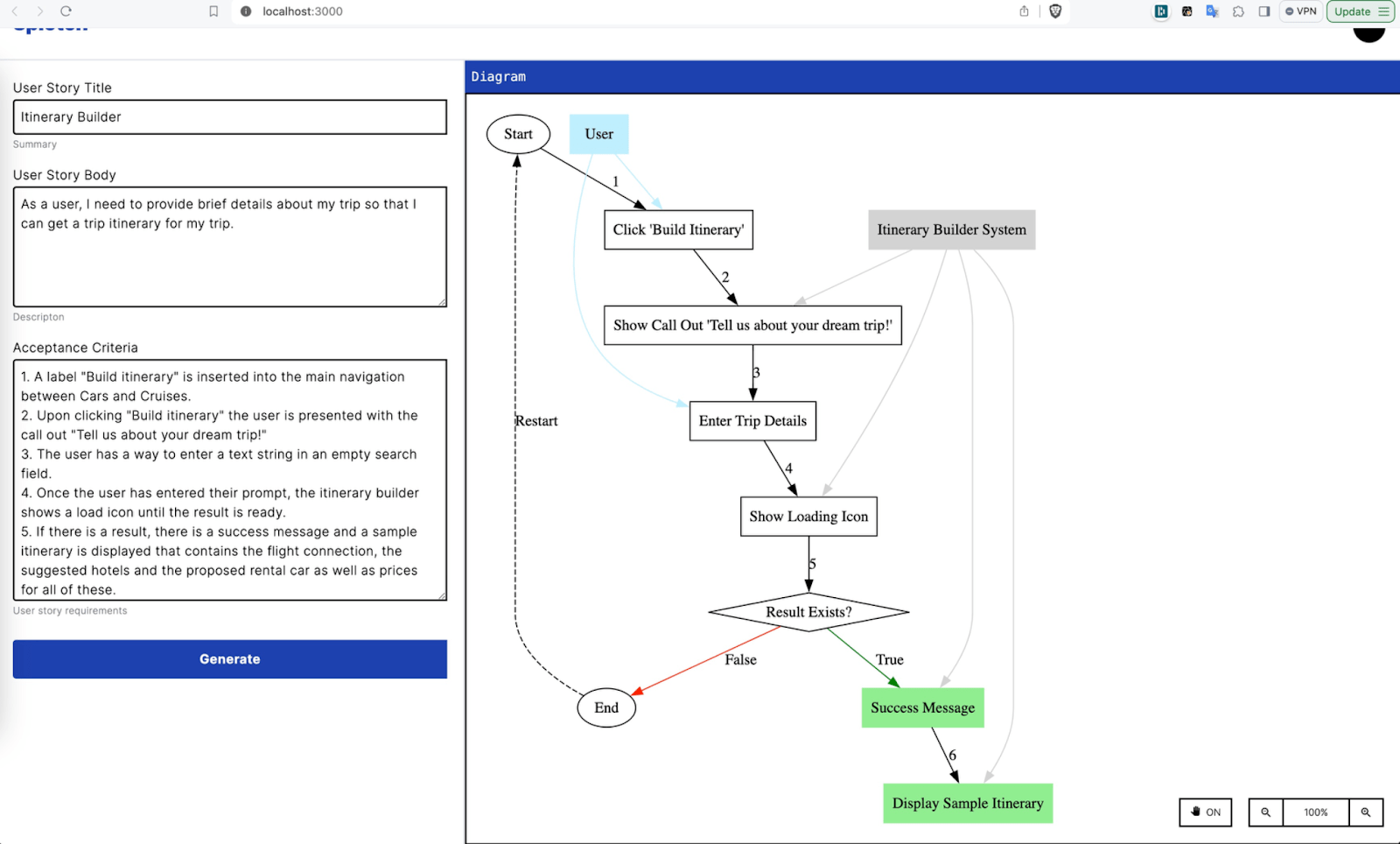
AI-generated diagrams need to be clear, editable, and dynamic. Discover how Splotch uses yFiles to create interactive visuals that stay seamlessly linked to text, making complex information easier to manage.
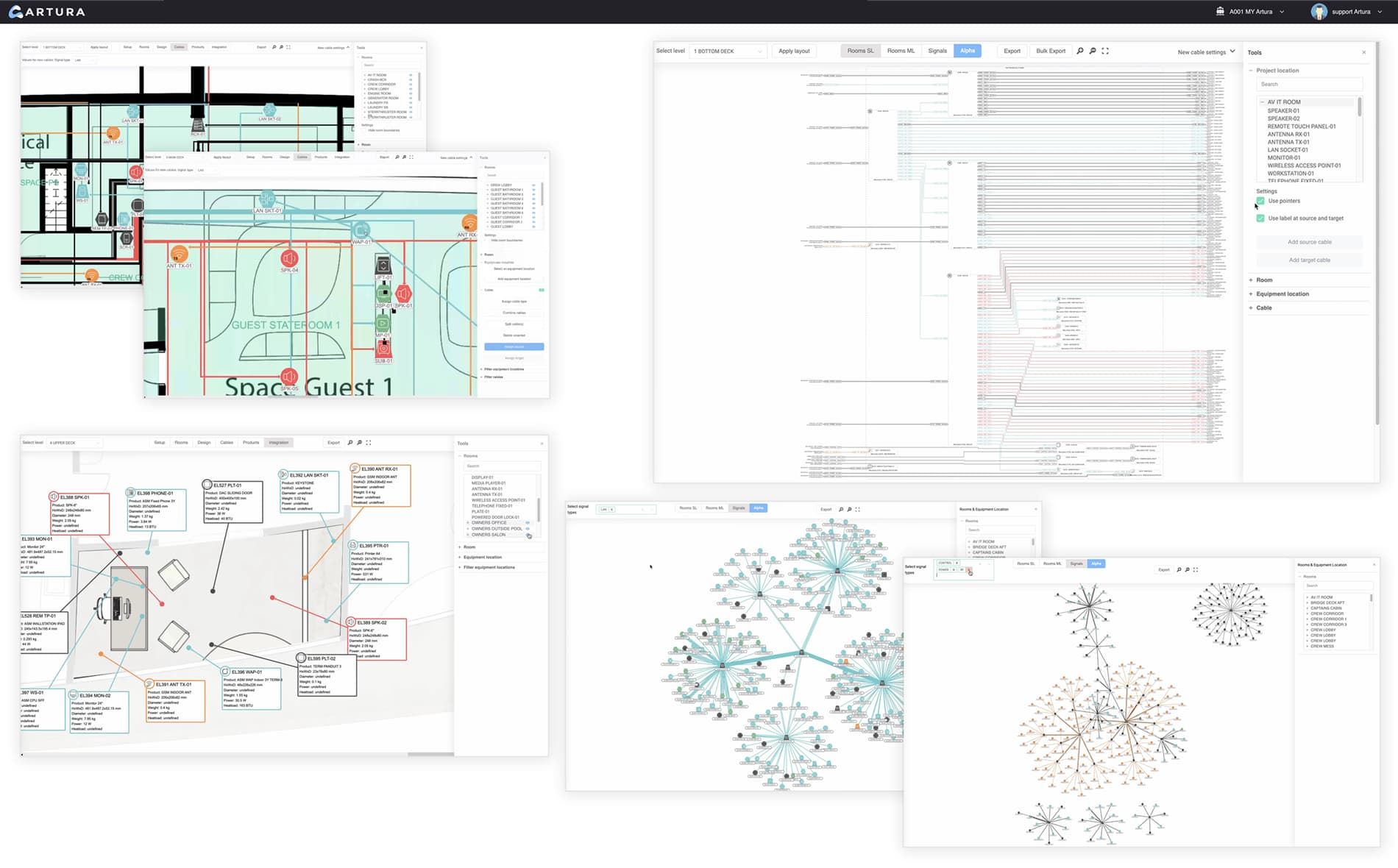
Artura
Elevating engineering excellence through dynamic data visualization
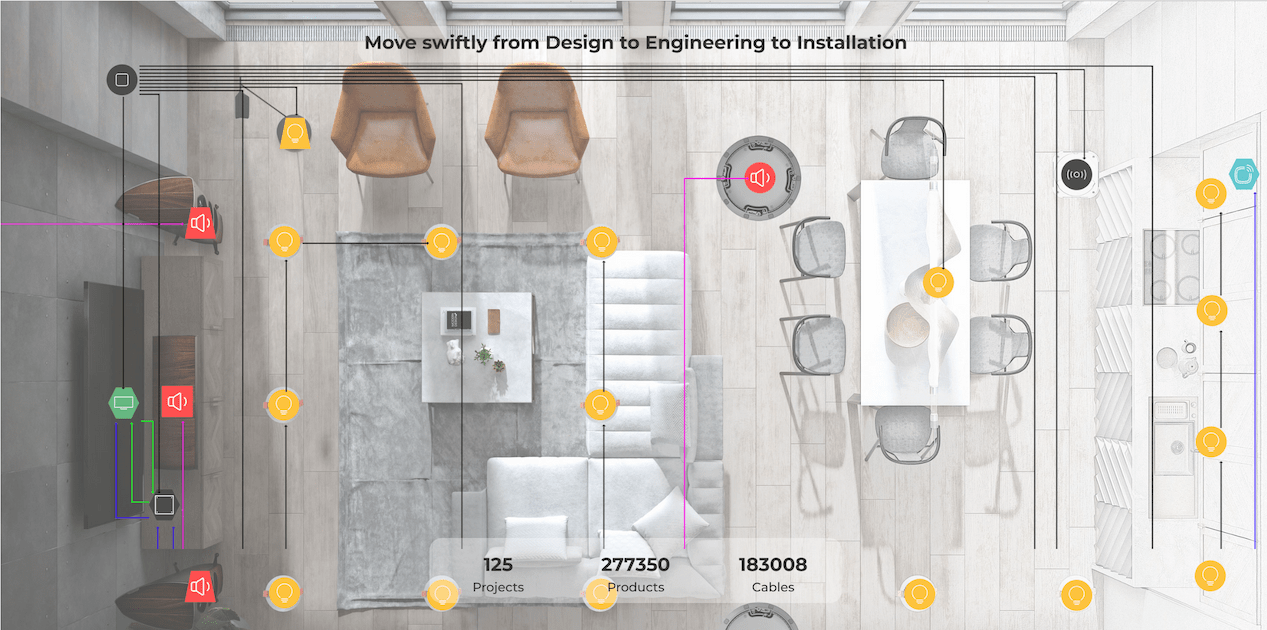
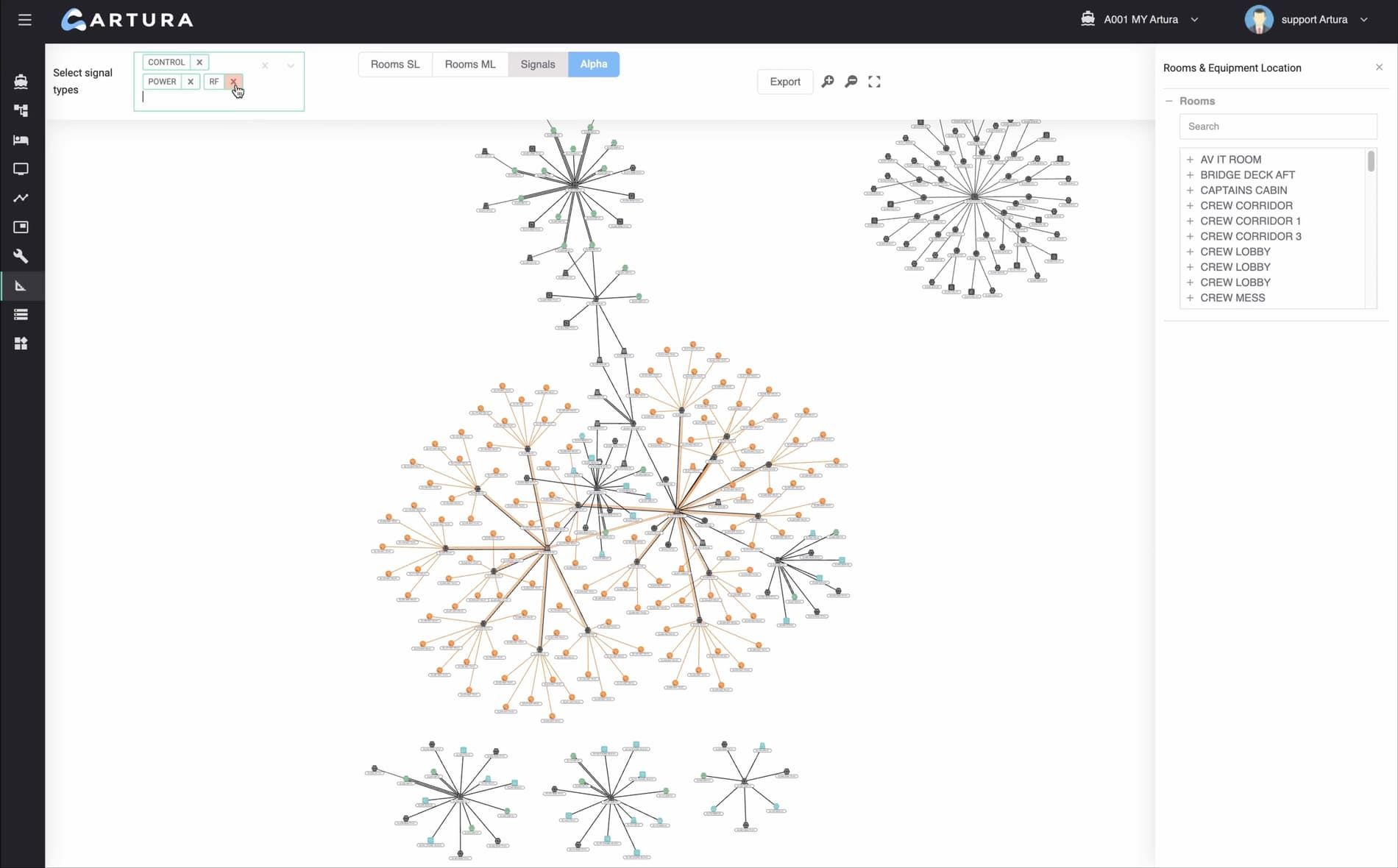
Artura is an engineering software developed by Artura B.V. for various use cases, from automated homes to building superyachts. The SaaS platform is built to optimize engineering and design processes for AV, IT, and security system integrators.
Varigence
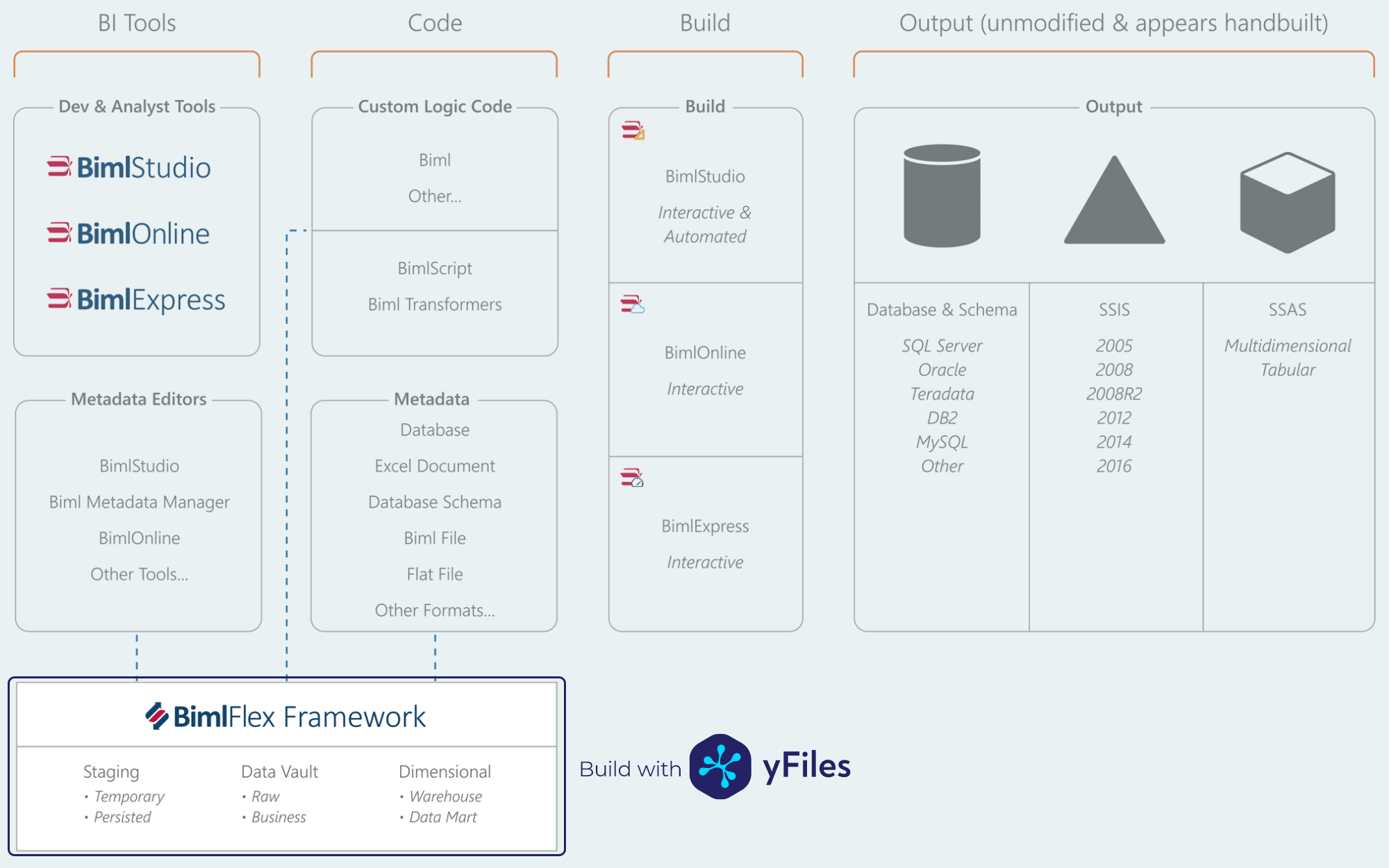
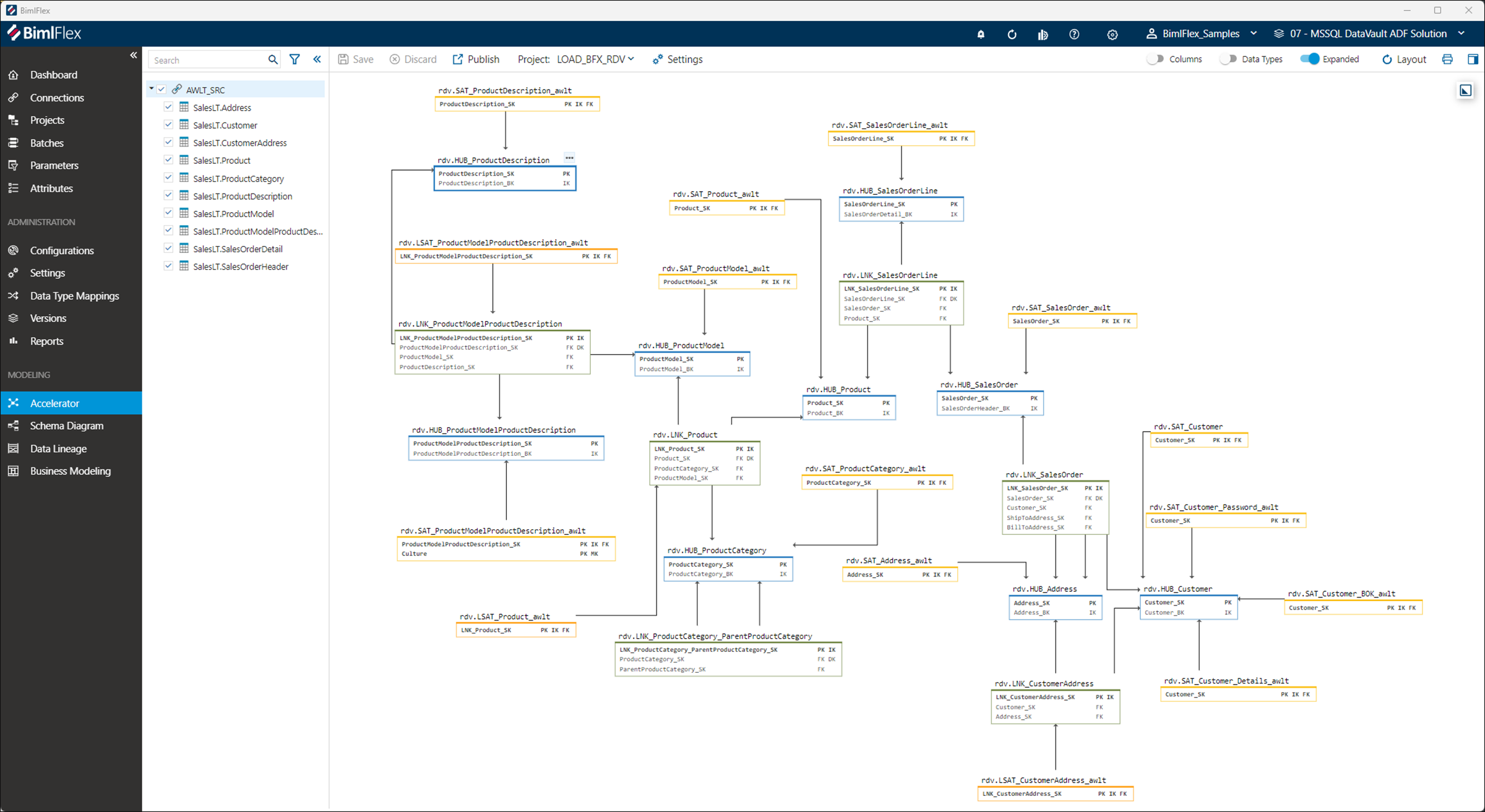
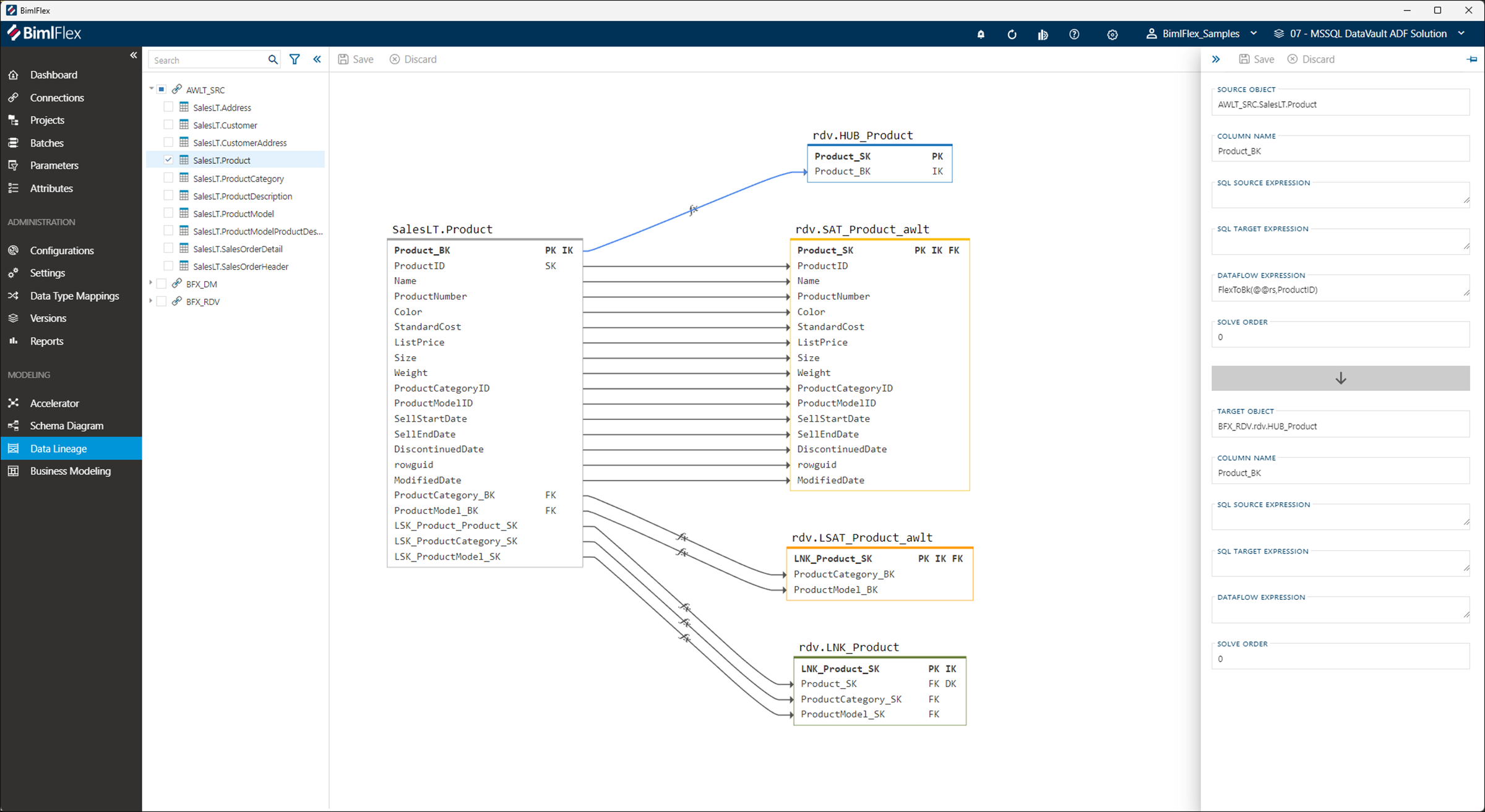
Understanding data flow with graphs
Founded in 2009, Varigence helps businesses manage and integrate data with products like BimlFlex, BimlStudio, and BimlExpress. These tools automate data solution creation and support platforms including Microsoft data stack, Synapse, Delta Lake, Databricks, and Snowflake.
qbilon GmbH
Make the right IT decisions—with the help of diagrams
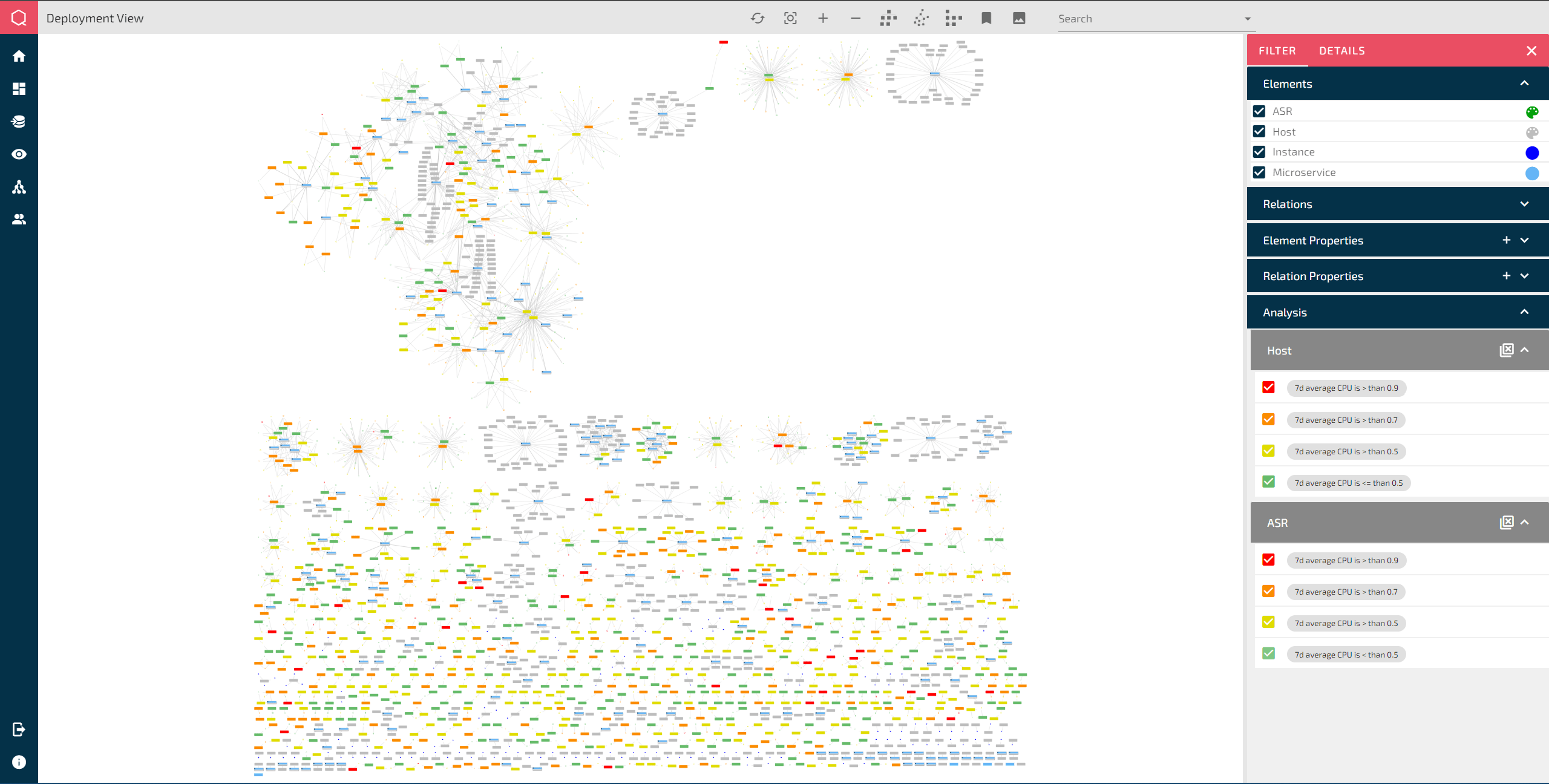
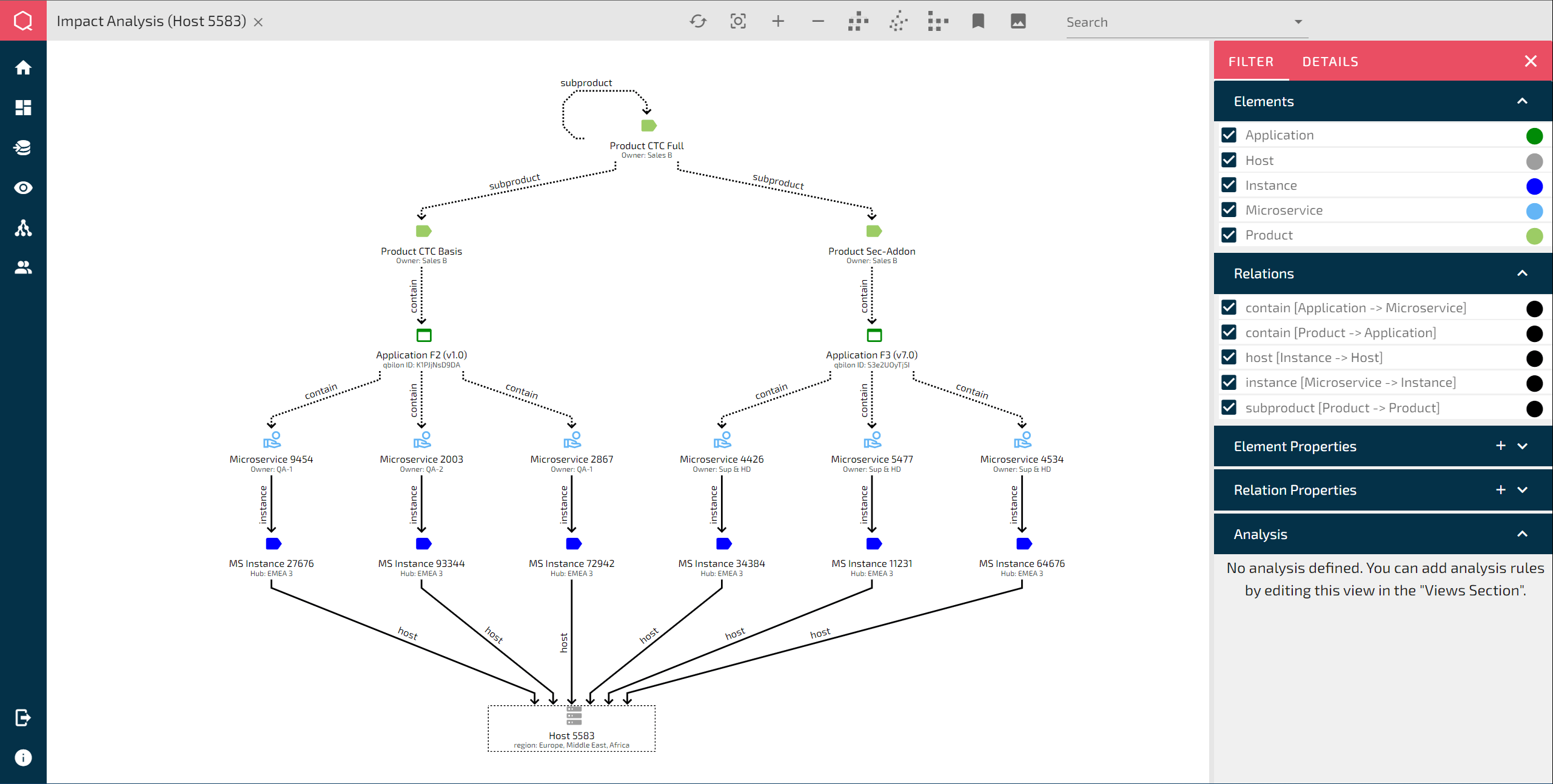
The German startup qbilon provides a platform for capturing, analyzing, and optimizing hybrid IT landscapes, enabling IT executives to make just such well-founded, future-proof IT decisions.
trust-hub Ltd
Keeping personal information private—with the power of graphs
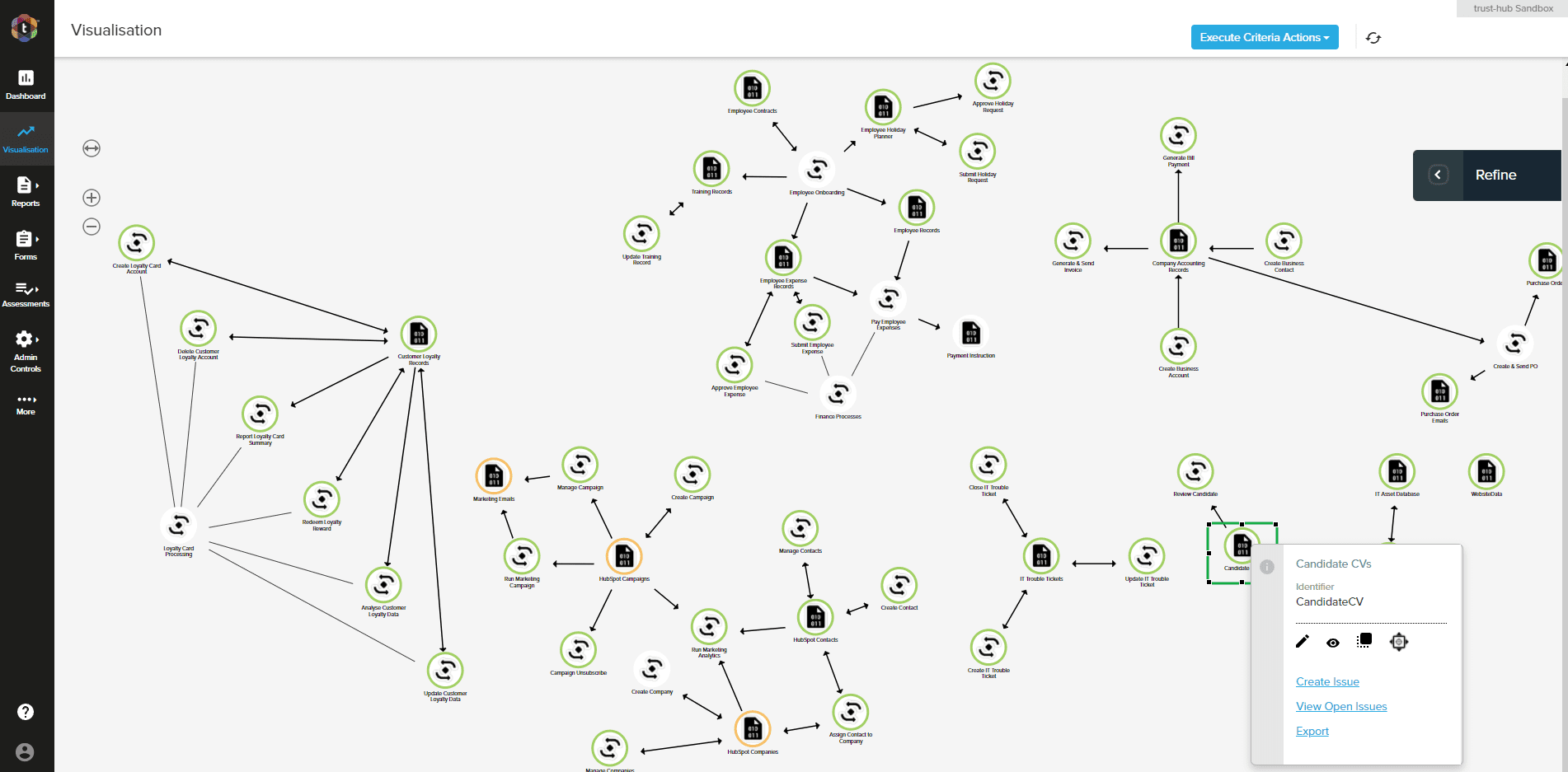
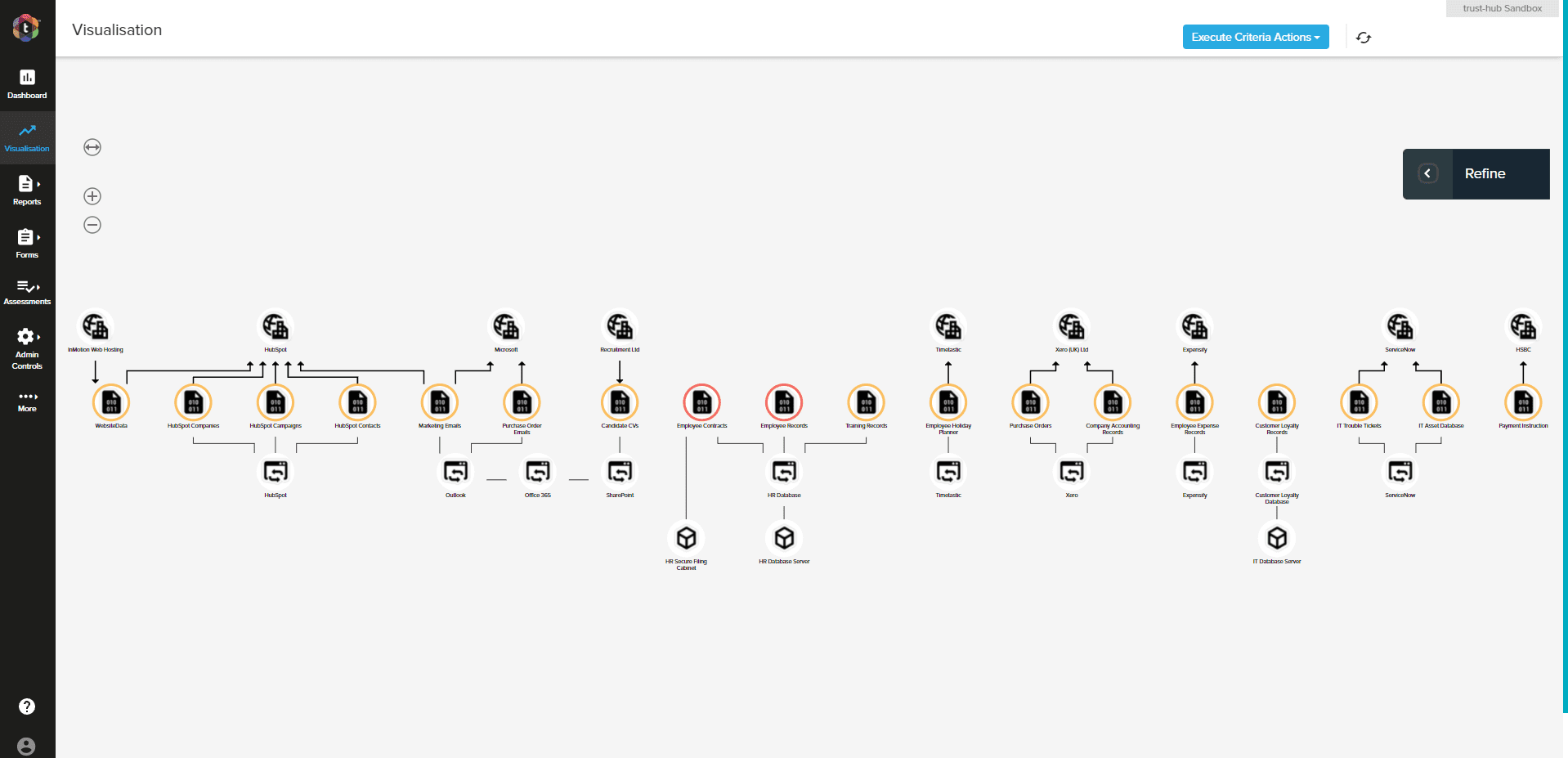
trust-hub's Privacy Lens toolkit, offered as SaaS to enterprises, lets customers monitor how personal data is processed, used, and stored: at every level of their organization as well as within their "data supply chain". Privacy Lens makes it easy to pinpoint systems or processes that are creating compliance risk.
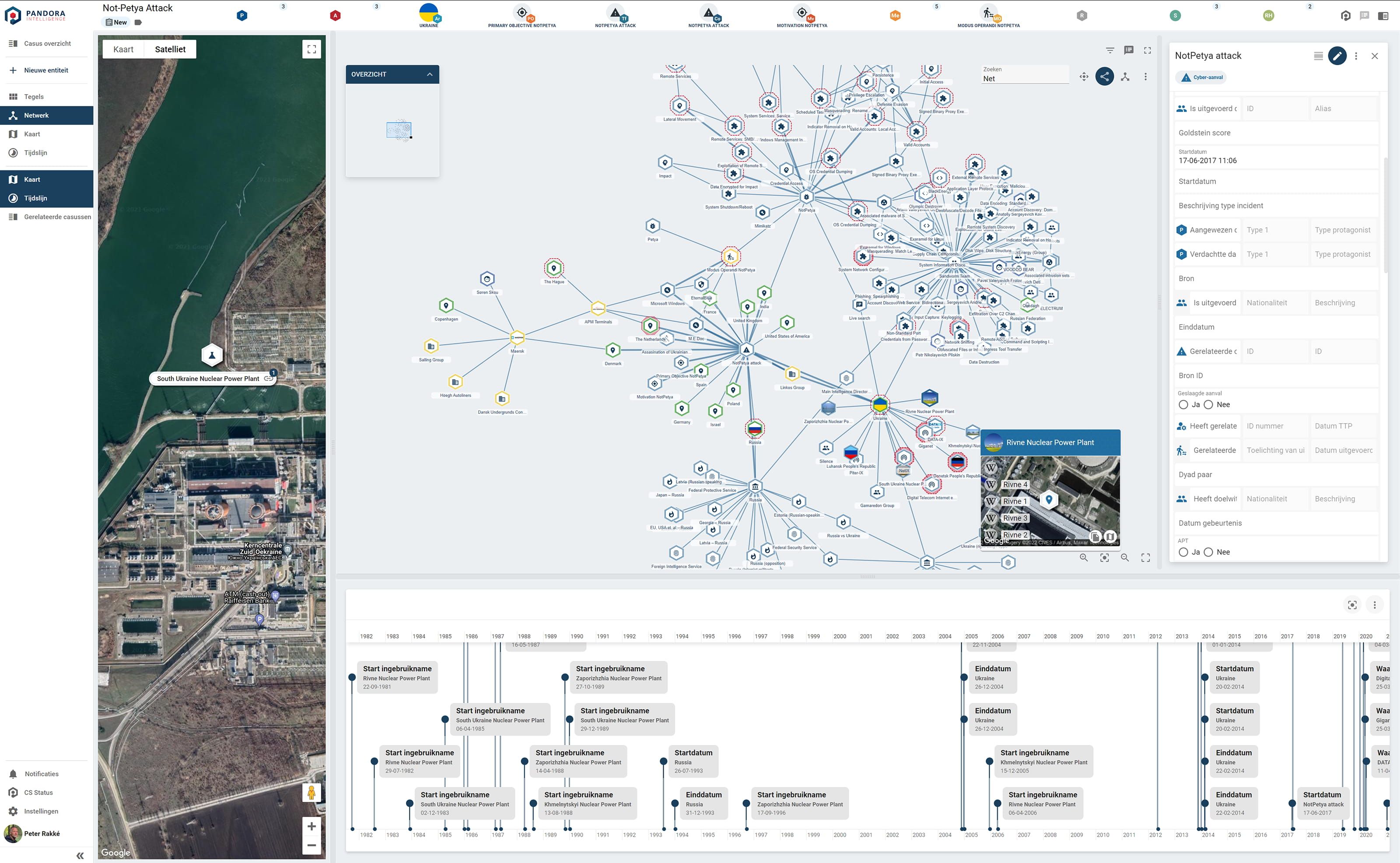
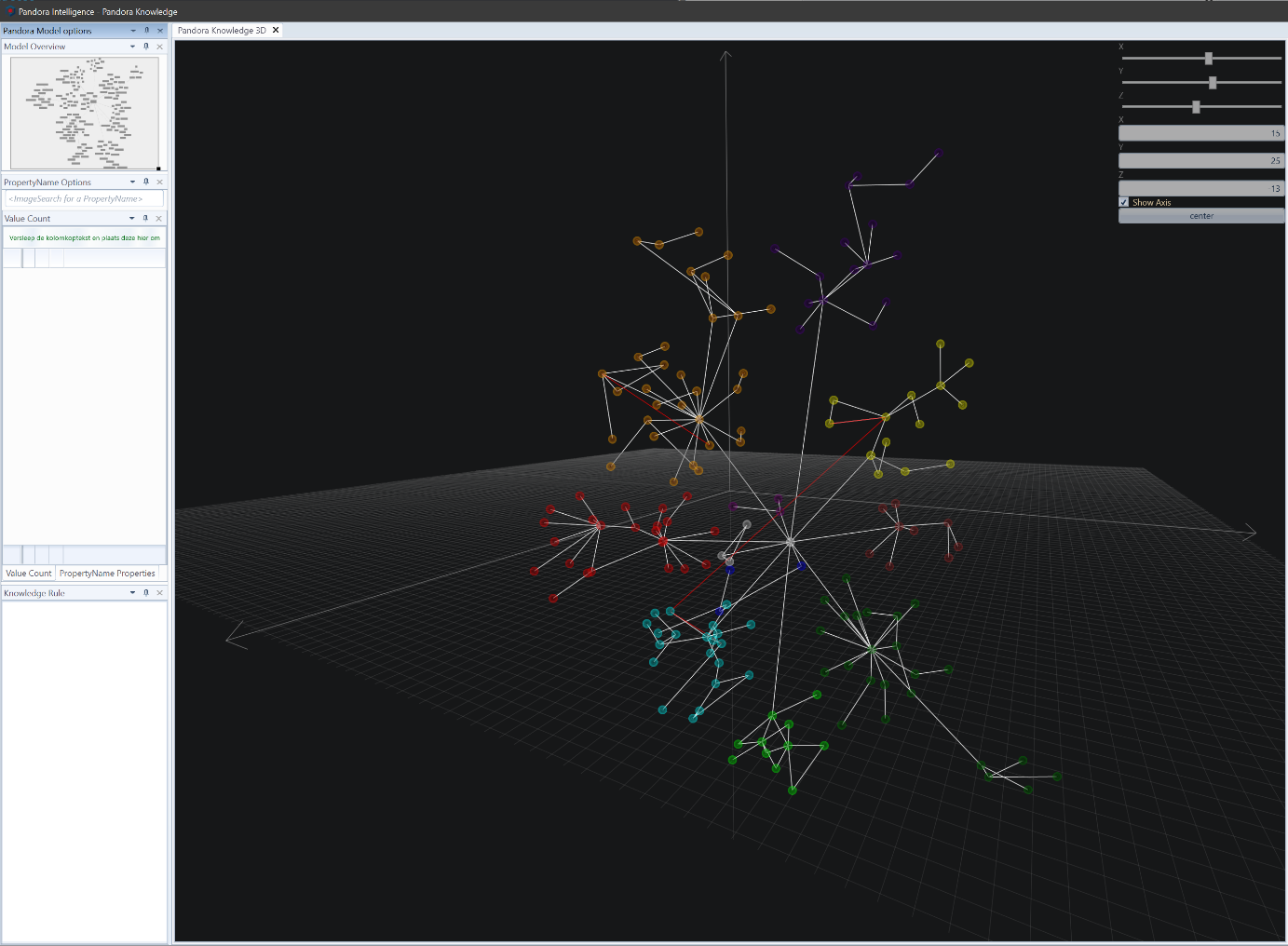
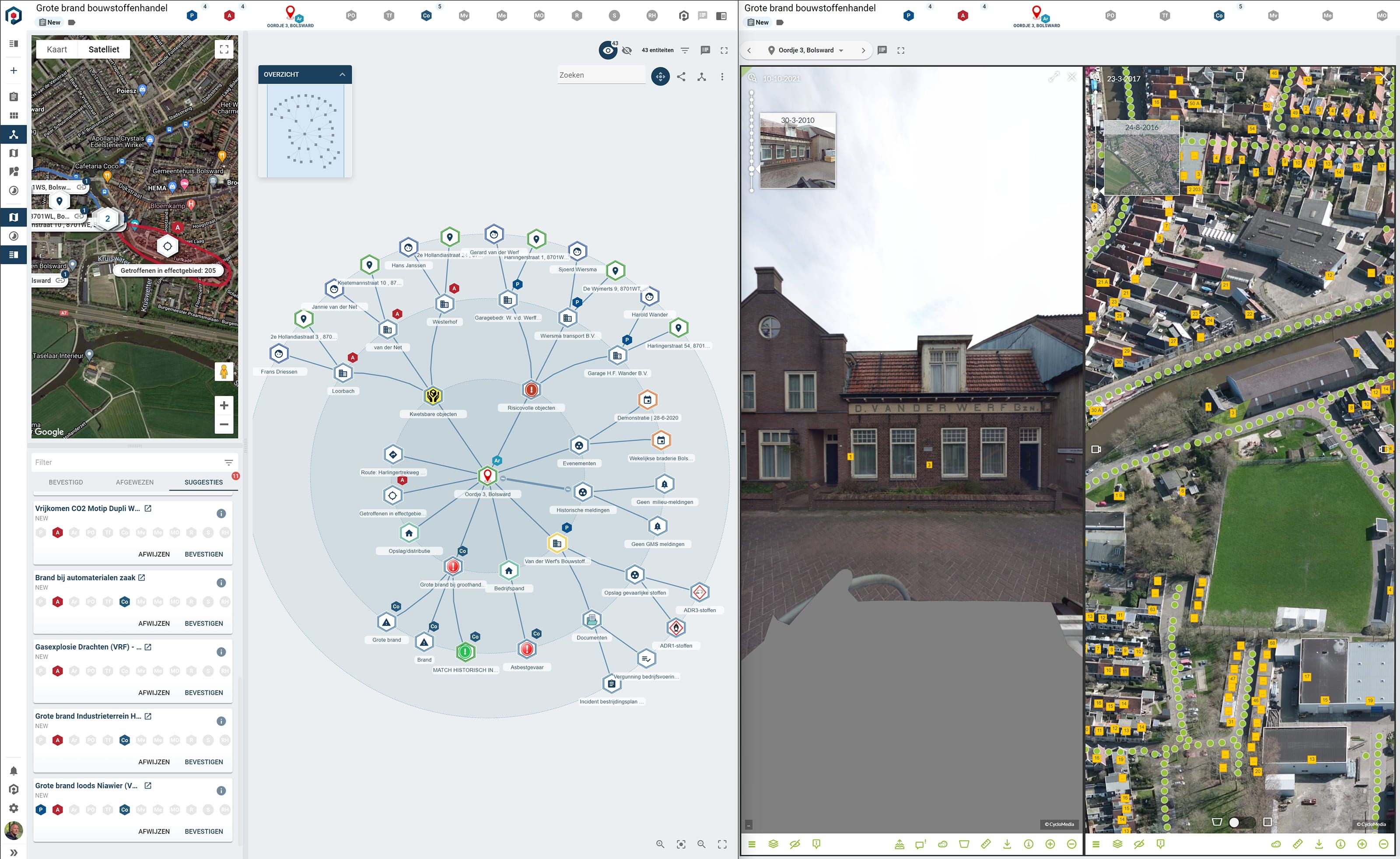
Pandora Intelligence
Visualizing data to make the world a safer place
Pandora Intelligence specializes in analyzing large data volumes, using proprietary AI and deep-learning algorithms. The experts correlate actively acquired data, open-source data, and creative data such as films, books, and plays.
DbVis Software AB
DbVis Software relies on yFiles viewer and layout technology for arranging and presenting database schemas in its DbVisualizer tool.
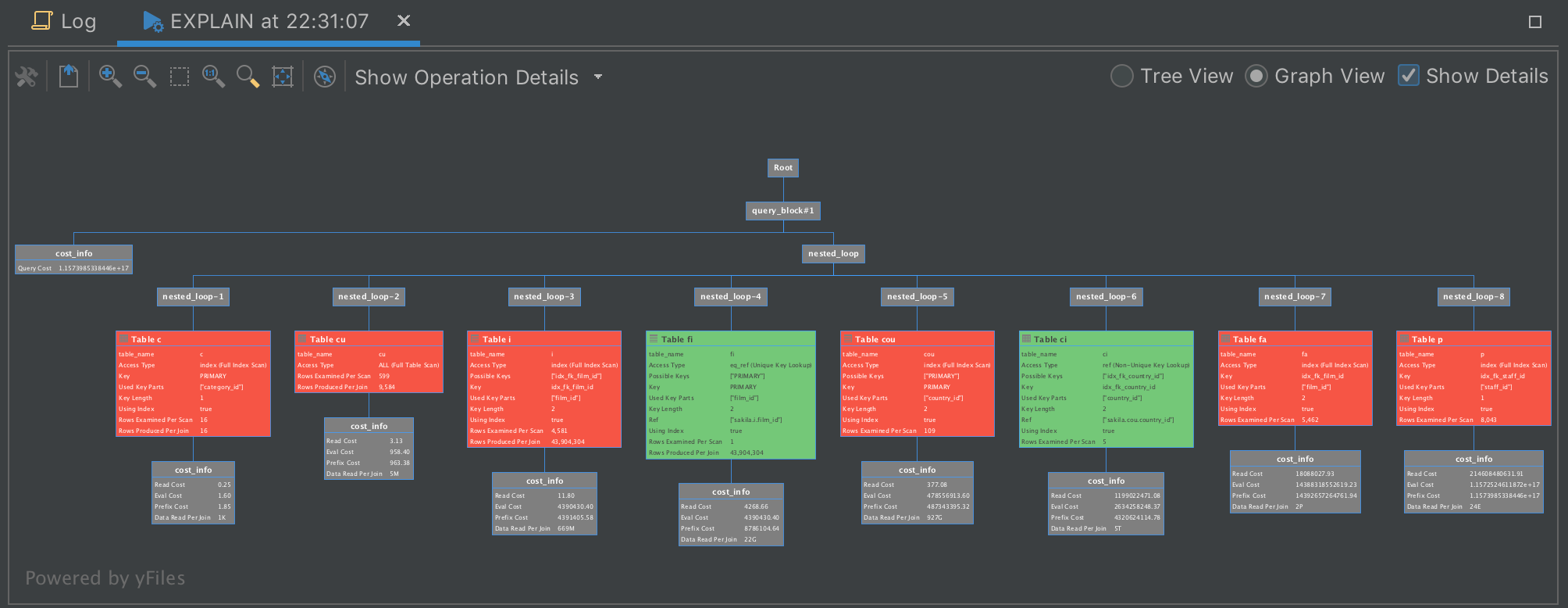
JetBrains
JetBrains incorporates yFiles for Java and yFiles WPF into several of their exceptional products. You can find yFiles diagramming in their IntelliJ IDEA, RubyMine, PHPStorm, PyCharm, AppCode, DataGrip, Webstorm, and Rider IDEs, and also in their .NET tools ReSharper and dotPeek.
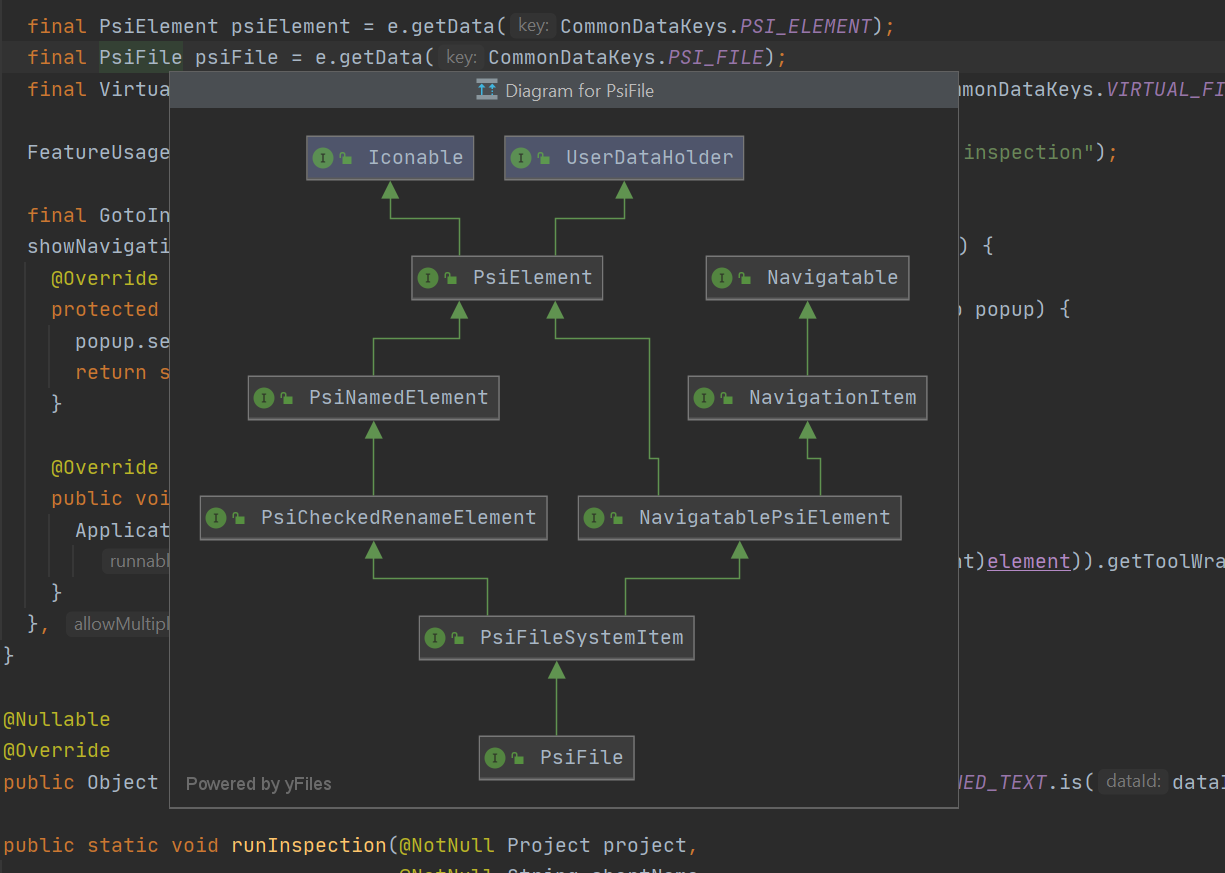
Class diagrams in the editor. Source: JetBrains
Connect Our Kids
Graphs can change children's lives
Connect Our Kids makes perfect use of yFiles' "level of detail" style in their "zoom to render"-feature. See for yourself , how yFiles enables you to display your data interactively.
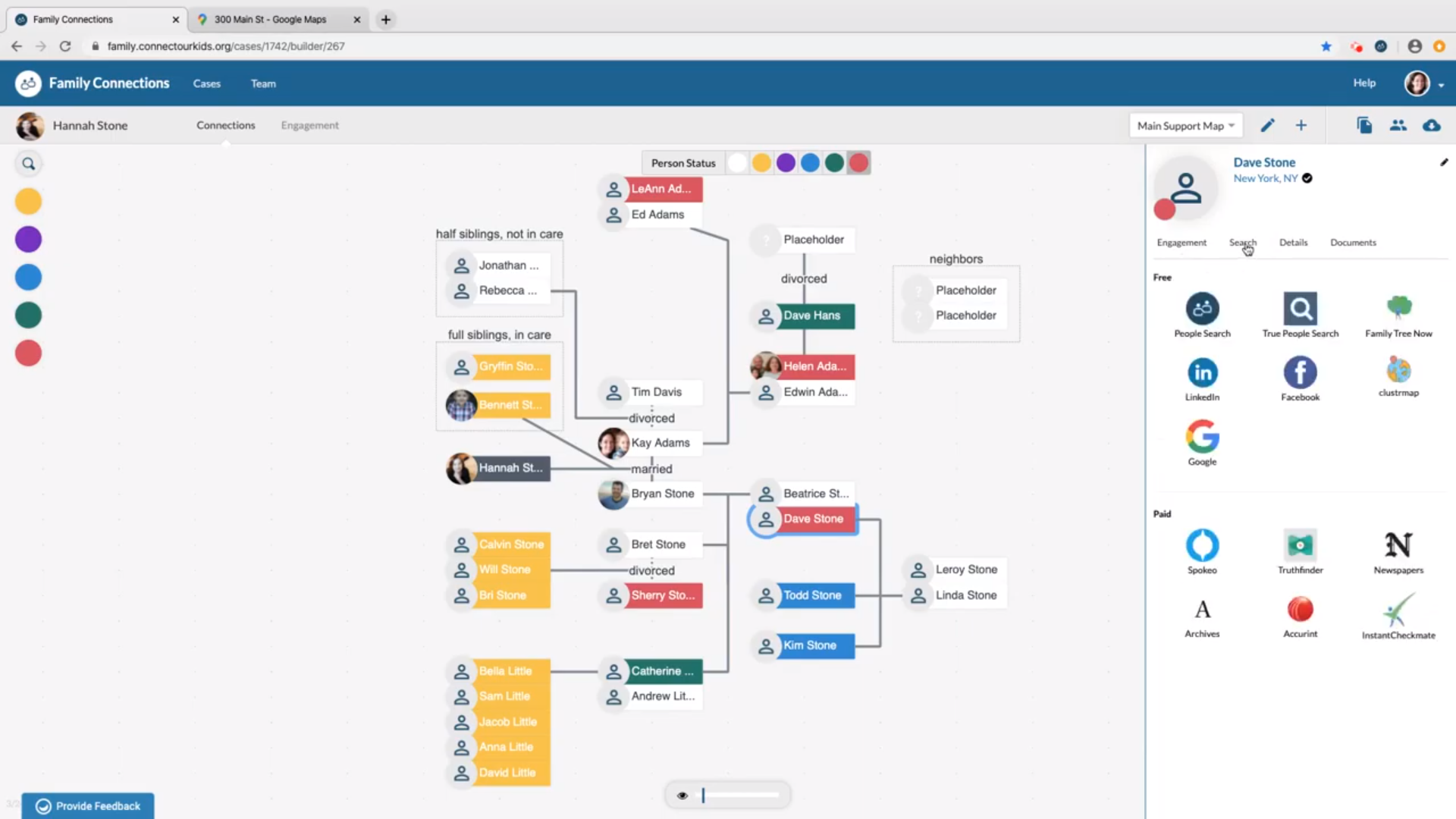
Computer-based social work. Source: Connect Our Kids.
Appollo Systems
Visualizing digital innovation
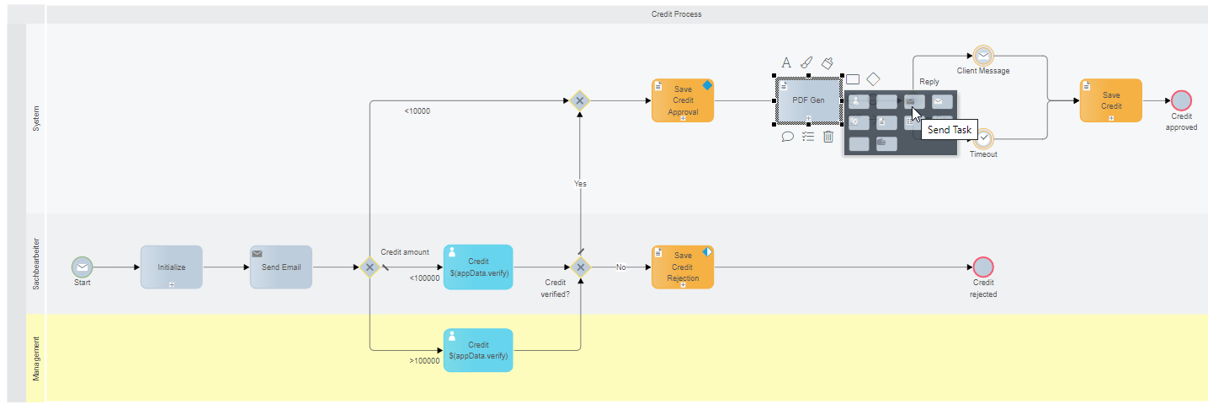
Appollo Systems offers a visual-based business analysis and optimization platform, providing their users with a seamless transition into agile, low-code application development.
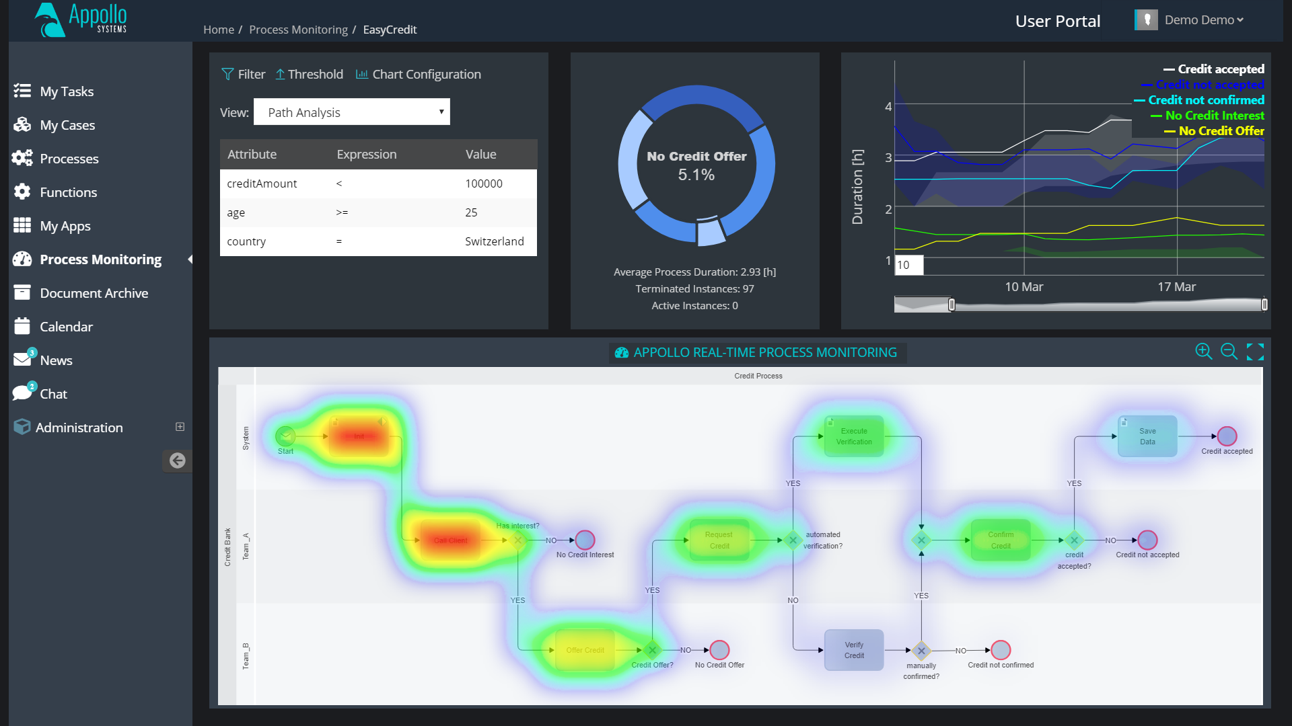
ArenaCore
Remote teamwork—powered by graphs
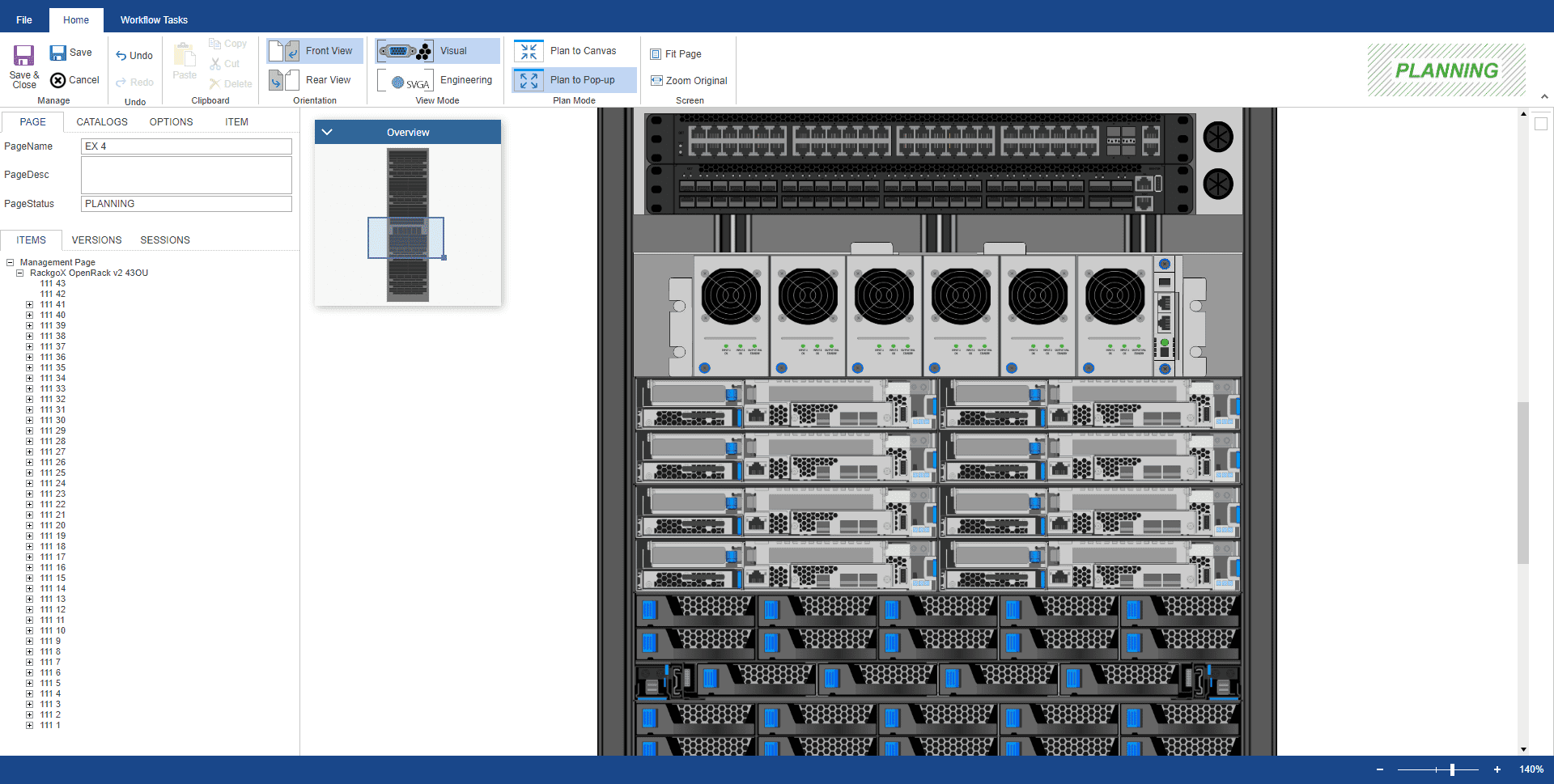
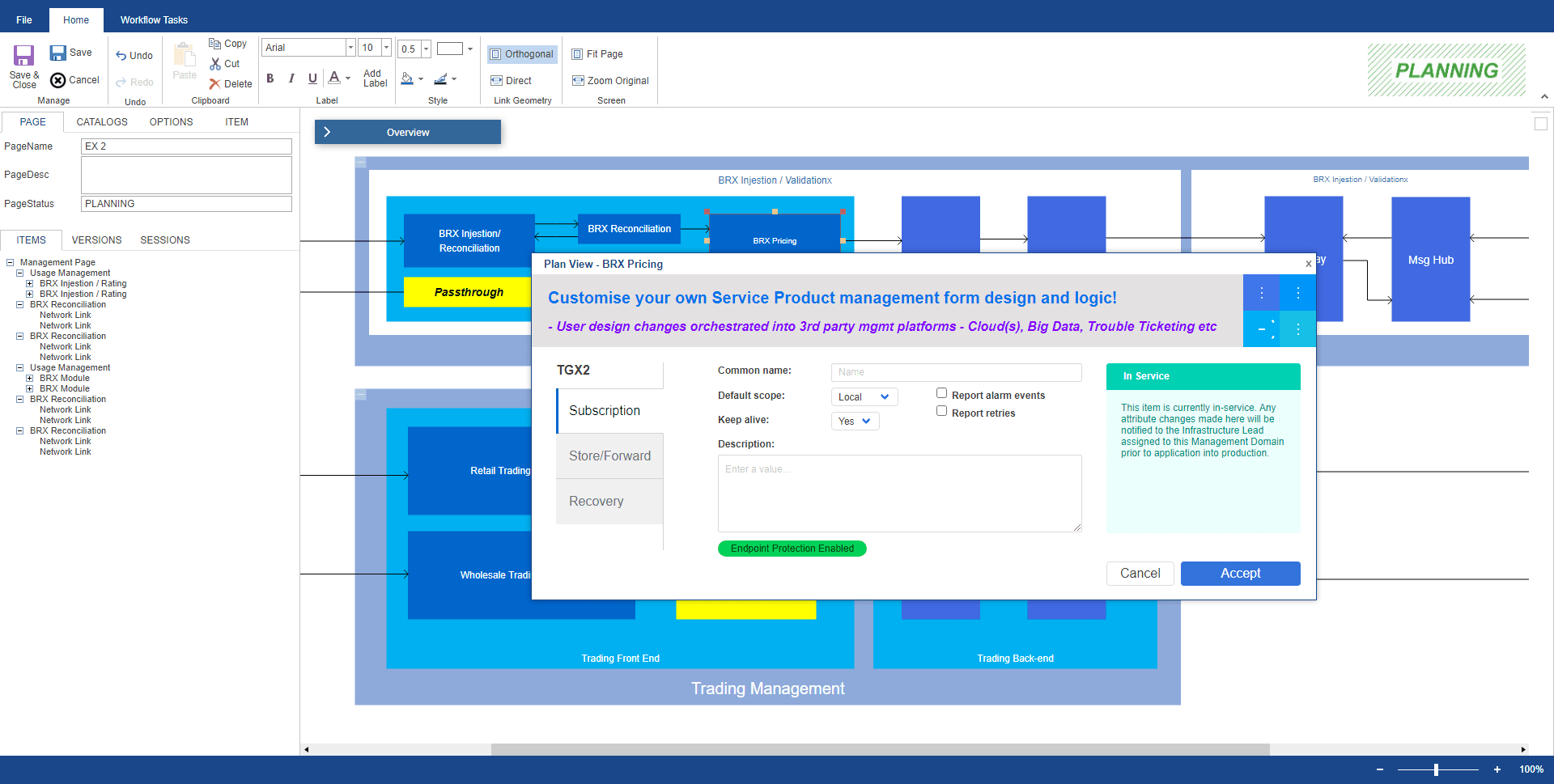
A forward-thinking startup has created an intuitive platform to support ICT providers, especially public clouds. With ArenaCore, companies can design, order, and implement components for their overall infrastructure, and plan the placement of service elements within a service mesh.
Airbus
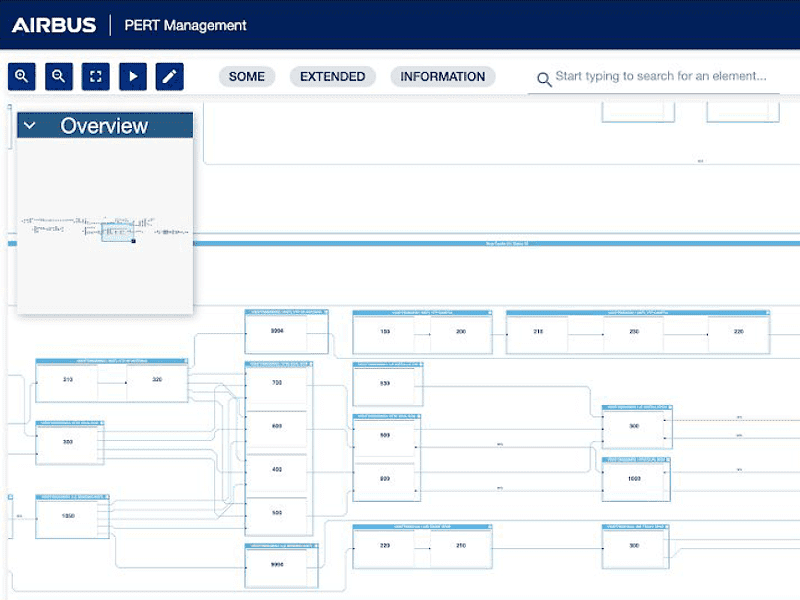
Visualizing factory workflows at Airbus
An international pioneer in the aviation industry, Airbus has become a household name. But its products are anything but ordinary. The company designs, manufactures, and supplies state-of-the-art passenger aircraft to high-flying customers around the world. Final assembly lines are located in Europe, China, and the US.
Langner, Inc.
Outsmarting cybercrime—with network diagrams
Langner has developed OT-BASE, a software product that revolutionizes plant security. It also gives engineering and maintenance staff an unprecedented overview of their networks. Today, OT-BASE is Langner's sole focus.
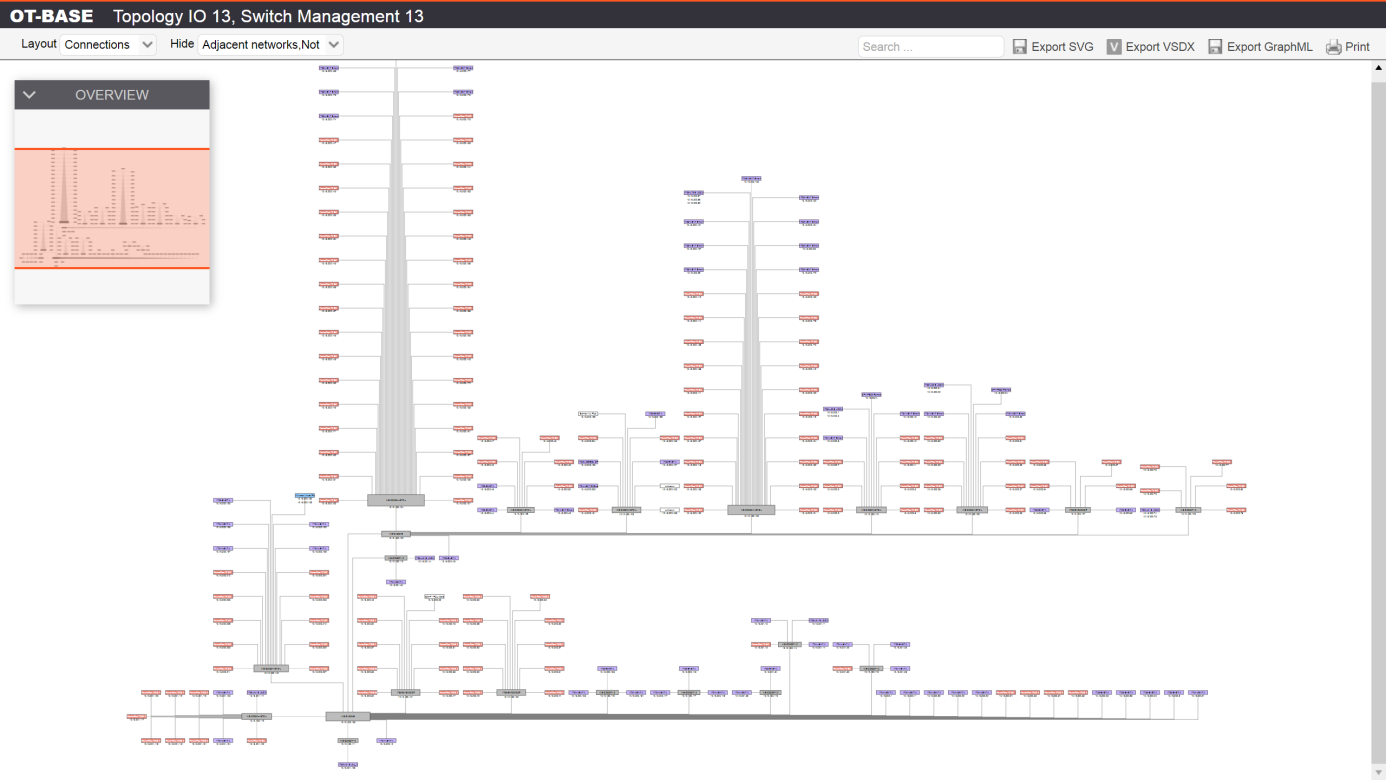
Visualized with yFiles, complex networks are easy to understand.
Rapport
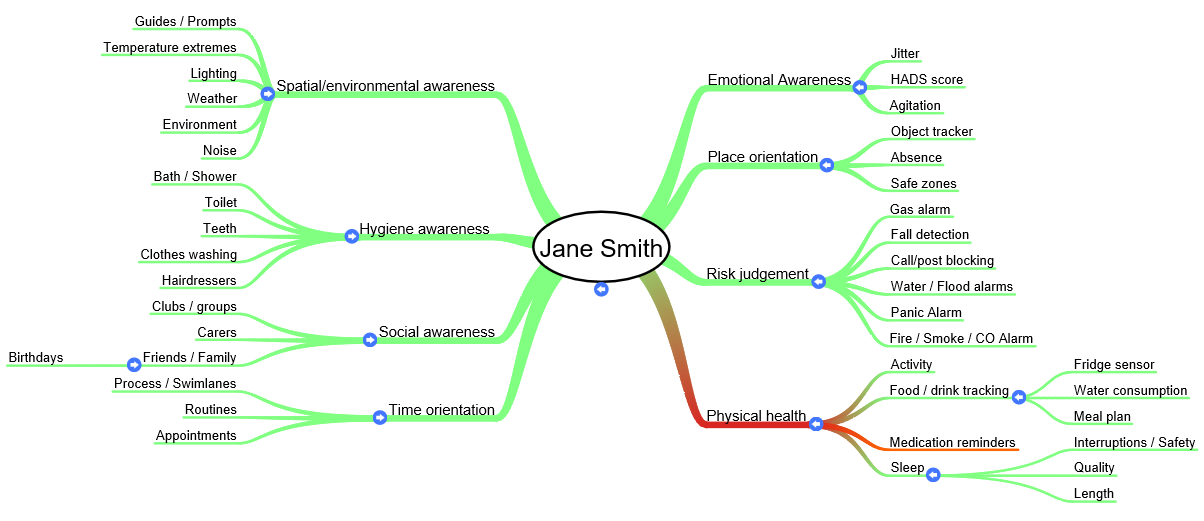
The Rapport product by Rapport Network is a free assisted living platform for people with dementia and other cognitive impairments. Rapport uses our HTML5/JavaScript diagramming library yFiles for HTML.







Cassandra Studio
Autonomous driving
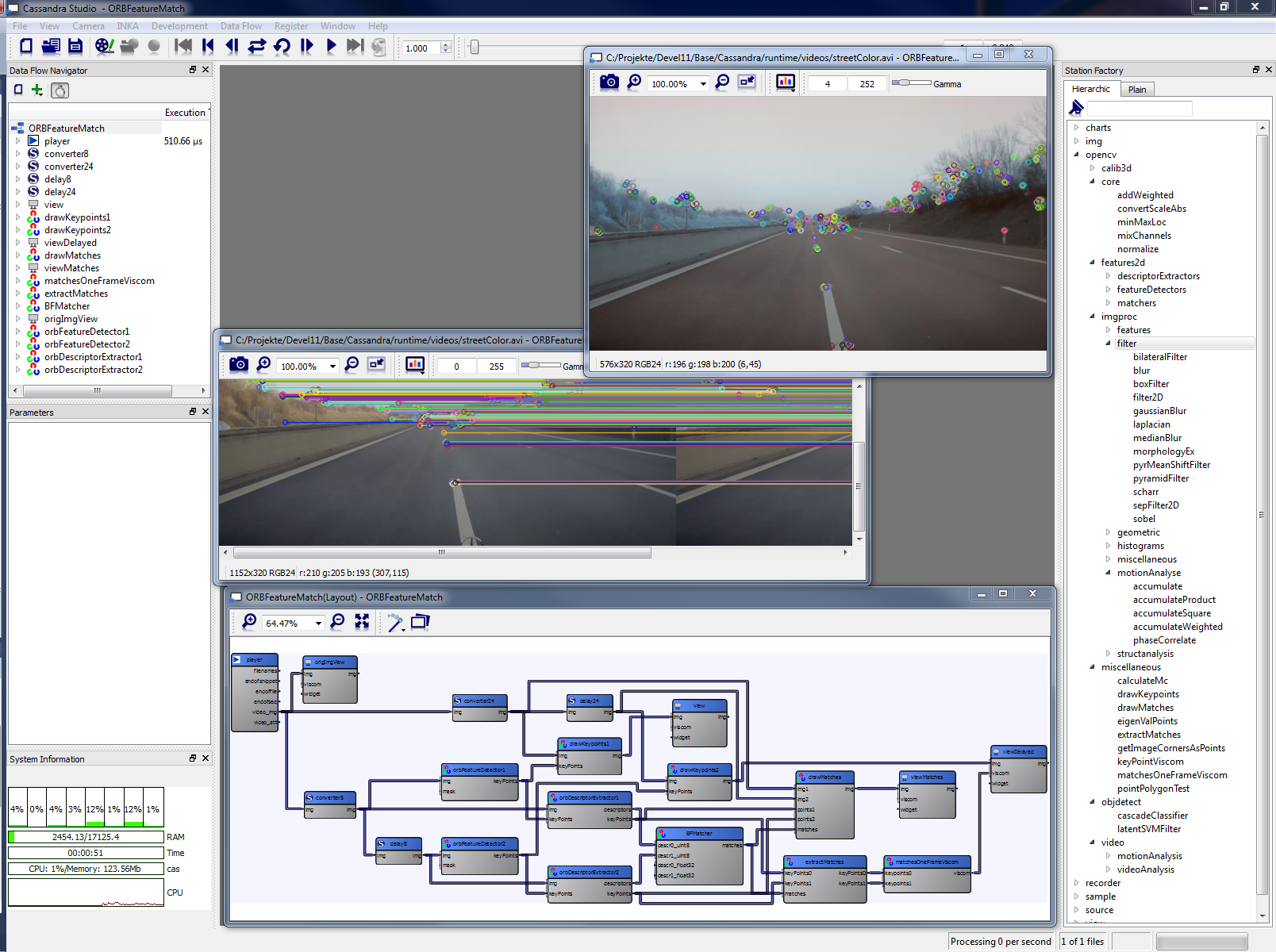
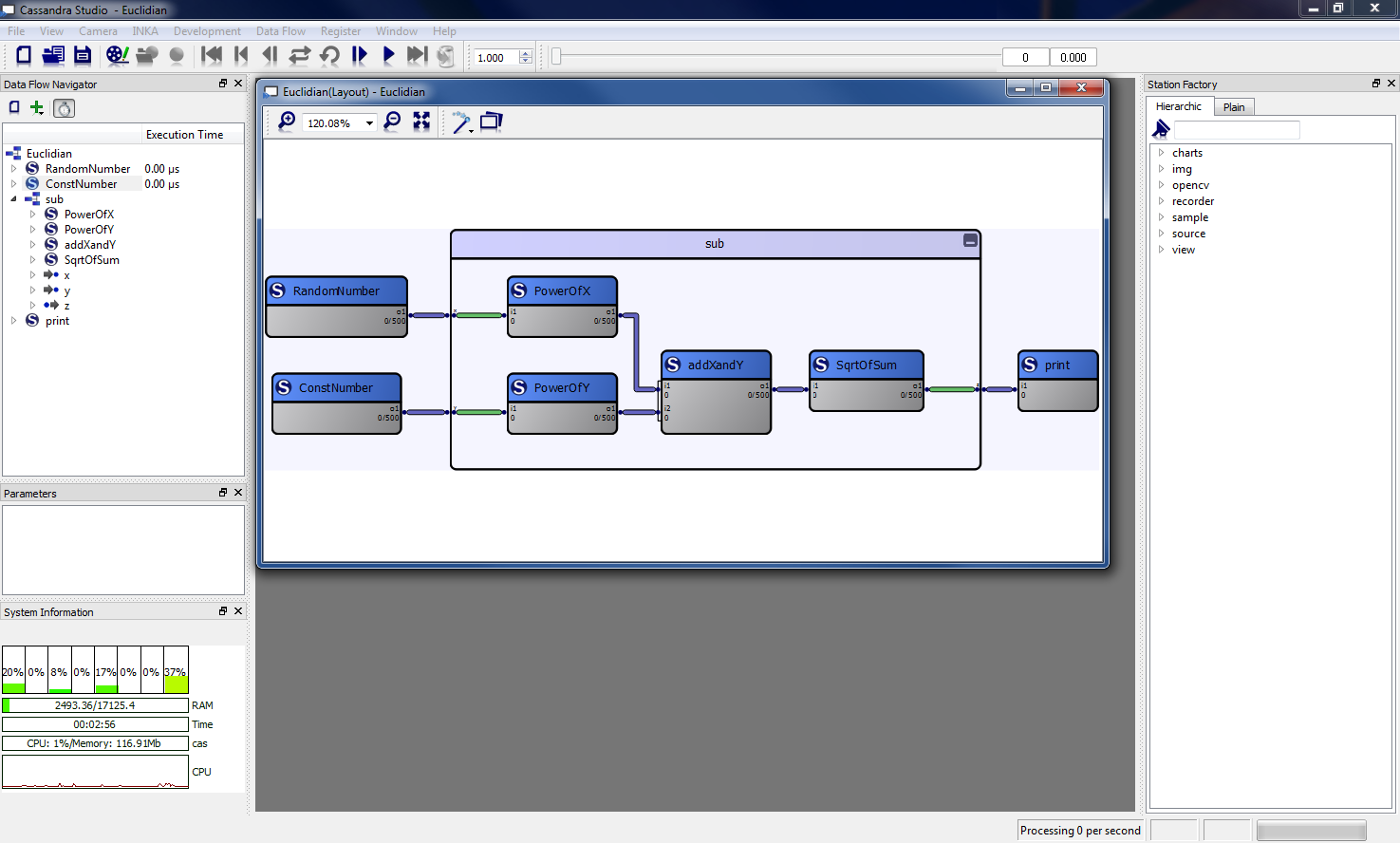
For the diagrams in its software Cassandra Studio, Hella Aglaia Vision utilizes yFiles technology.
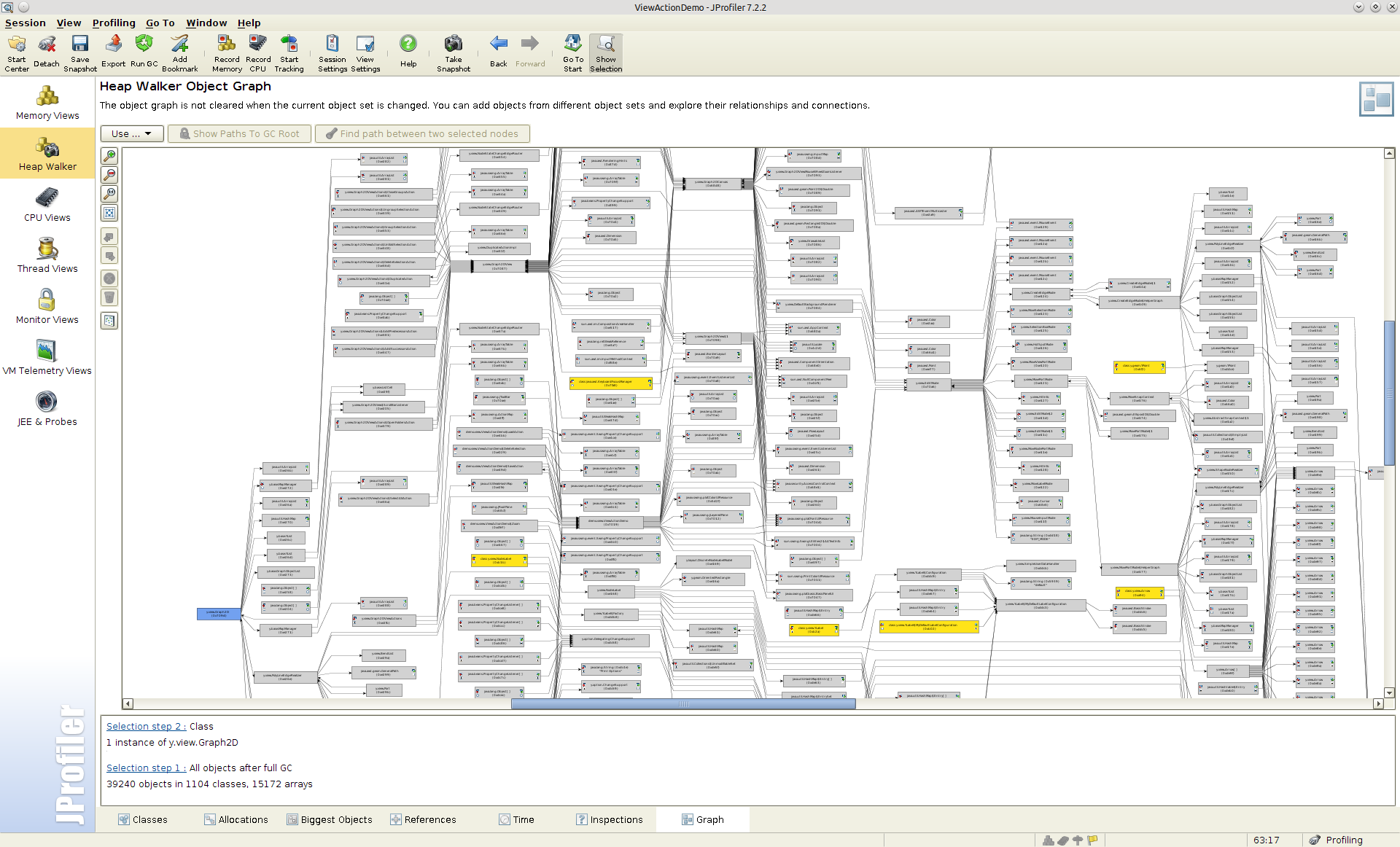
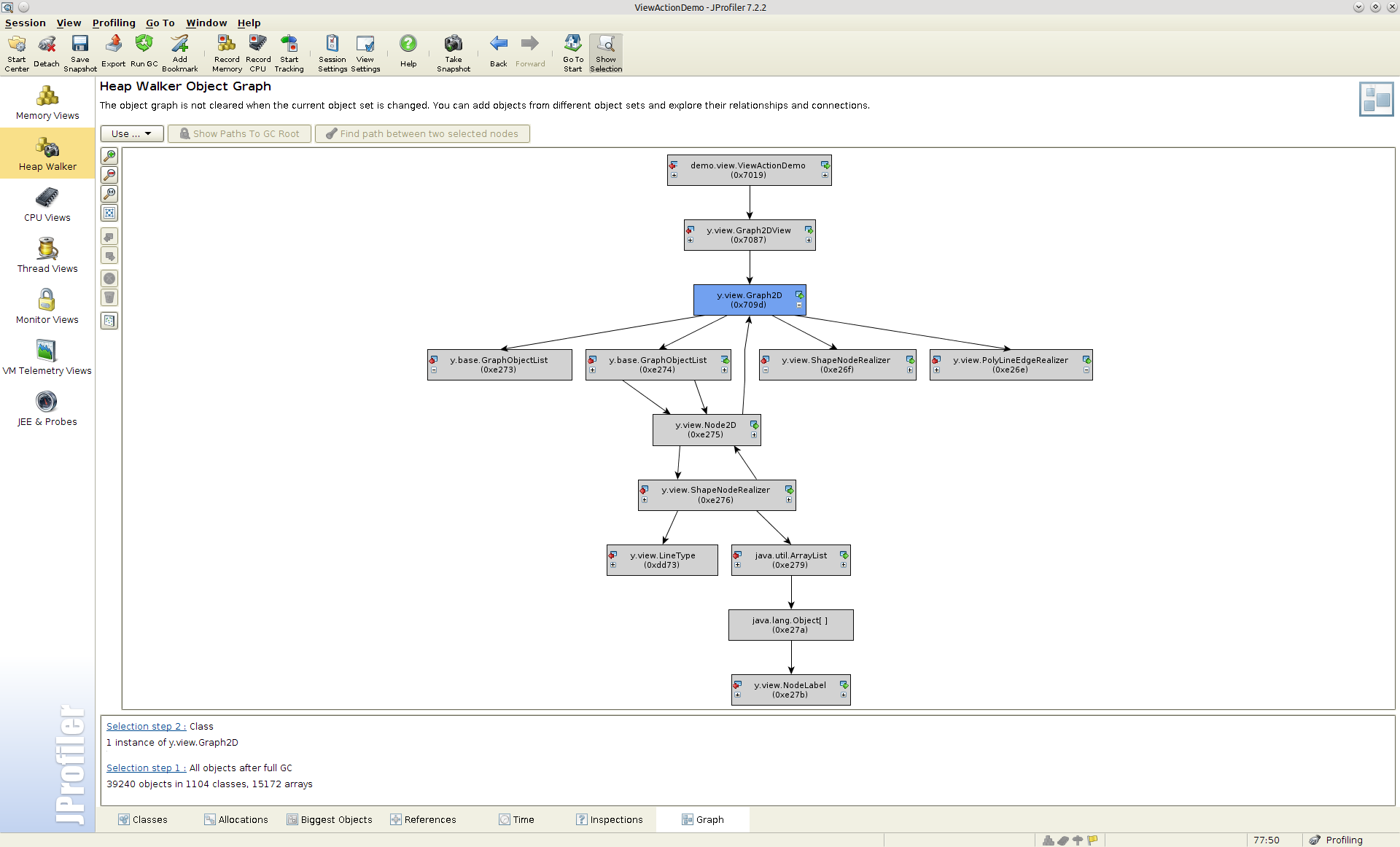
JProfiler
In their award-winning Java profiler JProfiler, ej-technologies chose yFiles layout and visualization technology from the yFiles for Java library.
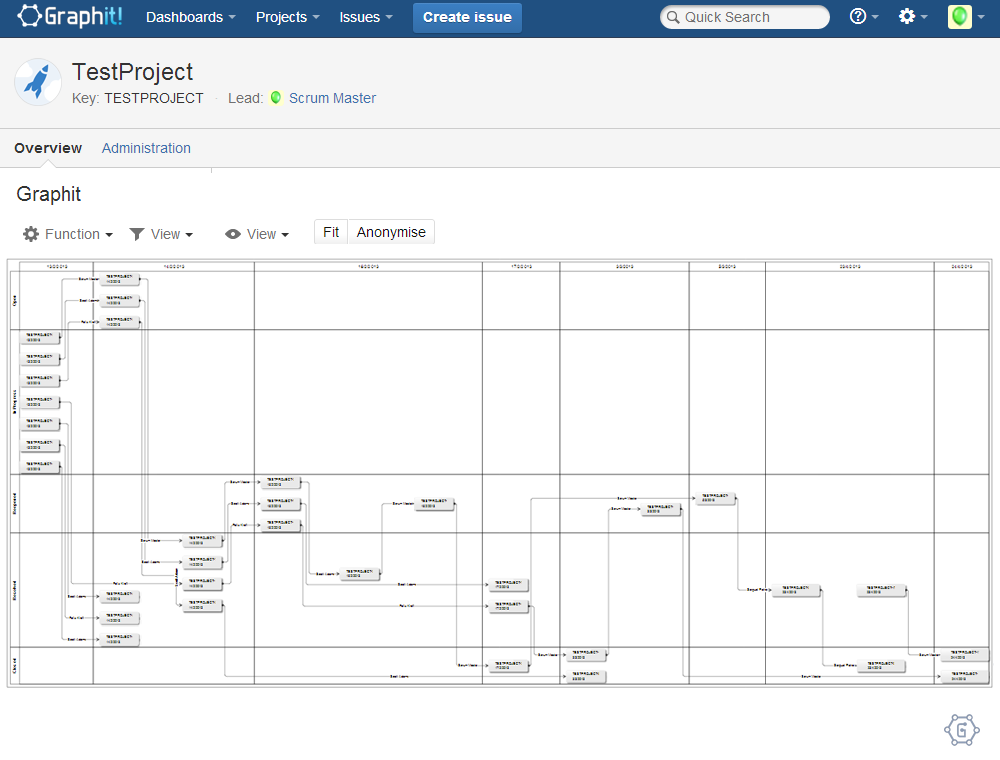
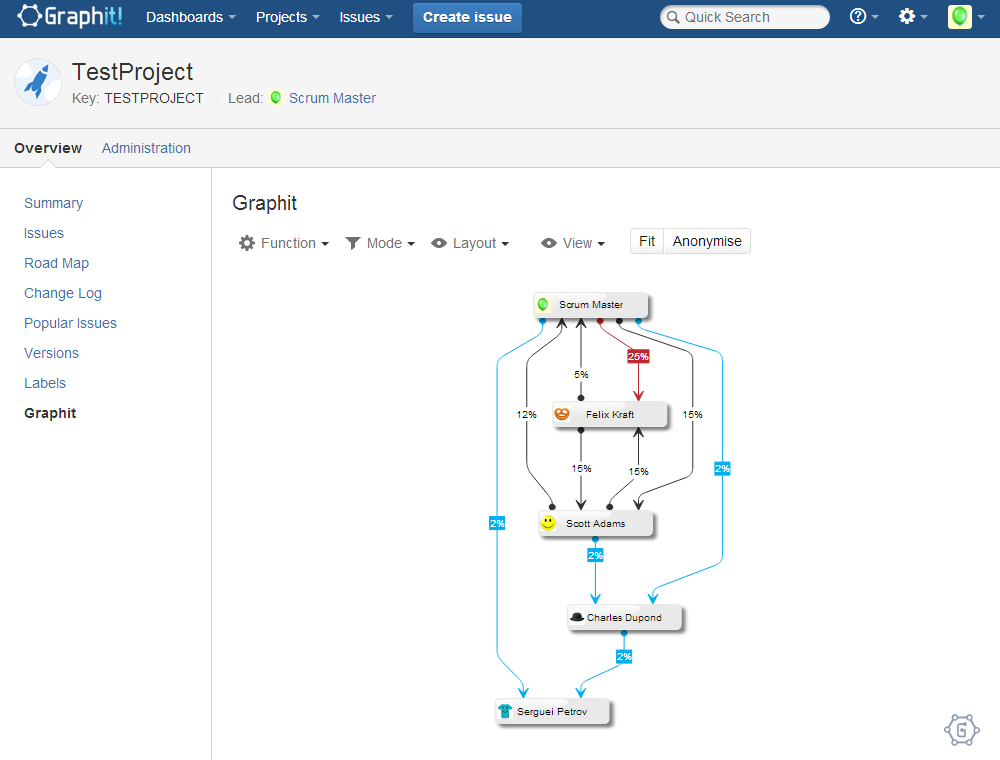
Graphit!
Graphit! from Tartech Ltd. is an agile teamwork analysis and visualization plugin for Atlassian® JIRA® that employs our HTML5/JavaScript diagramming library yFiles for HTML.
Interfacing Technologies
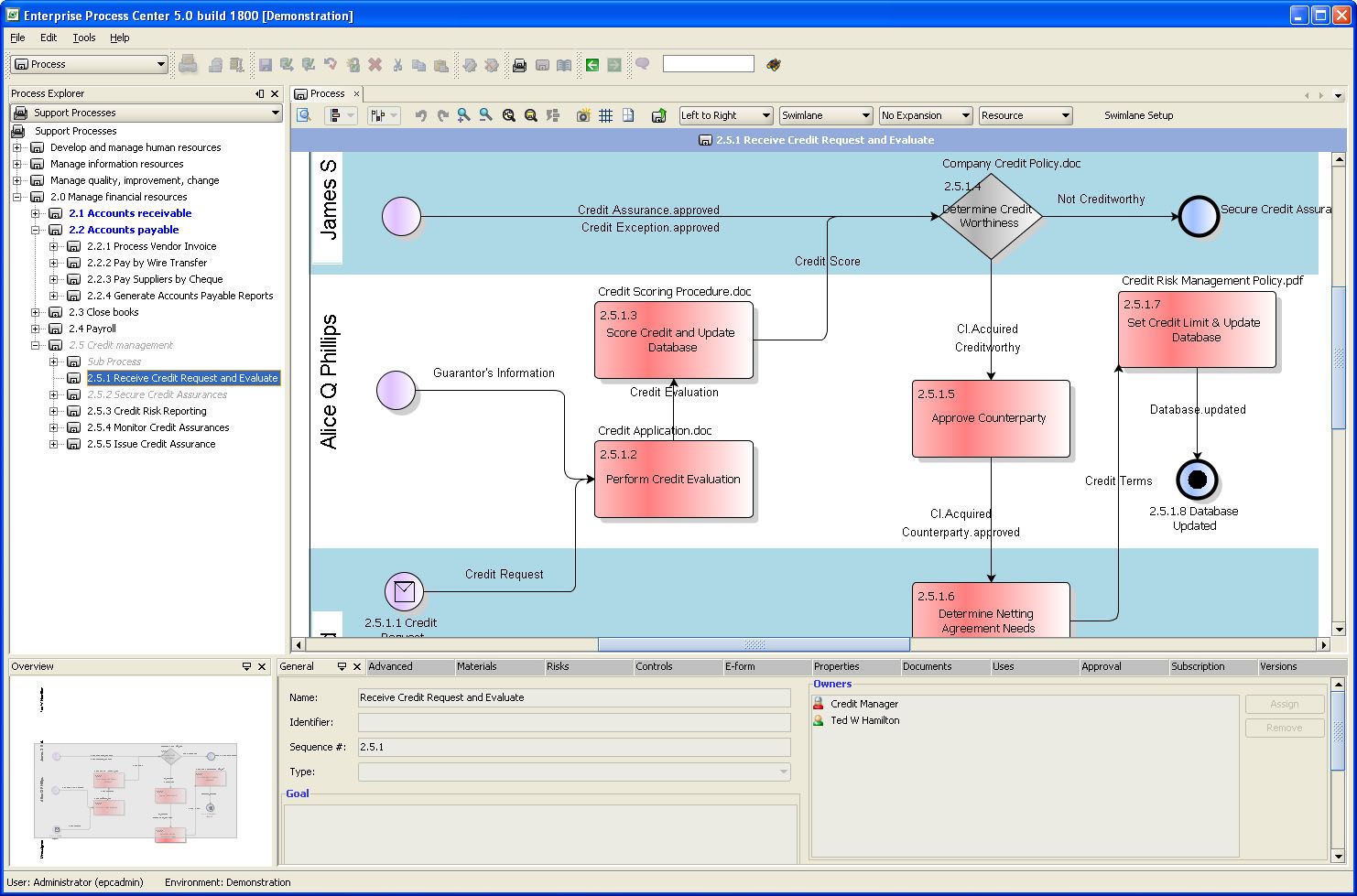
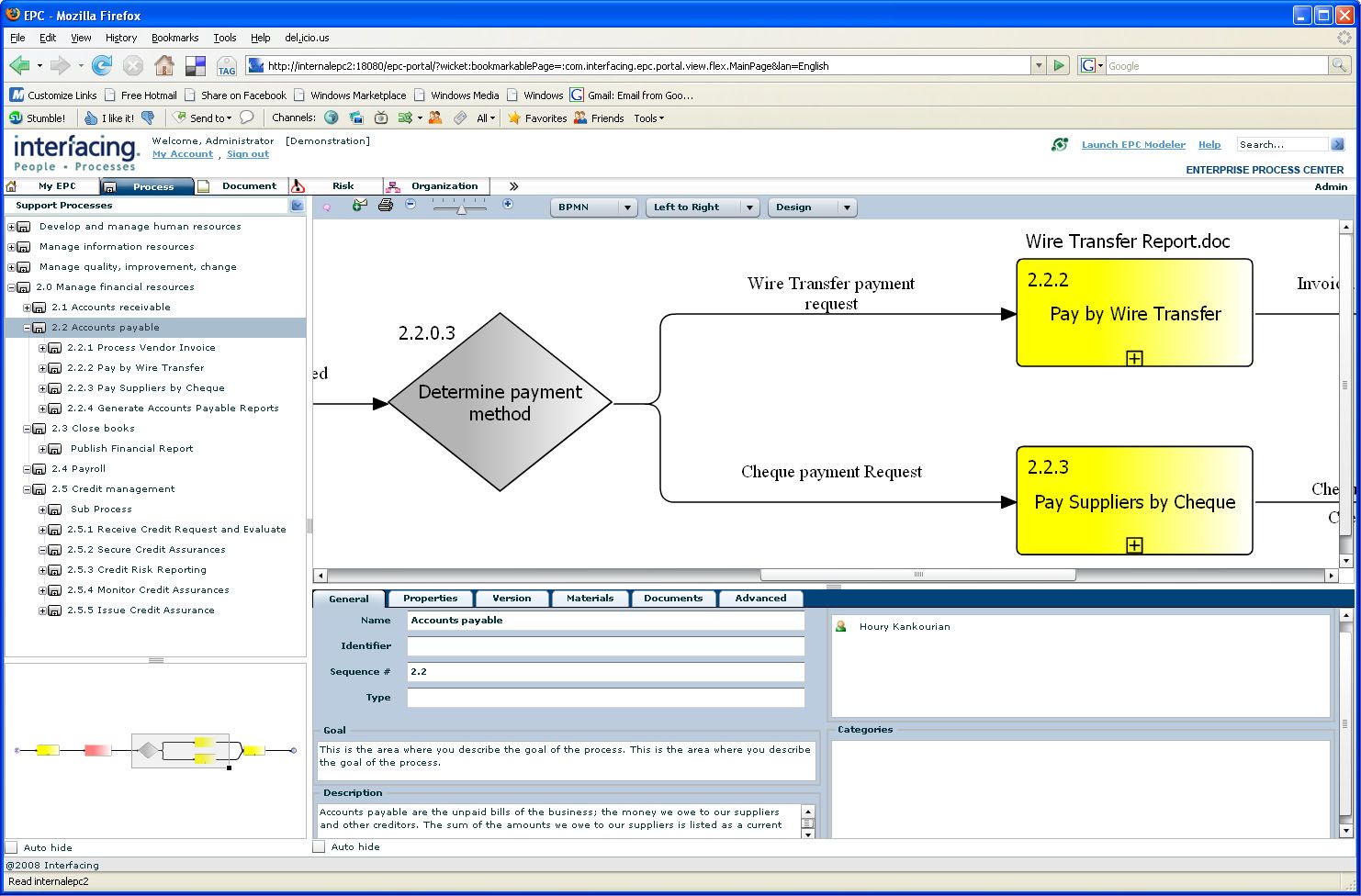
Interfacing Technologies deploys yFiles for Java and yFiles FLEX for the visualization of business processes in its software.
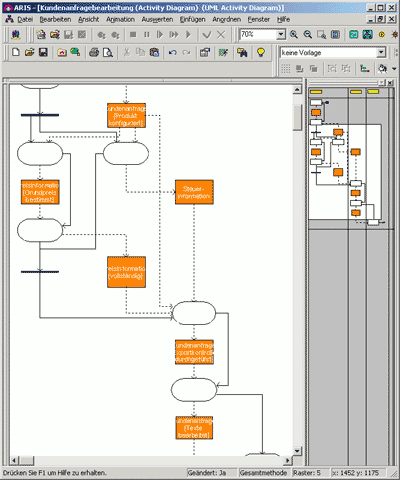
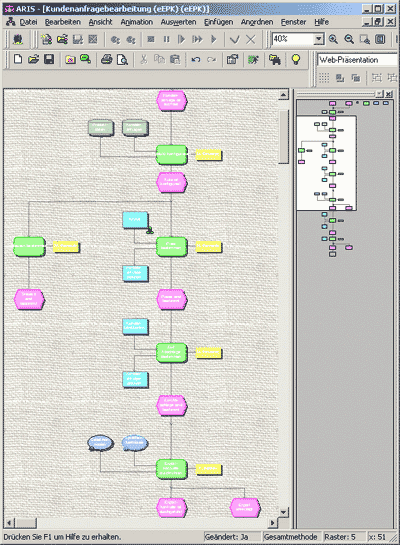
Structure101
In their flagship product Structure101™, Headway Software implements yFiles layout technology for the clear presentation of dependencies in software projects.
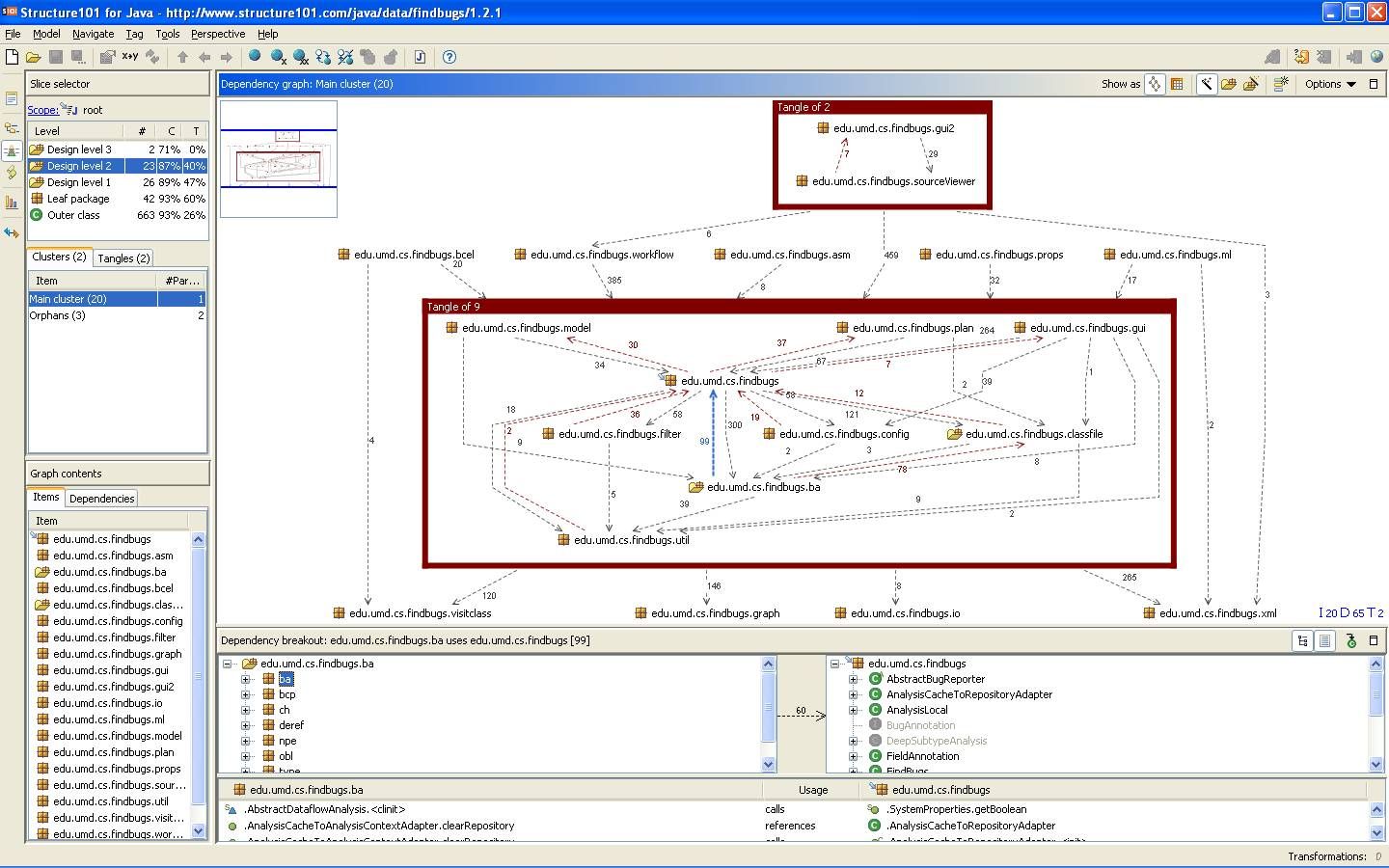
Headway Software's flagship product Structure101™ uses yFiles layout technology
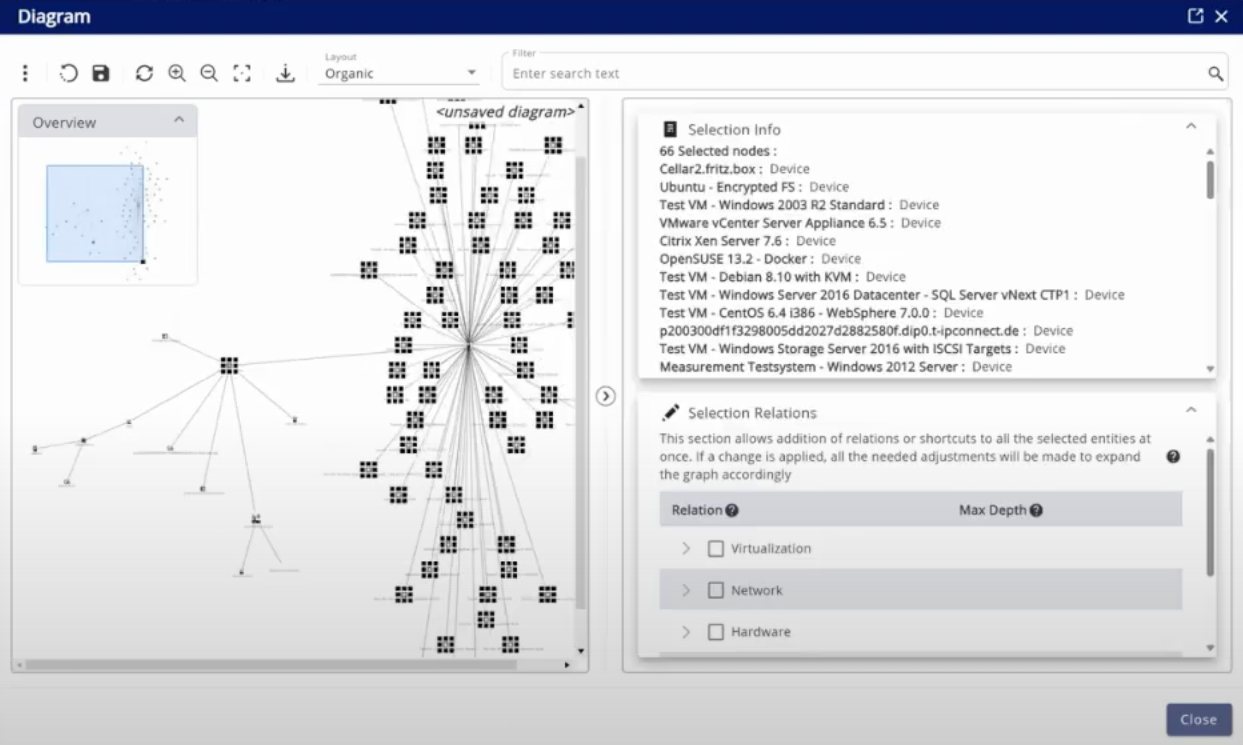
JDisc GmbH
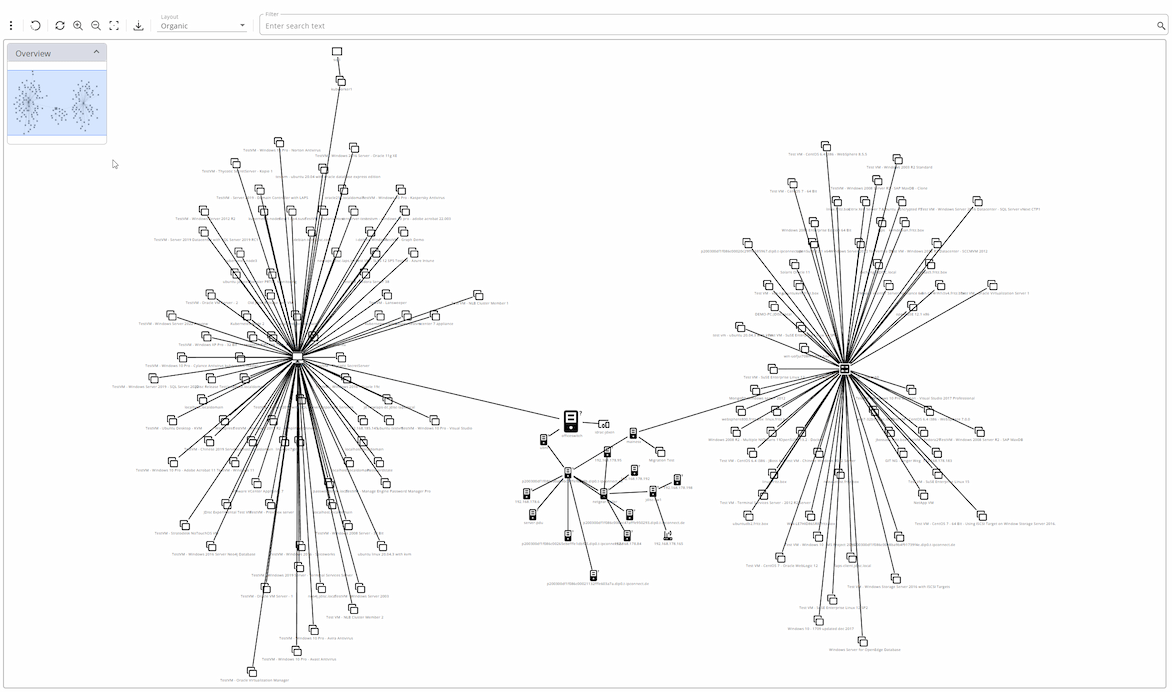
Maximizing the value of large graphs through collapsing techniques
Discover how JDisc uses advanced techniques like collapsing to enhance network visualization and management.
Poseidon
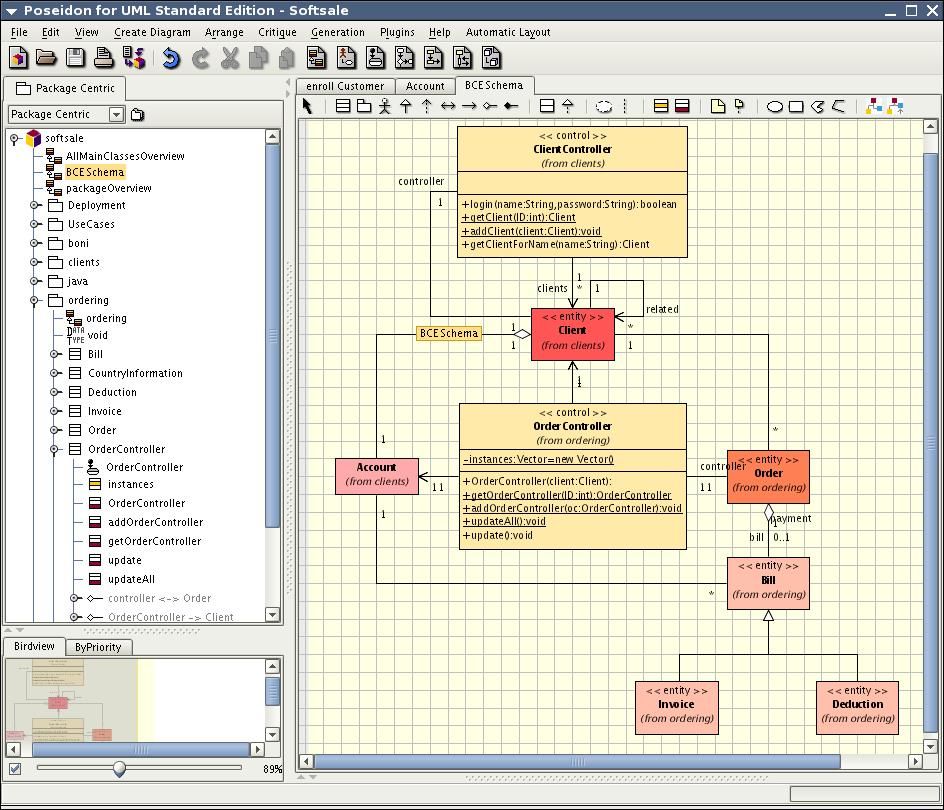
Gentleware applies yFiles UML layout technology for the clear visualization of UML class and object diagrams in its Poseidon modeling tool.
Poseidon
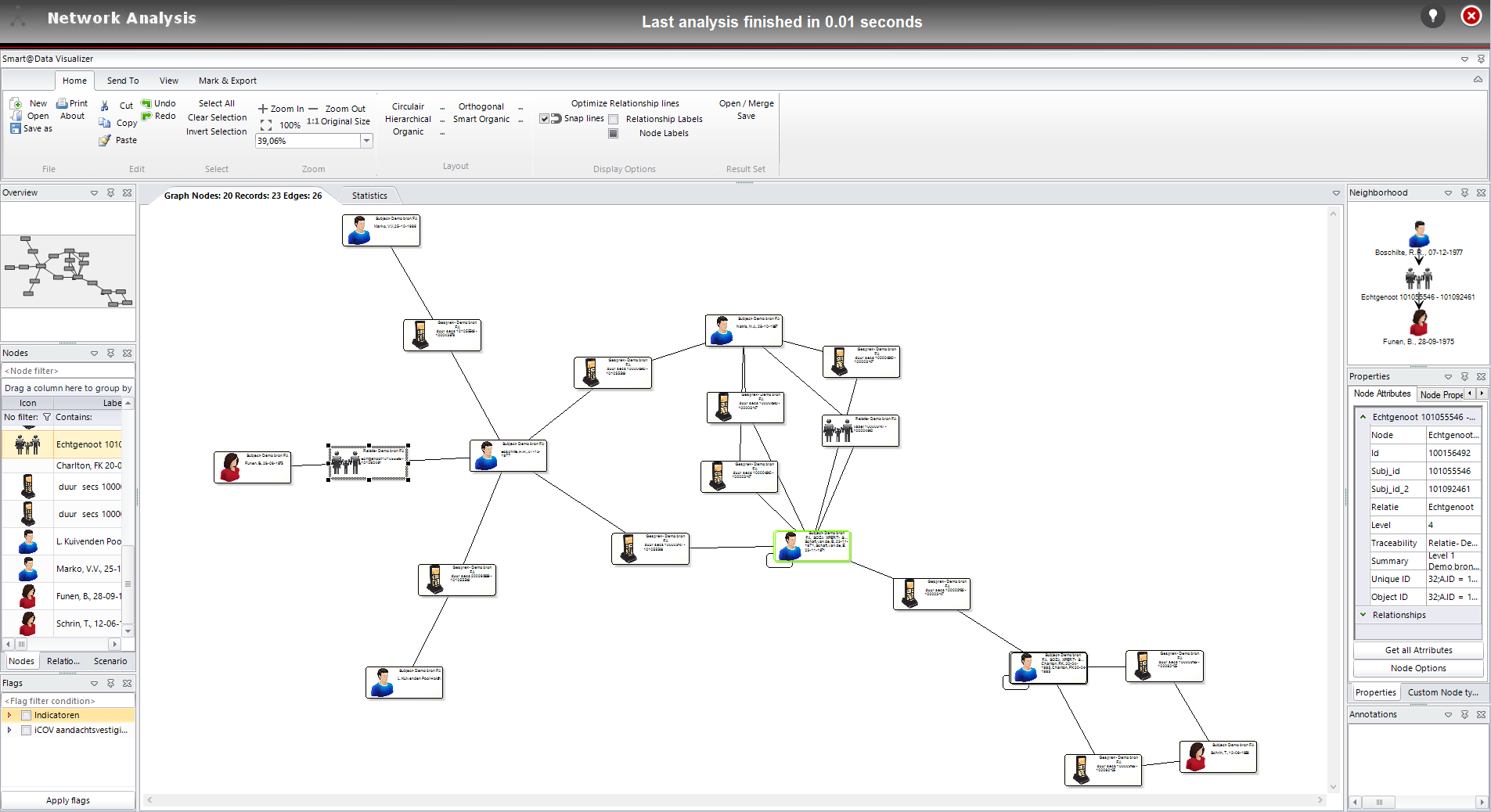
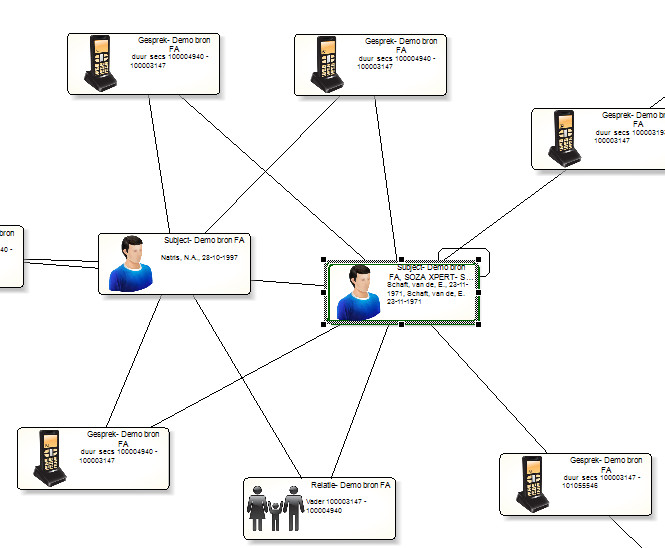
VX Company
For the diagrams in their forensic analytics software, VX Company chose our diagramming library yFiles WPF.
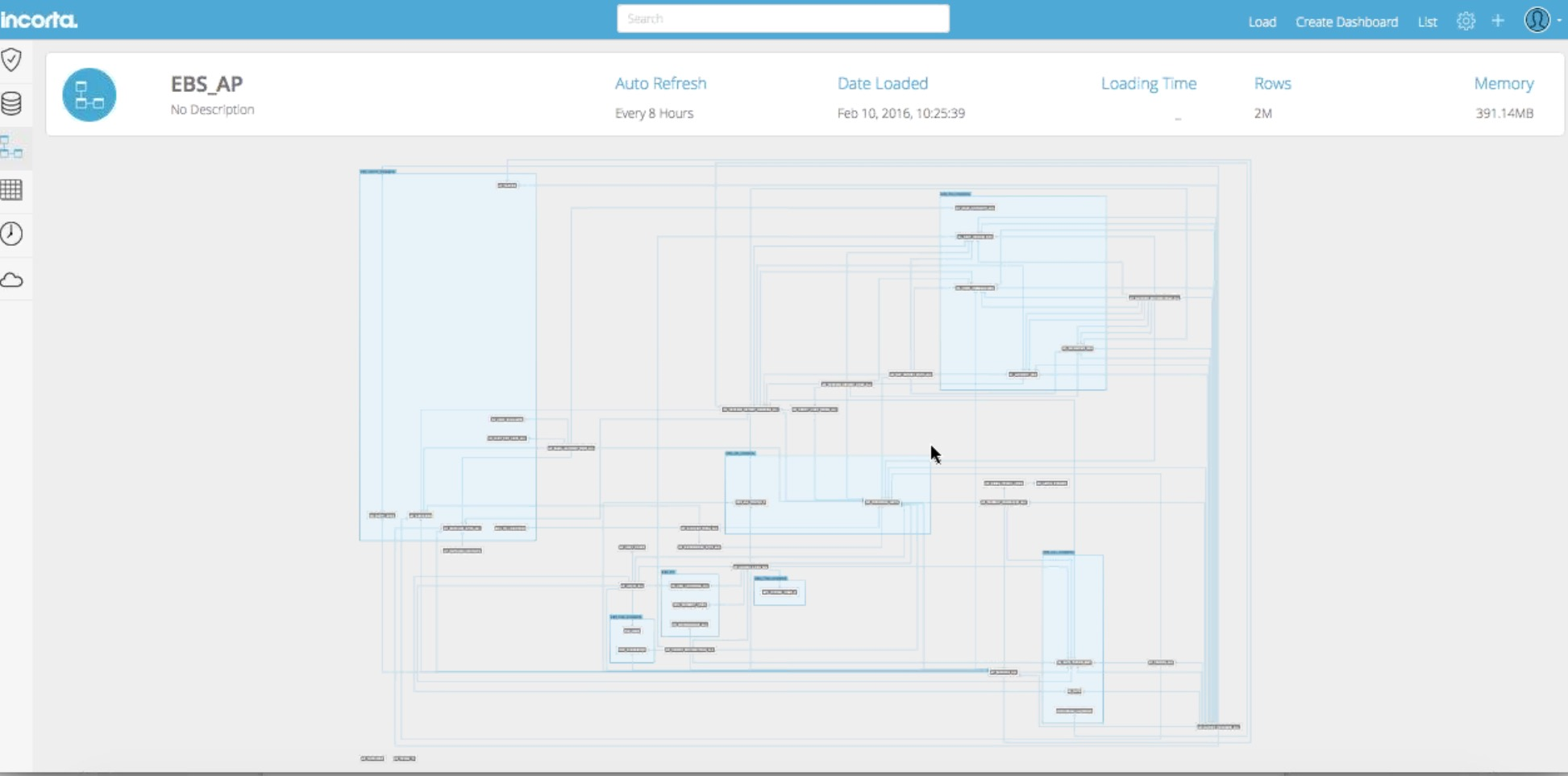
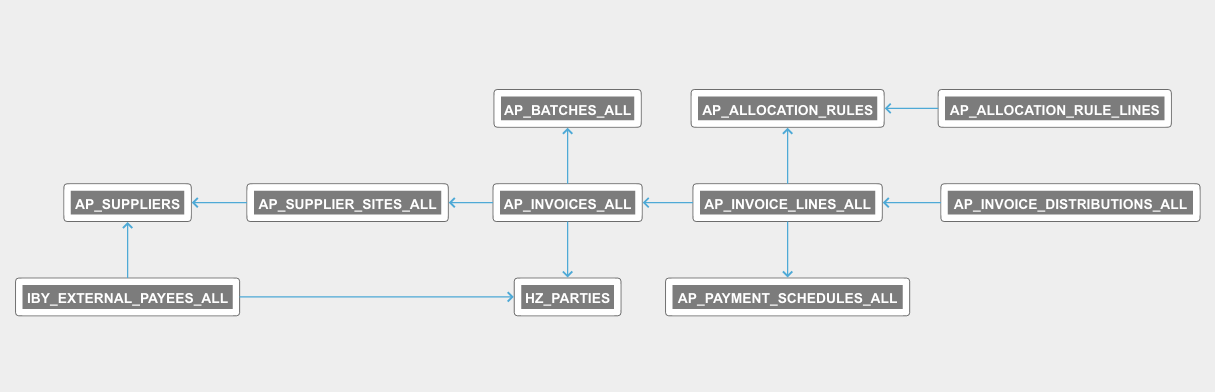
Incorta
Incorta has our HTML5/JavaScript diagramming library yFiles for HTML in their data analytics software.
Research projects
University of Tübingen
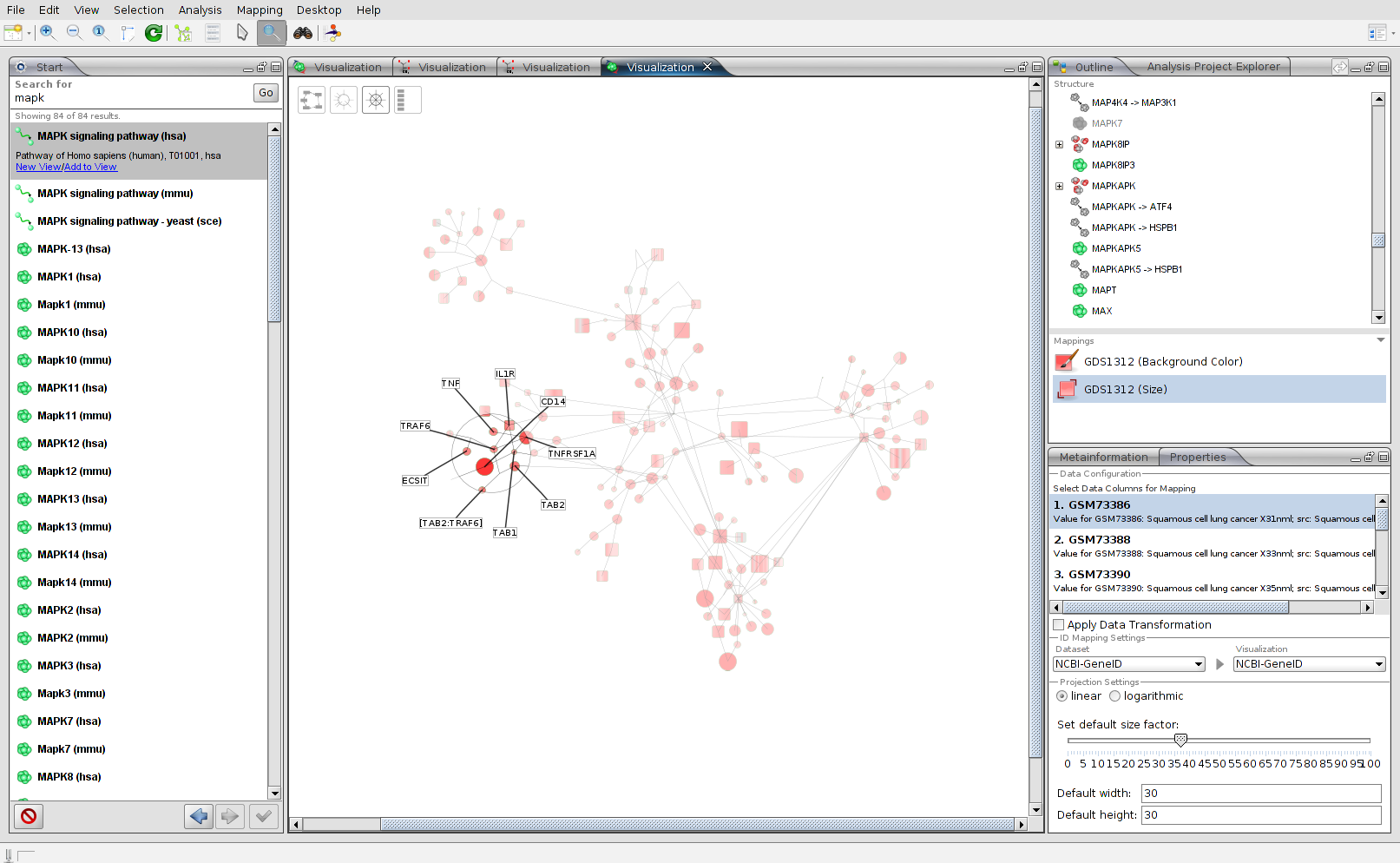
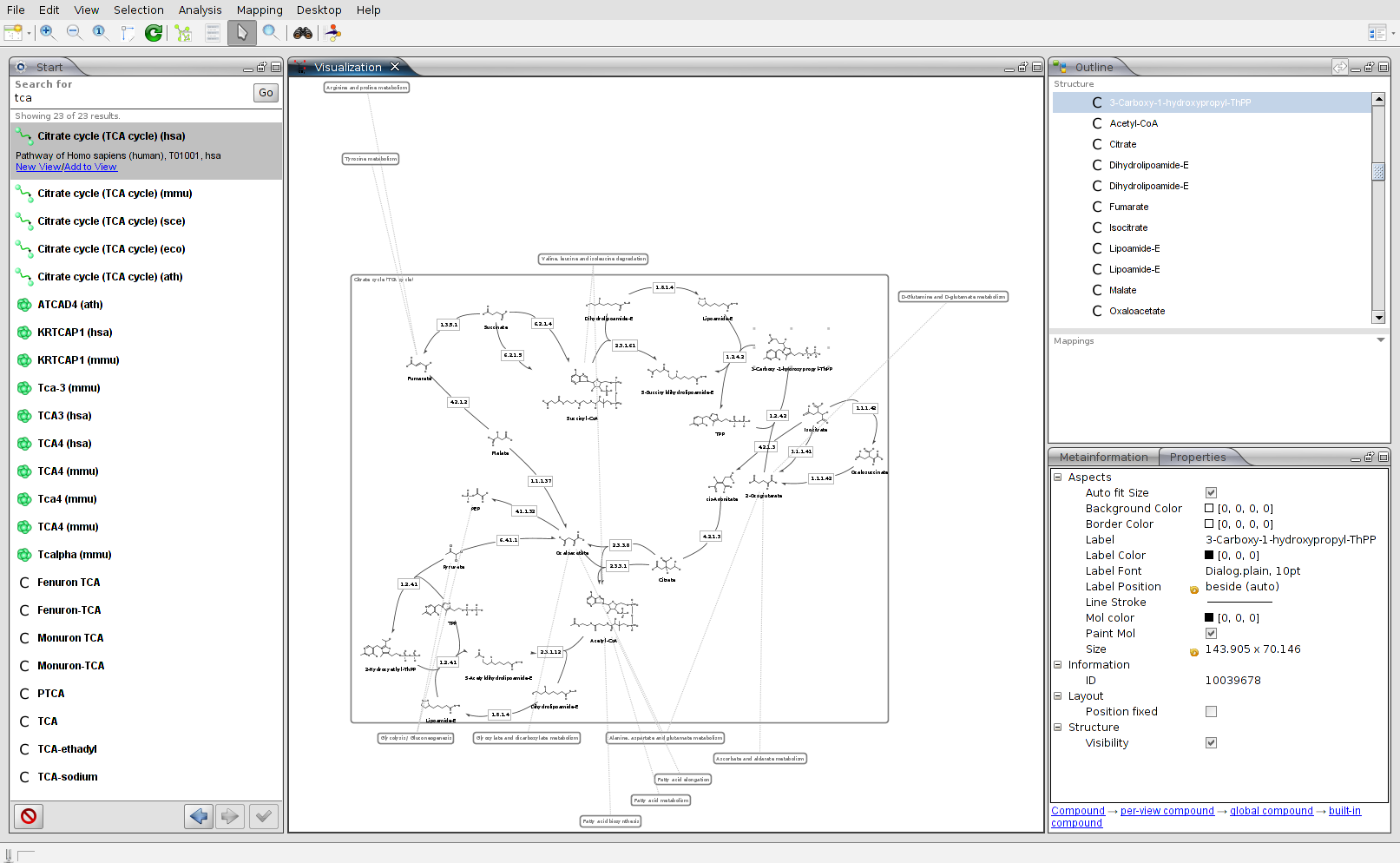
The University of Tübingen leverages yFiles in their scientific research.
Numerous projects that, for example, deal with the visualization of biochemical pathways, web server log files analysis, or link analysis are made possible by yFiles technology.
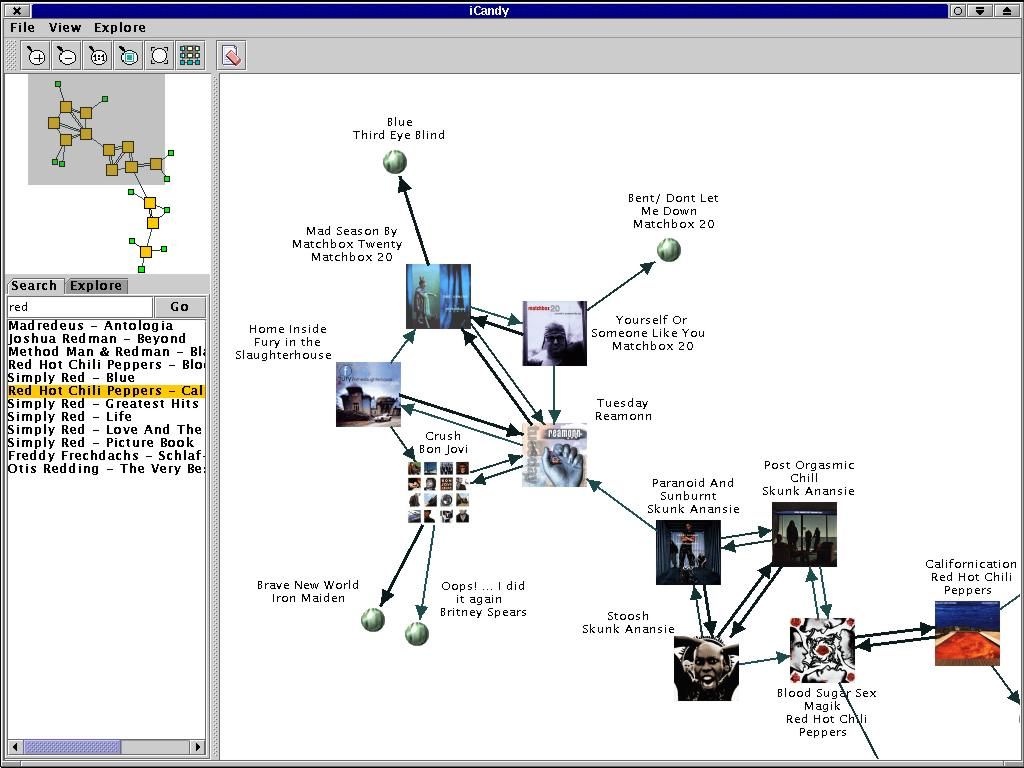
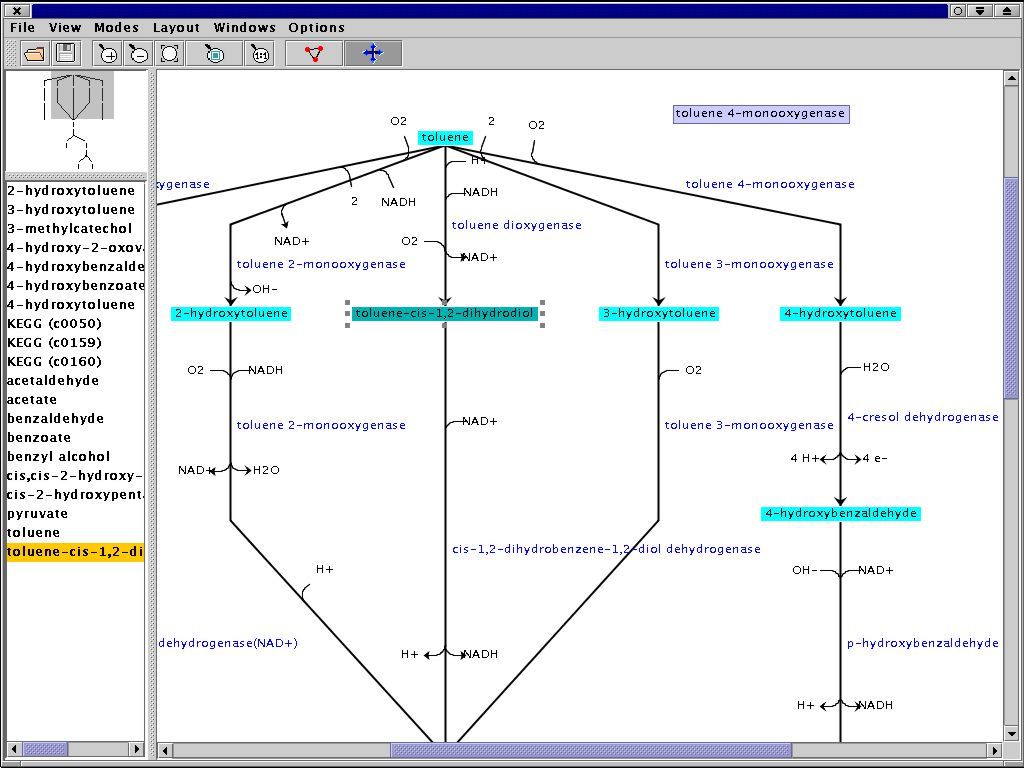
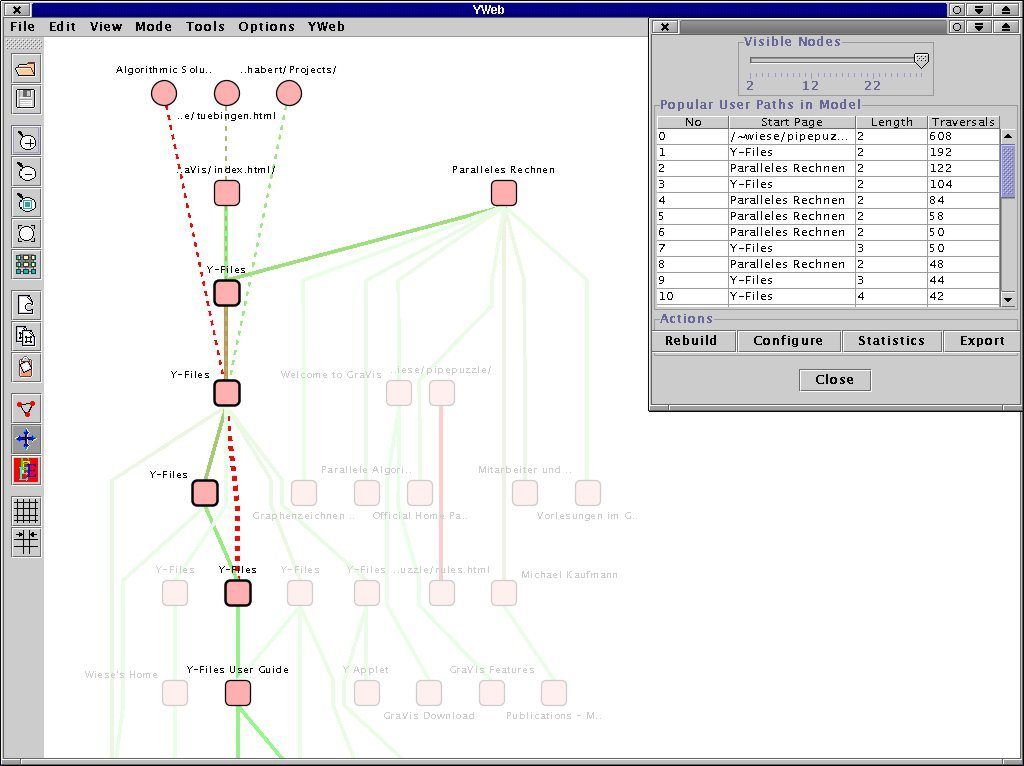
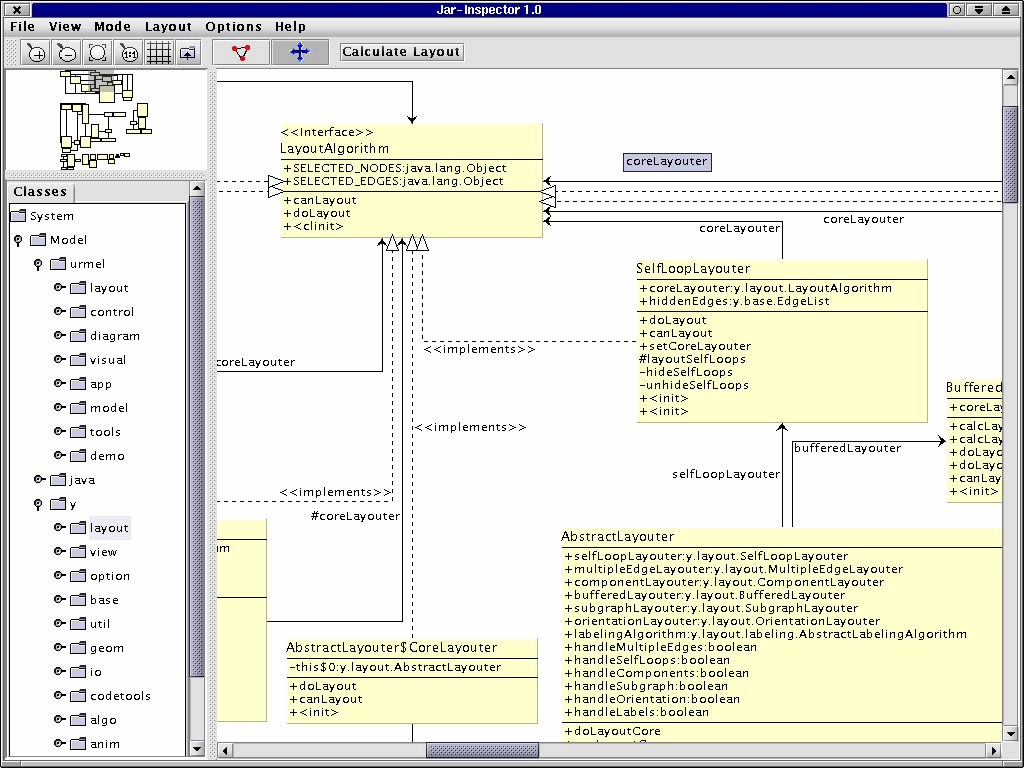
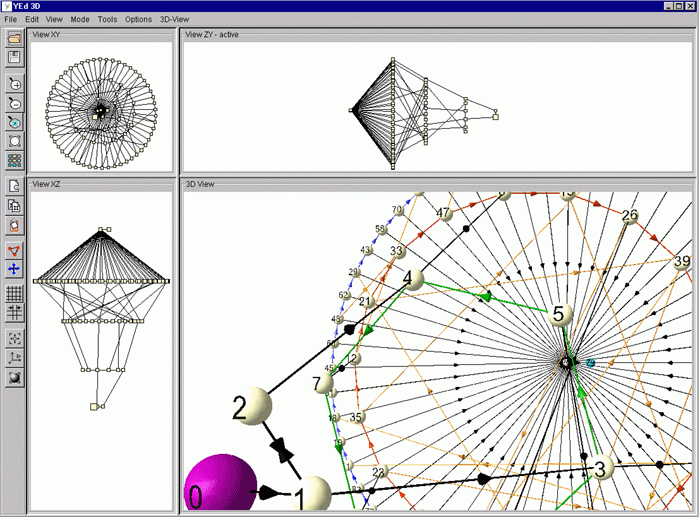
BiNA project
The BiNA project at the University of Tübingen deploys the yFiles layout and visualization technology from the yFiles for Java library in the analysis and visualization of biological networks.
Scientific publications
Staphylococcus
yFiles supports researchers around the world with mathematical algorithms and clear diagram visualizations that help process and present their data.
yFiles for Java was adopted to visualize the results of the study about dissemination of Staphylococcus aureus in hospitals by Thomas Obadia et al. from the University Pierre et Marie Curie, Paris.
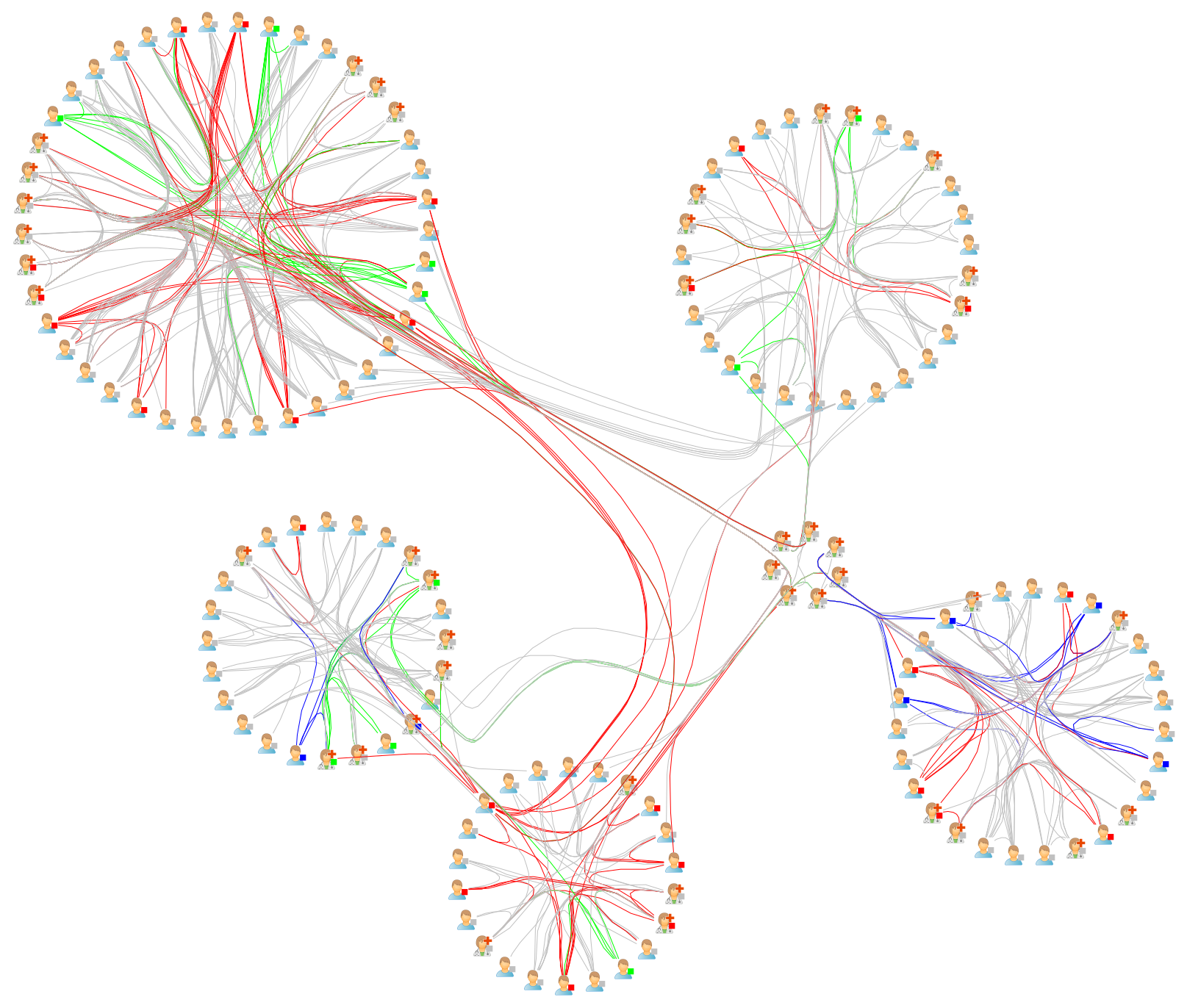
Staphylococcus: Multi-circle
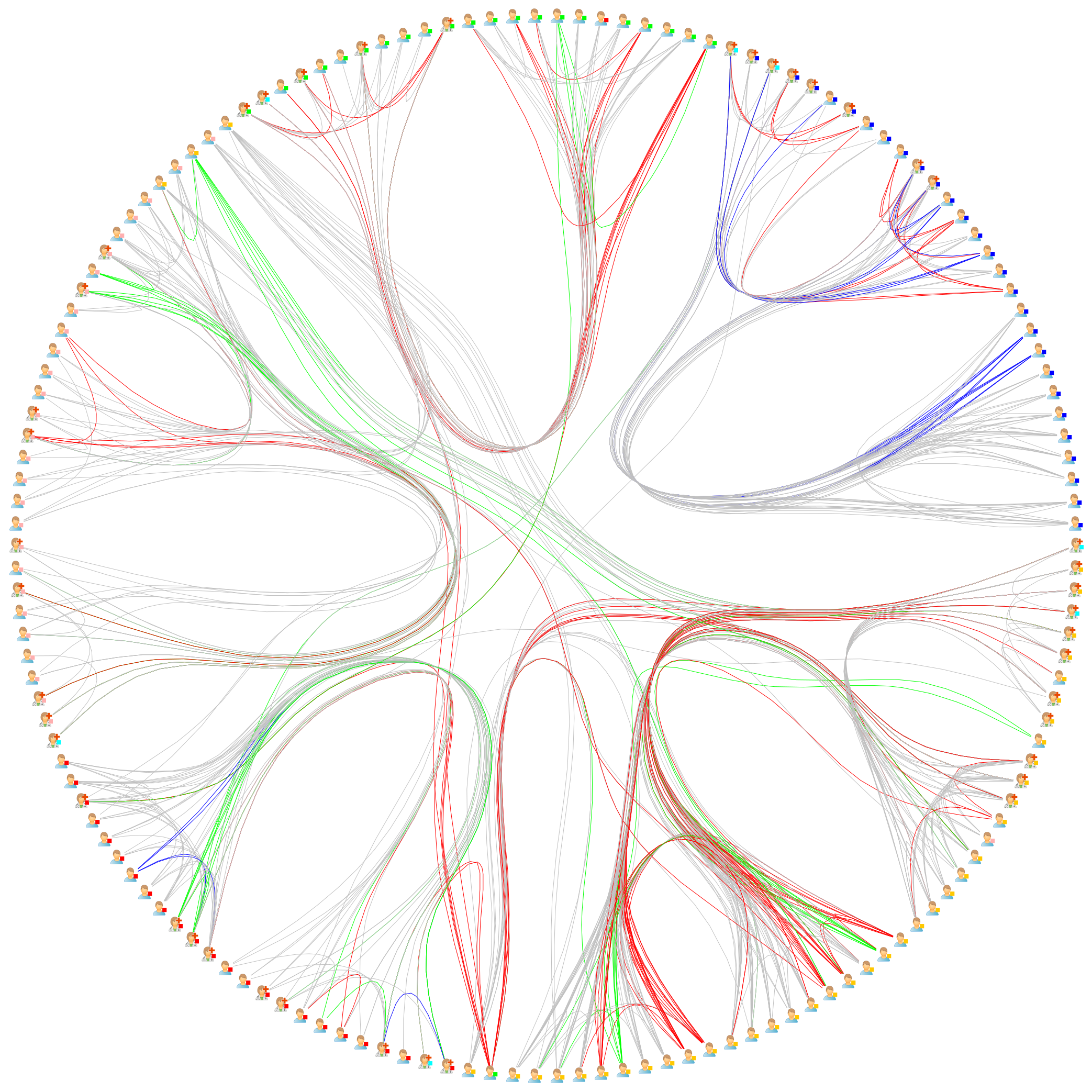
Staphylococcus: Single-circle
Interactive Demos Explore all 300+ interactive demos


11 reasons why developers choose yFiles, the superior diagramming SDK
Choose your next steps
Get connected
Connect with our Customer Success Team regarding your ideas or projects.

Download yFiles
Try yFiles free of charge.

Social network analysis
In social network analysis, mathematical analysis of social relationships is used to gain insight into the structure of a social network.
yFiles algorithms facilitate this analysis and enable automatic clustering.
Social network analysis: Centrality
Social network analysis: Clustering
Sample data based on a subset of the Last.fm recommendations network.